
Different date rules, attribution, counting settings and measurement methods can produce different totals in Google Ads and GA4. A gap in conversions doesn’t by itself mean tracking is broken.
Compare the same outcome under the same rules, then separate expected data discrepancies from tracking faults that could affect bidding.
Key takeaways
- Compare the same conversion action, reporting period, attribution settings and counting method in Google Ads and GA4 before investigating missing conversions.
- Use one primary conversion per outcome for Smart Bidding; keep duplicate imports secondary when a native action already drives bidding.
- Check CRM or order data against completed conversions; platform attribution shows which interactions receive credit.
Choose which conversions should drive bidding
Keep one primary source per outcome
For most accounts with reliable native tracking, choose a Google Ads conversion action or the equivalent GA4 import as the primary source. Both can be valid, but don’t set both as primary for the same outcome. This gives bidding one signal for each outcome.
In Google Ads, primary actions usually populate the Conversions column and can guide bidding when their goal applies to the campaign. Other actions appear in All conversions. Custom goals are an exception, as included actions can influence bidding regardless of their primary or secondary setting.
Our Google Ads conversion tracking guide covers the wider setup. An imported GA4 conversion action based on key events can also be a valid Google Ads bidding signal when it’s your chosen, tested source.
Define success beyond a form submission
A tracked enquiry isn’t necessarily a qualified lead. If you optimise for every submission, Smart Bidding can pursue spam and unsuitable enquiries alongside genuine prospects.
Use consistent commercial stages, as covered in B2B lead tracking in GA4. Choose the deepest useful outcome your tracking and conversion volume can support.
This matters for Performance Max optimisation too. Google Ads automation follows the goals you provide, including poorly chosen ones.
Google’s conversion goals guidance explains how actions and goals work together.
Reconcile Google Ads and GA4 conversions by date
Google Analytics (GA4) reports key events on the date they happen. The Ads report generally assigns conversions to the date of the ad interaction.

For a worked example, assume one customer clicks on 19 July and makes two separate purchases on 20 July. Both purchases fall within the conversion window and receive full credit in the report.
The reporting settings produce these results:
| Report and setting | Reported count | Reporting date |
|---|---|---|
| GA4, once per event | 2 | 20 July |
| Google Ads, One | 1 | 19 July |
| Google Ads, Every | 2 | 19 July |
| Google Ads, Every, by conversion time | 2 | 20 July |
The underlying purchases haven’t changed, but the counting method changes the reported number of conversions.
Use the “Conversions (by conv. time)” column for a closer comparison of conversions by date with GA4. Also align account time zones, particularly when purchases happen around midnight.
Changing the date range alone won’t reconcile reports if one uses interaction dates and the other uses conversion dates.
Check counting, attribution and conversion windows
Match the counting rules and report scope
Google Ads’ One counting method records a maximum of one conversion per ad interaction for that action. Every counts all qualifying conversions, usually the better choice for purchases.
GA4 normally counts key events once per event, though its counting method can also count once per session. Standard GA4 properties allow 30. Universal Analytics allowed 20 goals per view and counted each goal once per session.
Compare a campaign’s credited total, not the property’s full key-event total. All conversions also includes secondary actions and view-through conversions. Cross-device activity can appear in Conversions when it qualifies; it isn’t universally excluded.
Align credit and eligibility
GA4’s data-driven attribution model can distribute credit across SEO, Facebook Ads and paid search. Google Ads’ attribution scope can differ.
Choosing Google paid channels, previously described as Google Paid Only, can bring imported credit closer to native actions in Google Ads. It doesn’t make enhanced conversion settings, tag coverage or view-through reporting identical.
Google Ads’ click-through conversion window can span one to 90 days. Acquisition actions normally have a 30-day window, while other actions normally have 90 days. Engaged-view windows are separate, commonly three days.
An Ads click cookie generally lasts 90 days; GA4 first-party storage can last up to two years. Neither lifetime is an attribution window, and consent or browser restrictions can shorten either.
Import GA4 key events into Google Ads
Before you import conversions, link the accounts and enable auto-tagging. Google Ads Admin and GA4 Marketer access let you manage conversion actions. Linking the property requires GA4 Editor or Administrator access.
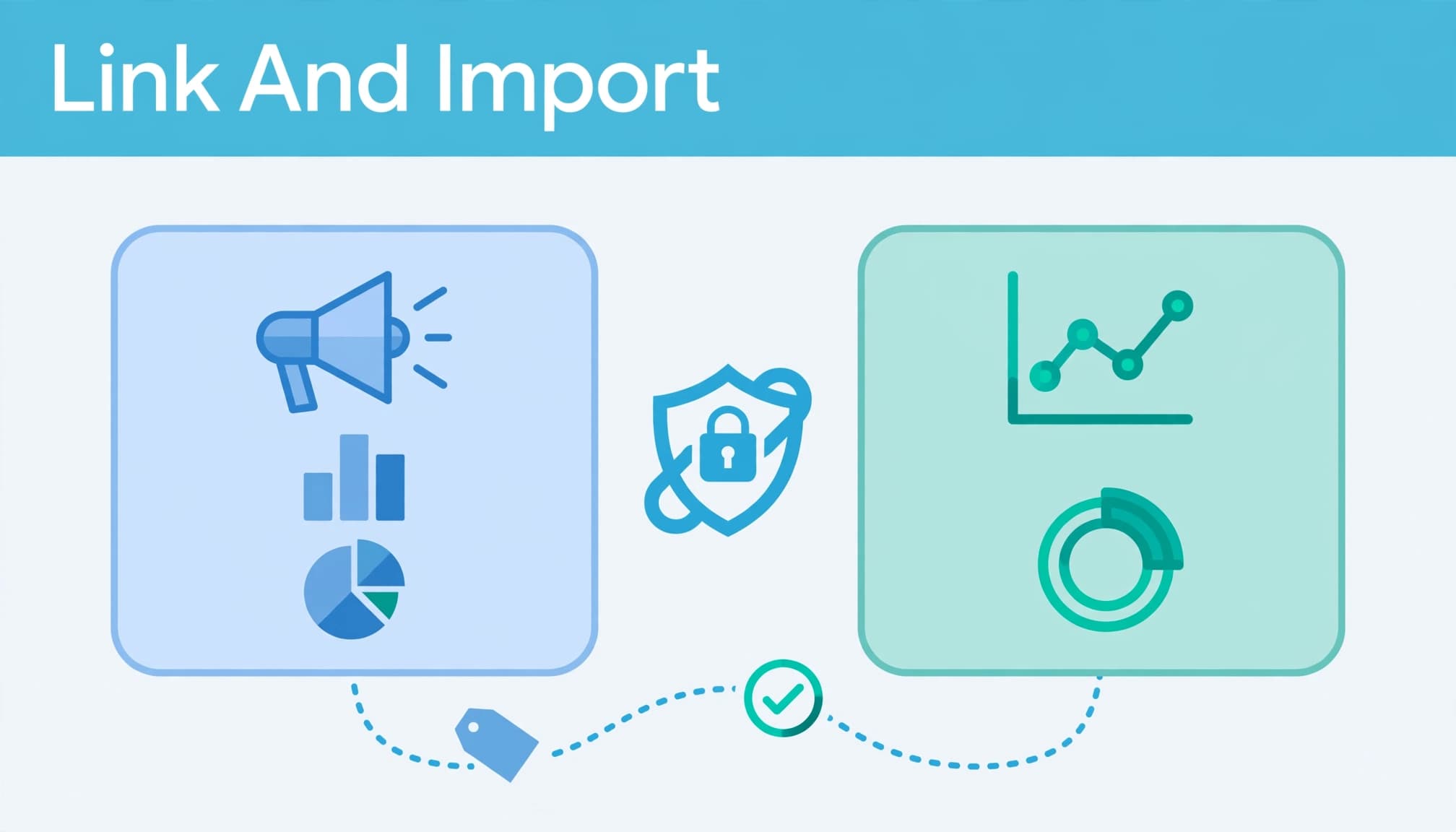
Follow these steps:
- In GA4, open Admin, then Data display, then Events. Mark relevant GA4 events as key events using the “Mark as key event” toggle.
- Under Admin, open Product links, then Google Ads links, and link the correct account. Enable auto-tagging in Google Ads so eligible clicks include their click identifier.
- In Google Ads, open Goals and create a conversion action. Choose Import, Google Analytics properties, then Web. Select the relevant key events and complete the process to import conversions.
- Review the action’s counting method, value, window and action optimisation. Set it as primary only if it should drive bidding without duplicating another signal.
Google’s GA4 conversion import instructions explain the Google Analytics import workflow.
Actions created through the GA4 interface are secondary by default. Change their action optimisation before using them for bidding. Enhanced conversions are a separate feature and aren’t required for this import.
Data can take up to 24 hours to appear. Newly linked accounts or newly marked key events can take 24 to 48 hours to become available for selection. Imports don’t backfill data from before the import.
Investigate missing tags and broken journeys
Test events and preserve click identifiers
Once reporting rules align, test the full journey in Tag Assistant and GA4 DebugView. Look for missing events, duplicate triggers and a form event firing alongside a thank-you-page event.
A Google tag or GTM implementation should load correctly across the site. With GTM, check the Conversion Linker and Google Ads conversion tags. With a direct Google tag installation, review the GA4 event configuration instead of adding a second installation. Check Enhanced conversions setup separately from event firing.
These are common PPC campaign mistakes, particularly after website changes.
Check that redirects and landing pages preserve the GCLID, so Google Ads can connect clicks to sessions. If you use Google Ads URL expansion, include the additional destinations in testing. Google’s click and session troubleshooting guidance covers GCLID linking and auto-tagging problems.
Review consent and matching separately
Test journeys after accepting, rejecting and withdrawing cookie consent. Different consent handling, browser restrictions and cross-device identification can change observed or modelled conversions in GA4.
Enhanced conversions can help match web conversions and leads. They don’t replace valid consent or correct event definitions, so check consent handling separately from technical collection.
Your first-party data strategy should connect permitted measurement with recorded customer outcomes, rather than assume every journey remains identifiable.
Don’t use a percentage gap as a health score
Older Bidnamic testing found GA4 recorded about 15% fewer conversions than Universal Analytics in Google Ads, and around 40% fewer than native Google Ads tracking.
Kissmetrics describes gaps ranging from 10% to 60%, citing counting rules, reporting dates and cross-device identification. Data-driven attribution can also affect how credit is assigned. These figures reflect specific test conditions, not a pass-or-fail threshold for your account.
A stable gap may reflect differences in attribution. A sudden change after a website release needs investigation. Compare direction, timing and affected conversion actions before choosing an explanation.
Universal Analytics no longer processes new data. During migration, historical goals and GA4 actions configured as primary could duplicate bidding signals. Remove obsolete goals and prevent the same outcome from being counted through native tracking and a GA4 import.
Frequently asked questions
Where can you see conversion actions in Google Ads?
Open Goals, then Conversions, then Summary to review individual actions. In campaign reports, compare Conversions, All conversions and conversion-time columns. Segment by action to see which outcomes contribute to each total.
Which total should you use for business reporting?
Use your CRM or order system for confirmed leads, customers and revenue. Use Google Ads for campaign optimisation and GA4 for cross-channel analysis.
For longer sales cycles, offline conversion imports can return qualified leads and sales to Google Ads. Keep attribution separate from causality: credited revenue doesn’t prove the advert created additional demand.
How many conversions do you need for Smart Bidding?
There’s no single minimum that applies to every strategy and account. Requirements depend on the bidding strategy and conversion type. Prioritise accurate, commercially meaningful signals rather than adding weak actions simply to increase volume.
Make the measurement useful for decisions
A useful Google Ads setup has one bidding signal per outcome, clear reporting rules and a clear link between GA4 conversions and recorded sales. An attribution gap doesn’t automatically mean tracking has failed.
Digital marketing decisions are easier when you can explain what each number measures. Ask our Google Ads team to review your Google Ads setup and identify which discrepancies affect campaign decisions.


