
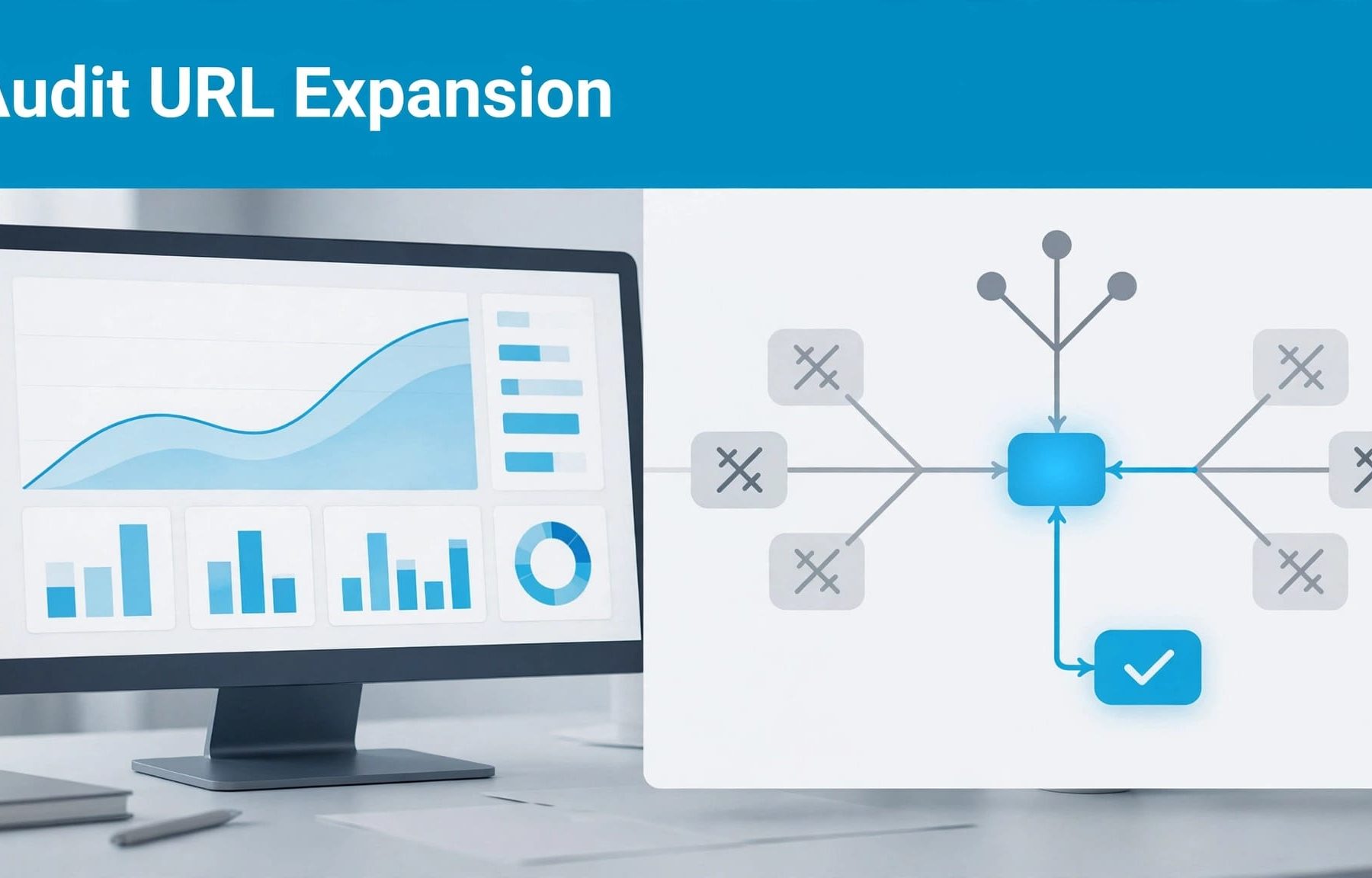
Keep Final URL expansion enabled only when the pages Google can select match your offer and produce qualified enquiries. Your audit should connect campaign settings, landing-page eligibility, search terms and CRM outcomes before you decide whether to restrict expansion.
Google Ads URL expansion can improve relevance, but it can also send paid visitors towards pages built for different audiences. Start by separating the campaign types, because Performance Max and Search campaigns with AI Max have different controls.
Understand what Final URL expansion changes
Performance Max can select additional destinations
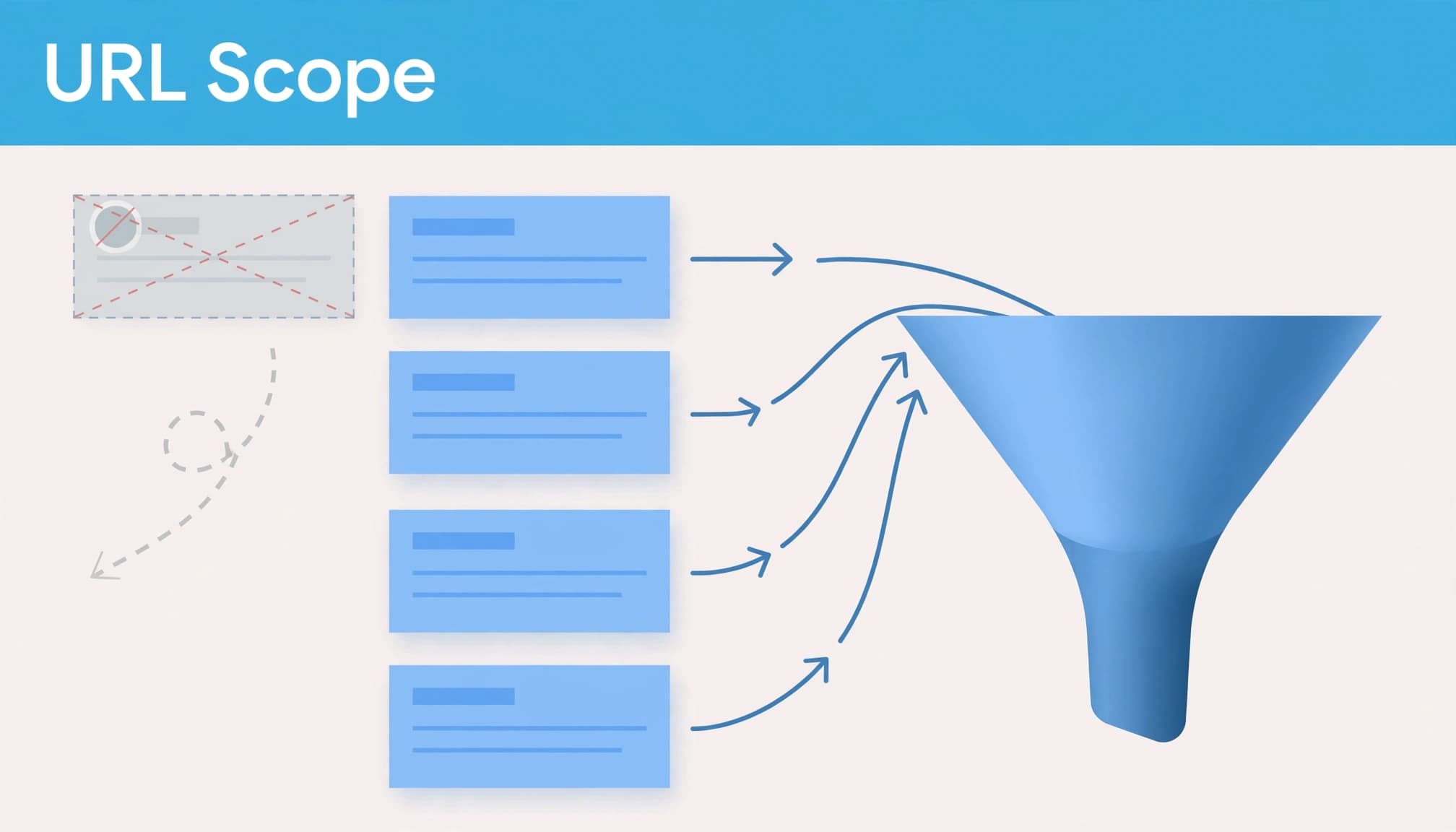
In Performance Max, Final URL expansion is a campaign-level setting. When enabled, Google can replace your supplied destination with a relevant page on your website that hasn’t been excluded.
Your audit therefore needs to cover more than the URLs entered in asset groups. Service pages, articles and other destinations may become part of the campaign’s available page selection.
Google’s Performance Max URL expansion guidance describes this behaviour. The commercial question is whether those additional pages help suitable buyers enquire.
Search uses the AI Max controls
For Search campaigns, Final URL expansion is an opt-in option within AI Max for Search campaigns. Text customisation must also be enabled.
Don’t treat every Search campaign as though expansion is active. Check the actual settings before attributing an unexpected destination to this feature.
Also separate destination selection from search matching. An unsuitable enquiry may start with the query, the page or both. Your PPC audit checklist should examine these alongside targeting and conversion goals.
Record your settings before changing anything
Open each relevant campaign’s settings and record whether Final URL expansion is enabled. For Performance Max, capture the asset-group URLs, attached page feeds and existing URL exclusions.
For Search, review AI Max and its asset optimisation controls. Record Final URL expansion, text customisation and any URL inclusion or exclusion settings. Google’s AI Max setup documentation explains the relationship between these features.
Keep a dated record of the configuration. Include your budget, bidding strategy, selected conversion goals and recent website changes.
This gives you a baseline for the audit. Otherwise, you can change the destination settings and later discover that somebody also changed the offer or conversion action.
Review the broader PPC setup before blaming URL expansion alone. Location targeting, brand demand and weak conversion definitions can make campaign results look better or worse than the landing pages deserve.
Decide which landing pages deserve paid traffic
Start with your website’s service structure and sitemap, then compare that inventory with the pages receiving campaign traffic. A sitemap helps you identify pages; it doesn’t determine Google Ads eligibility.
Assess each destination against the campaign’s buyer, service, location and intended action. A page can be useful for SEO whilst being unsuitable for a campaign focused on immediate enquiries.
Use a simple review table to record your decisions.
| Page type | What you should check | Likely action |
|---|---|---|
| Relevant service page | Offer, geography, proof and working enquiry route | Keep eligible |
| Related service page | Whether its buyers match the campaign’s objective | Separate or exclude |
| Advice article | Commercial intent and evidence of qualified enquiries | Assess before keeping |
| Careers or recruitment page | Whether hiring is part of the campaign’s purpose | Exclude from sales campaigns |
| Login, support or policy page | Whether it supports the intended acquisition journey | Usually exclude |
The takeaway is to judge destinations by their purpose and results, rather than treating every indexed page as an advertising opportunity.
Check the mobile experience yourself. Follow the advert’s promise through the headline, service explanation and enquiry form. Your PPC landing-page optimisation should make the next step clear without removing useful qualification.
Check redirects too. The page Google selects and the page the visitor reaches aren’t always identical.
Follow search terms through to landing pages
Identify the buyer behind the query
Open Search terms under Campaigns. For Performance Max, select “Search terms and landing pages for Performance Max” to review the available query and destination information.
Group queries by intent. Look for buyers seeking your service, people researching a topic, job seekers, existing customers and searches outside your offer.
A Google Ads search terms audit helps you distinguish irrelevant demand from useful searches that reached the wrong page.
Check brand and non-brand traffic separately. Existing brand demand can make a broad campaign appear efficient without proving that additional destinations generate useful new enquiries.
Check the destination and message together
Compare the query, selected page and advert wherever reporting allows. For AI Max, the Asset report includes an “Expanded final URL assets” tab.
Check whether the destination answers the searcher’s buying need. Then review any customised text for service claims, geographical promises or offers the page doesn’t support.
Your PPC ad copy should attract the buyer you can serve and set an accurate expectation before the click.
Reporting won’t expose every individual query. Use the available detail alongside landing-page trends and sales feedback, rather than assuming missing rows prove there is no problem.
Validate conversions before judging traffic quality
Test what Google Ads counts
Review conversion actions under Goals. Primary actions normally inform bidding when included in the campaign’s selected goals; Secondary actions generally support observation. Check custom goals separately, because included Secondary actions can still be used for bidding.
Submit a test enquiry and follow it through tag-manager preview, GA4 and your CRM. Then check the Google Ads recording after allowing for processing time.
Look for duplicate form events or a form event combined with a thank-you-page conversion. Your Google Ads conversion tracking needs to distinguish genuine enquiries from button clicks, page views and repeated submissions.
Connect destinations with qualified outcomes
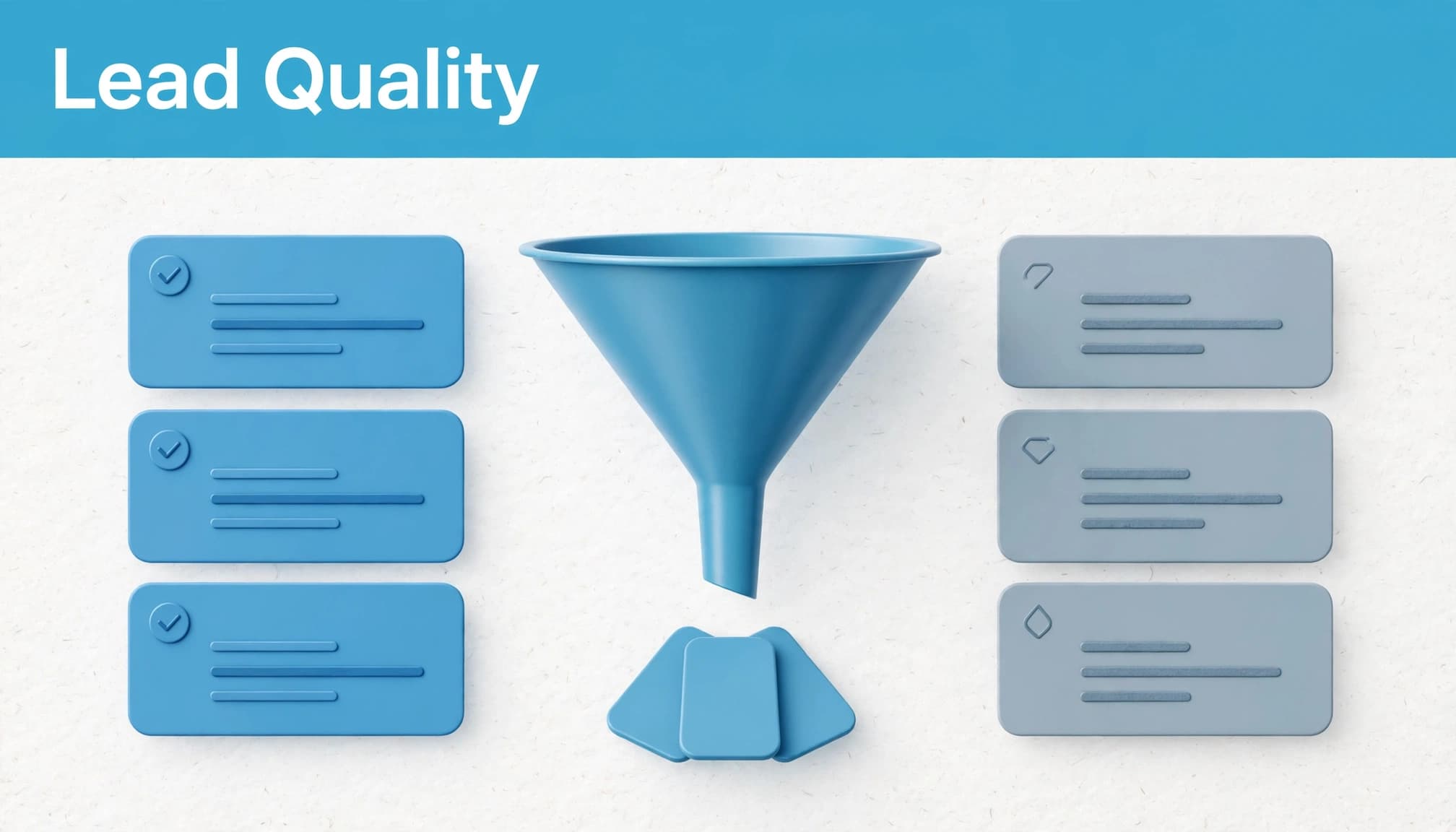
Agree qualification criteria with sales, such as service fit, location, budget and a genuine buying requirement. Compare landing pages using qualified lead rate, cost per qualified lead and opportunity creation.
Use B2B lead tracking in GA4 to support acquisition analysis, but let CRM records establish whether an enquiry became commercially useful.
Where your setup supports it, use offline conversion imports to return qualified leads and later sales outcomes to Google Ads. Enhanced conversions can improve matching; they don’t replace qualification or valid consent.
Use consistent lead stages across paid search and Facebook Ads. That makes your comparisons more useful than accepting each platform’s generic lead count.
Control unsuitable URLs without blocking useful demand
Apply exclusions to the right problem
Use URL exclusions for destinations that shouldn’t receive traffic through expansion. Where supported, use rules to cover clearly defined sections, such as careers or customer-support pages.
Check rules carefully. A broad pattern can remove legitimate service pages as easily as irrelevant ones.
In Performance Max, excluding the campaign’s own Final URL doesn’t prevent that supplied URL from serving. If that destination is unsuitable, change the supplied URL rather than relying on an exclusion.
Use negative keywords for irrelevant searches and URL controls for unsuitable destinations. Blocking a page won’t necessarily stop unwanted queries reaching another eligible page.
Treat page feeds as guidance, not a whitelist
With Performance Max expansion enabled, a page feed doesn’t restrict traffic to feed URLs. Don’t assume that uploading your preferred service pages has blocked everything else.
A Performance Max page feed isn’t an allowlist while Final URL expansion remains enabled.
If you disable expansion, Google says traffic is directed to URLs supplied in asset groups. Review those destinations before making the change.
Search AI Max also supports URL inclusions and exclusions. Apply its controls within that campaign type rather than assuming Performance Max behaviour carries across.
Keep your Smart Bidding strategy aligned with reliable qualification data as you adjust the available destinations.
Apply the audit to campaign management and training
Flow20 offers both campaign management and Google Ads training. These are related services, but they answer different buying needs.
For a campaign promoting managed Google Ads services, review whether agency-selection searches reach the management offer. Assess training searches separately, because the visitor may want to run campaigns themselves.
Don’t exclude training content simply because it produces fewer management enquiries. Decide whether it belongs in this campaign, another campaign or your organic journey.
This distinction becomes clearer when you compare SEO and PPC lead quality. An informative page can support useful organic research without being the right destination for a tightly focused paid campaign.
Your audit should identify the appropriate route for each buyer, rather than label every lower-converting page as poor content.
Retest against qualified lead cost
Prioritise the clearest problems first, such as irrelevant destinations, duplicate conversions or pages promoting services you don’t offer. Record each change, its date and the reason behind it.
Avoid changing expansion, bidding, budgets and conversion goals together. You’ll lose the ability to explain which adjustment affected performance.
When measuring Google Ads performance, compare spend with qualified leads and opportunities. Review results by landing page, device and location where the data supports it.
Calculate cost per qualified lead by dividing relevant campaign spend by accepted leads. Use consistent reporting periods and allow for your qualification delay.
A lower form-conversion rate can be acceptable if more enquiries become useful sales conversations. Likewise, a cheaper reported lead deserves scrutiny when your sales team rejects most enquiries.
Repeat the review after new services, website sections or landing pages go live. The available destinations can change without your original campaign objective changing.
Make the next decision using qualified leads
Your audit should leave you with a clear record of eligible pages, justified exclusions and commercially meaningful conversions. Keep expansion where it finds suitable buyers, and restrict it where destination choice weakens the campaign’s purpose.
If you need help connecting campaign settings, landing pages and sales outcomes, speak to Flow20 about Digital marketing support. Bring your URL report and CRM qualification data so the next decision starts with evidence.


