
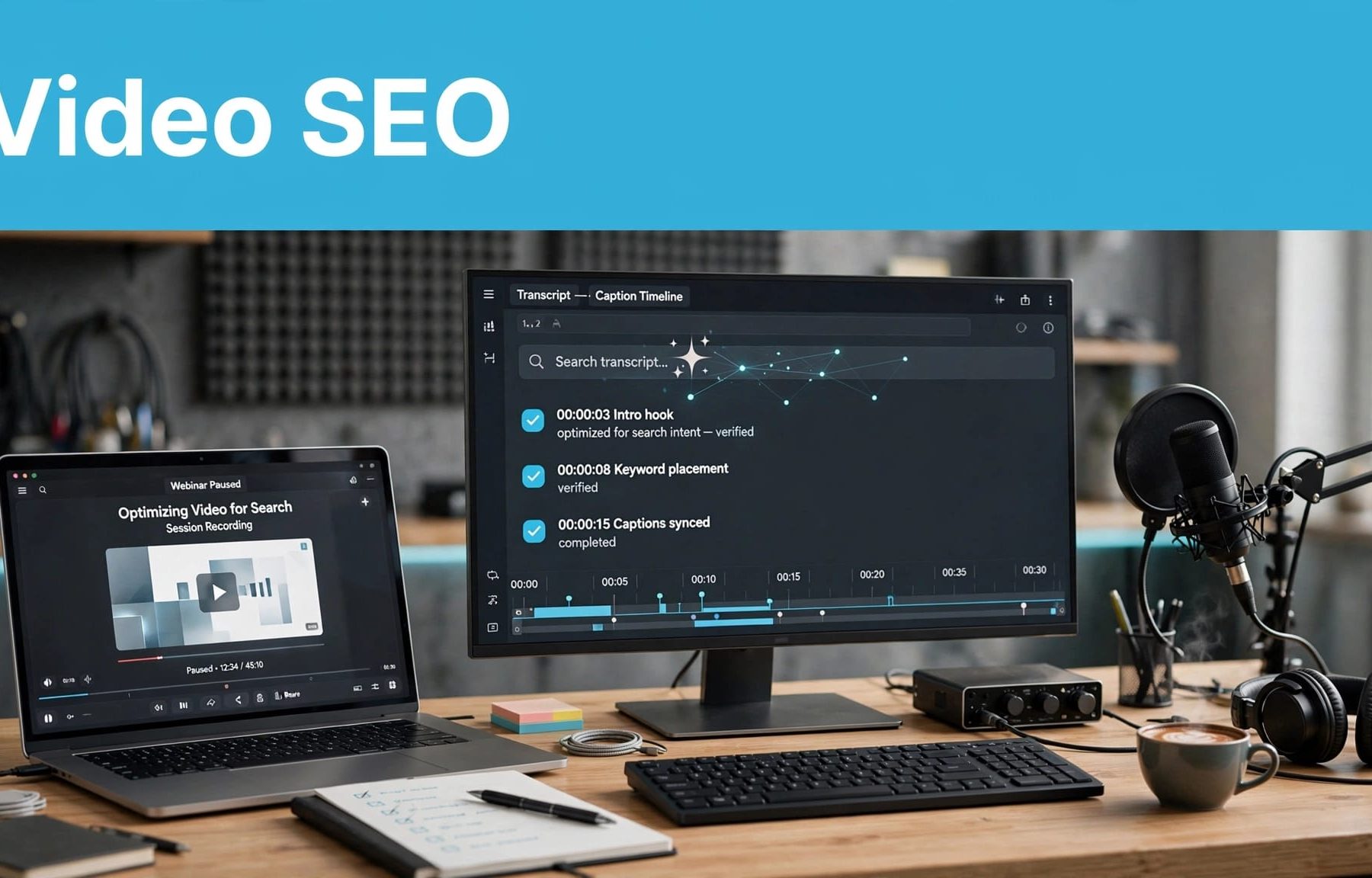
Your webinar can answer a buyer’s question perfectly and still be difficult to find. For B2B video SEO, publish a checked transcript, accurate captions and clear episode metadata on an accessible watch page; this gives buyers readable answers and search systems accessible information, without guaranteeing rankings or AI citations.
The practical priority is usable content, rather than another optimisation label. Start by separating what each element does, then build those checks into your publishing process.
Separate accessibility, discovery and AI visibility
Transcripts, captions and metadata support different jobs. Treating them as interchangeable usually leaves something missing, such as readable page content or captions that follow the finished recording.
You also need to distinguish discovery from selection. A page being accessible doesn’t mean an AI search service will retrieve it, cite it or describe it accurately. Flow20’s B2B AI search terminology helps you separate those stages when reviewing performance.
Use this distinction when assigning production tasks.
| Element | What you should publish | Main purpose |
|---|---|---|
| Transcript | Checked speech as readable page text | Let visitors read and search the discussion |
| Captions | Timed text matched to the video | Make audio information accessible during playback |
| Episode metadata | Accurate title, description and speaker details | Explain the subject and context |
| VideoObject markup | Structured details matching the video | Help Google understand video information |
| Watch page | A dedicated page with a prominent player | Give the episode an accessible home |
Your transcript doesn’t replace captions, and structured data doesn’t replace the page itself.
Keep platform names current, too. SearchGPT was an earlier product name, not a separate current channel. Flow20’s explanation of SearchGPT and ChatGPT search provides that context. For the underlying publishing work, the video SEO basics remain a useful starting point.
Start with a reliable transcript
Check the terms that change the meaning
Automatic transcription gives you a draft. Review it against the recording before publishing, particularly where speakers discuss pricing, technical requirements or implementation limits.
Check product names such as HubSpot and Salesforce, abbreviations, speaker names and every number. A missing “not” can reverse advice. An incorrect decimal point can change a commercial claim.
Keep specialist language where it matters. Replacing a precise technical term with a simpler but inaccurate phrase makes the transcript less useful.
Assign that review to someone who understands the subject, rather than expecting a general proofreader to identify every product or industry reference.
Publish readable text without rewriting the evidence
Place the transcript on the episode page as accessible web text. A downloadable file can be an additional option, but visitors shouldn’t need to download something to read the discussion.
Use speaker labels and sensible paragraph breaks. Remove distracting filler where appropriate, without changing qualifications or turning an opinion into a promise.
You can add a separate edited summary for readers who want the answer quickly. Keep it clearly distinct from the transcript. That follows the same principle behind getting SEO results from content: give the reader something useful.
For longer discussions, apply long-form content structure with descriptive sections and relevant timestamps, rather than publishing one uninterrupted block.
Make captions accurate enough to follow
Include the audio information viewers need
Captions are synchronised text for the audio, rather than a transcript pasted underneath the player. They need to appear at the right time and remain readable during playback.
Include speaker identification when it isn’t visually clear. Relevant non-speech sounds also belong in captions when they affect understanding.
W3C’s prerecorded captions guidance explains the accessibility purpose under WCAG 2.2 Success Criterion 1.2.2, Level A. Treat this as a production requirement, rather than relying on assumptions about how many people watch without sound.
Review technical vocabulary with particular care. Your audience may recognise the mistake, but that still interrupts their understanding.
Check the final export, not an earlier edit
Generate or adjust captions after the final video edit. Removing an introduction or shortening an answer can leave an earlier caption file out of sync.
Upload a supported caption file to your chosen player, then test playback on mobile and desktop. YouTube Studio, for example, supports subtitle file uploads and editing.
Watch sections with overlapping speech, slide changes and dense explanations. Check that captions don’t obscure information viewers need.
A caption track checked against the original recording can still be wrong for the published edit. Review it against the exact file viewers will watch.
Burned-in captions can suit promotional clips, but they don’t replace a selectable caption track on your main episode.
Give each episode clear metadata
Describe the buyer’s question before the episode number
Your title should explain the subject without requiring familiarity with your series. Keep episode numbers and show branding secondary to the topic.
Write a description that states who the discussion helps, what it covers and any limits. Include speakers’ names, roles and organisations where relevant.
Avoid promising implementation guidance if the recording only contains a broad discussion. That mismatch wastes the visitor’s time, regardless of how they found the page.
Keep these details consistent across your website, video host and promotional material. Descriptions can vary in length, but the underlying facts should agree.
Add structured data that matches the recording
Use VideoObject markup to describe the video. Flow20’s schema markup guide explains how structured data differs from visible page copy.
Google’s VideoObject documentation lists name, thumbnailUrl and uploadDate as required properties. Add accurate recommended details where available, including description and duration.
Use a stable thumbnail URL and the correct upload date. Don’t update that date simply because you’ve refreshed the page wording.
The wider role of structured data in search is to organise information, not manufacture evidence. Validate the implementation with Google’s Rich Results Test.
Accurate markup can help Google understand video details, but it doesn’t guarantee indexing or enhanced results. Keep that distinction clear when discussing rich snippets and SEO with stakeholders.
Build a watch page around the video
If video discovery is your objective, give the episode a dedicated page where watching it is the main purpose. An embedded recording halfway through an unrelated article is a different experience.
Google’s video SEO guidance recommends dedicated watch pages with prominent videos. Its indexing conditions include an indexed page, a visible embedded video and a valid thumbnail at a stable URL.
Place a short answer-led summary near the player, followed by chapters, speaker details and the transcript. Keep the player easy to find, including on mobile.
Check the page without being logged into your CMS. Confirm that the video loads, playback works and important text appears without requiring an account. If the recording is gated, don’t assume search systems can access the protected content.
Link the episode from relevant articles and service pages. That gives visitors a sensible route to it, instead of leaving it isolated in an archive.
Remember that B2B video SEO includes the surrounding website. Slow templates, accidental indexing restrictions and broken embeds need attention alongside the copy. If those problems recur across your library, a wider SEO review can help identify the underlying technical work.
Use a repeatable publishing and distribution process
Give each episode one release check
Keep the workflow simple enough that your team uses it every time.
- Review the final recording and approve the transcript.
- Check captions against the published video file.
- Complete the page copy, thumbnail and episode metadata.
- Validate structured data and test the live page.
- Add relevant links and confirm analytics events work.
Assign an owner to the release check. Otherwise, each specialist can finish their task whilst the complete page still has obvious gaps.
Include a review date for discussions involving software features, regulations or pricing. Those details can become outdated even when the broader advice remains useful. Your AI-search content planning should account for maintenance as well as new publication.
Choose promotion around the audience and purpose
Use email, sales follow-up and relevant social channels to reach people who will benefit from the episode. A useful webinar shouldn’t depend entirely on organic discovery.
Consider LinkedIn remarketing for B2B when you have an appropriate audience and consent arrangements.
Paid support needs a clear commercial purpose. Your PPC plan might include Google Ads for relevant demand, whilst Facebook Ads require evidence that your audience is reachable there.
Treat paid distribution as a way to reach buyers, not as proof that your organic or AI-search visibility has improved.
Measure useful discovery, not isolated mentions
Start with whether people can find and use the episode. Track search impressions, clicks, video indexing status and relevant queries through Search Console.
Flow20’s Google Search Console guide gives you a practical foundation for connecting queries with pages. Use that data to identify descriptions that attract the wrong audience or episodes that need clearer positioning.
Then track commercial actions. Depending on your offer, these might include demo requests, consultation enquiries or visits to a relevant service page.
Keep video plays, qualified leads and pipeline outcomes separate. A popular episode can support awareness without producing immediate enquiries. Your reporting should show that difference rather than forcing every interaction into a conversion claim.
For AI search, record the question, platform, date and cited page when you review visibility. Repeat checks over time, and inspect whether the answer describes your business correctly.
A single citation isn’t evidence of reliable visibility or attributable revenue. Flow20’s guidance on measuring ChatGPT search performance supports a more disciplined approach.
Compare results before and after changes, but record other activity too. Promotion, topic demand and website updates can affect performance, so don’t attribute every improvement to the transcript alone.
Make your existing episodes easier to use
Your strongest starting point is a useful recording with a reliable transcript, synchronised captions and accurate metadata. Put it on a page that works, then measure discovery and qualified responses separately.
Start with one commercially relevant episode and apply the complete process before expanding it across your library. Consistency makes this work manageable.
If you’d like help connecting your video library with search visibility and qualified enquiries, speak to Flow20 about your Digital marketing strategy.


