

To make B2B use-case pages useful for AIO, answer a specific buyer problem, explain how your solution handles it and support your claims with evidence. Keep the content accessible to search systems, but judge commercial performance through qualified enquiries rather than citations alone.
If your page could describe almost any product after changing the company name, you haven’t given buyers enough to assess. Start with the task they’re trying to complete, then explain the conditions that make your offer suitable.
What AIO means for B2B use-case pages
AIO, or artificial intelligence optimisation, means making your information easier for AI systems to understand and potentially use in answers. For use-case pages, your priority is helping buyers assess whether your product or service solves their particular problem.
That matters when someone asks Google AI Mode, ChatGPT search or Perplexity a detailed question about suitability. Your answer needs enough context to remain useful when read separately from the rest of your website. Flow20’s B2B AI search glossary explains the distinctions between these platforms and optimisation terms.
Keep this work within your SEO strategy. Google’s guidance on AI features says supporting pages must be indexed and eligible to appear with a Search snippet. There are no additional technical requirements, and eligibility doesn’t guarantee selection.
Your B2B AIO strategy should therefore connect clear positioning, accessible content and evidence. A useful page explains who has the problem, how you address it, where your solution has limits and what the buyer should do next.
Start with the buyer’s actual problem
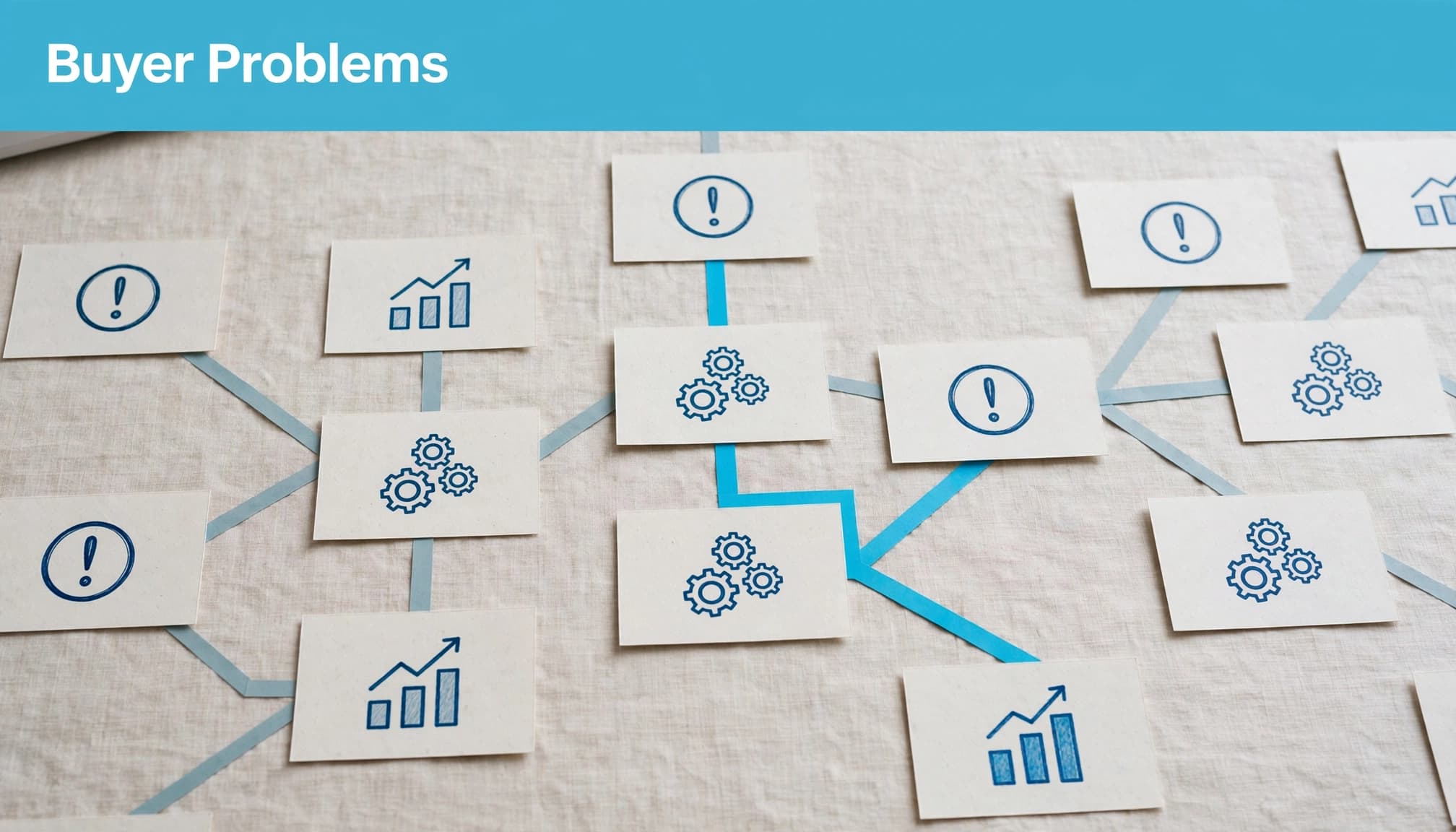
Identify the trigger and the task
Start with sales conversations, support tickets, CRM notes and search queries. Look for recurring tasks and consequences, rather than collecting broad feature requests.
For Salesforce lead routing, the useful problem is assigning incoming enquiries to the right salesperson. Your buyer may need to understand assignment criteria, ownership and what happens when no rule matches.
That gives you a clearer page brief than “improve sales productivity”. Ask sales what caused the prospect to seek help, what they currently do and where that process breaks down.
Use those findings to identify AI search answer gaps. Missing implementation information can matter more than another paragraph about benefits.
Write for the person responsible
Name the main user and the person accountable for the outcome. They may have different questions.
A sales operations manager needs to understand routing logic and administration. A sales director wants confidence that enquiries reach the appropriate team. Both need clear information, but they don’t need identical explanations.
Lead with the shared problem, then answer each role’s relevant questions. Avoid repeating a generic list of benefits for every job title.
Your opening should state the task, intended audience and scope in ordinary language. Introduce product terminology after the reader understands what you can help them do.
Decide which problems deserve separate pages
Create a separate page when the buyer’s task, workflow or evidence differs enough to justify it. Changing an industry name alone rarely produces a useful use case.
These established business tasks illustrate the information your page needs.
| Buyer problem | Useful page focus | Evidence or detail to include |
|---|---|---|
| Duplicate contacts in HubSpot | Managing contact duplication | Matching criteria, review process and exceptions |
| Misassigned leads in Salesforce | Routing enquiries to the right owner | Assignment rules, fallback handling and testing |
| Manual invoice approval | Managing approvals with Microsoft Power Automate | Approval stages, permissions and escalation |
The distinction is the work involved. An industry page explains sector relevance; a use-case page explains how you address a task within that sector.
Check whether an existing page already covers the problem before publishing another. Two near-identical pages can split your evidence and leave buyers unsure which explanation is current.
Use your PPC enquiry data to prioritise problems with commercial demand, alongside organic queries and sales feedback. Search volume alone doesn’t tell you whether a topic attracts suitable prospects.
When reviewing how B2B brands get recommended, compare the questions answered by cited pages. Use the findings to improve coverage, rather than copying competitors’ page structures.
Explain how the solution fits the workflow
Describe the work and responsibilities
Once you’ve established the problem, explain how your solution works. Keep the sequence understandable without turning the page into a complete implementation manual.
For lead routing, cover how enquiries enter the system, how assignment decisions are made and who reviews exceptions. State what your team handles and what the customer must supply.
If implementation requires administrator access, agreed territory rules or clean records, say so before the enquiry form. Buyers need to understand the work they’ll inherit.
Detailed B2B product documentation can carry technical instructions. Your use-case page should explain enough for a buyer to judge feasibility, then link to the relevant detail.
Make conditions and limits visible
Avoid claims such as “works with your existing systems” without explaining which systems, what connects and what setup involves. Separate standard functionality from custom work and optional services.
Use methodology pages that explain delivery when the same process supports several use cases. This keeps your explanation consistent without repeating it across every page.
Keep essential information available as readable text. A diagram can clarify the workflow, but buyers shouldn’t need to interpret an image to discover prerequisites or exclusions.
Google’s generative AI optimisation guidance keeps the emphasis on useful content and sound SEO. You don’t need special AI schema. Any structured data you use should match the visible page content.
Build evidence that answers buyer doubts
Match proof to the problem
Use evidence that supports the specific use case. A customer logo shows a relationship, but it doesn’t explain what you delivered or whether the situation resembles your buyer’s.
Your B2B case studies should describe the starting problem, work completed, measurement period, result and relevant constraints. Place a concise proof block near the claim it supports.
For a lead-routing page, useful evidence concerns assignment accuracy, handling time or exception management, where you have approved records. A general revenue claim may be less helpful if several other changes contributed.
If you can’t publish figures, explain the work and the verified outcome in plain language. Don’t replace unavailable data with an invented percentage.
Answer the buying group’s concerns
Give each reviewer the information needed for their decision. Finance may need cost factors and measurement context. Operations needs responsibilities and rollout requirements. Technical reviewers need integration boundaries and access requirements.
Keep these answers specific to the use case rather than adding a generic reassurance section.
A performance result needs a starting point and measurement period before a buyer can judge whether it applies to their situation.
State which outcome you measured and which you didn’t. Faster lead assignment doesn’t automatically prove higher revenue.
Make sure product marketing, sales and delivery agree on the claims. If your proposal describes different capabilities from your page, the buyer has to resolve that contradiction.
Connect your use cases to paid campaigns
Paid search can help you test how buyers describe a problem. Use Google Ads search-term and enquiry data to compare language, objections and lead quality before expanding your content.
Keep the landing page consistent with the advert. If the advert promises help with Salesforce lead routing, the destination should explain that workflow rather than opening with a broad consultancy introduction.
The same accuracy checks apply to Facebook Ads, including remarketing. Use the relevant problem and proof, but don’t assume a returning visitor is ready to book a sales call.
Paid placement doesn’t establish the credibility of your organic content or guarantee an AI recommendation. Treat campaign learning as evidence about buyer behaviour, not evidence that an answer engine will select your page.
Choose a next step that fits the uncertainty you’ve addressed. An implementation review suits a buyer who needs to check feasibility. A demonstration suits someone who needs to see the workflow.
Keep forms proportionate. Ask for information your team needs to qualify the enquiry, rather than everything you might eventually need.
Measure visibility and qualified demand separately
Record a baseline before changing your page. Review search visibility, relevant visits, enquiries and sales acceptance using Search Console, GA4 and your CRM wherever your tracking allows.
Search Console’s Search Generative AI performance reports can help you review visibility. AI-feature appearances also sit within its “Web” reporting. Neither measure, on its own, tells you whether a page generated qualified pipeline.
Use AI citation tracking as a separate benchmark. Choose a manageable set of buyer questions and record the platform, prompt, date, cited URLs and description of your business.
Check accuracy as well as presence. An answer that names your company but misstates your integration capabilities needs attention.
For commercial reporting, review enquiry quality, booked meetings, sales-accepted leads and opportunities. Look at which use-case pages those accounts visited where your analytics and consent arrangements permit it.
Keep a change log and test substantial changes separately where practical. If you rewrite positioning, replace proof and shorten the form together, you’ll struggle to identify what affected results.
Review pages when capabilities, pricing or delivery requirements change. Agree who owns those updates so buyers don’t encounter an outdated promise.
Your strongest signal is whether suitable prospects arrive with a clearer understanding of the offer. Rising citations alongside unsuitable enquiries should prompt a review of positioning, audience fit and the conversion path.
Make one priority page useful first
Your strongest use-case page makes a specific buyer decision easier. Start with the problem, explain the workflow and provide evidence that helps someone judge fit.
Choose one commercially important page before expanding the collection. Review its scope, proof and next step with sales and delivery.
If you need help connecting those improvements with qualified lead generation, speak to Flow20’s Digital marketing team about a practical plan.



1 Comment
[…] same approach applies to buyer-focused B2B use-case pages: explain the task and the conditions that make your content […]