
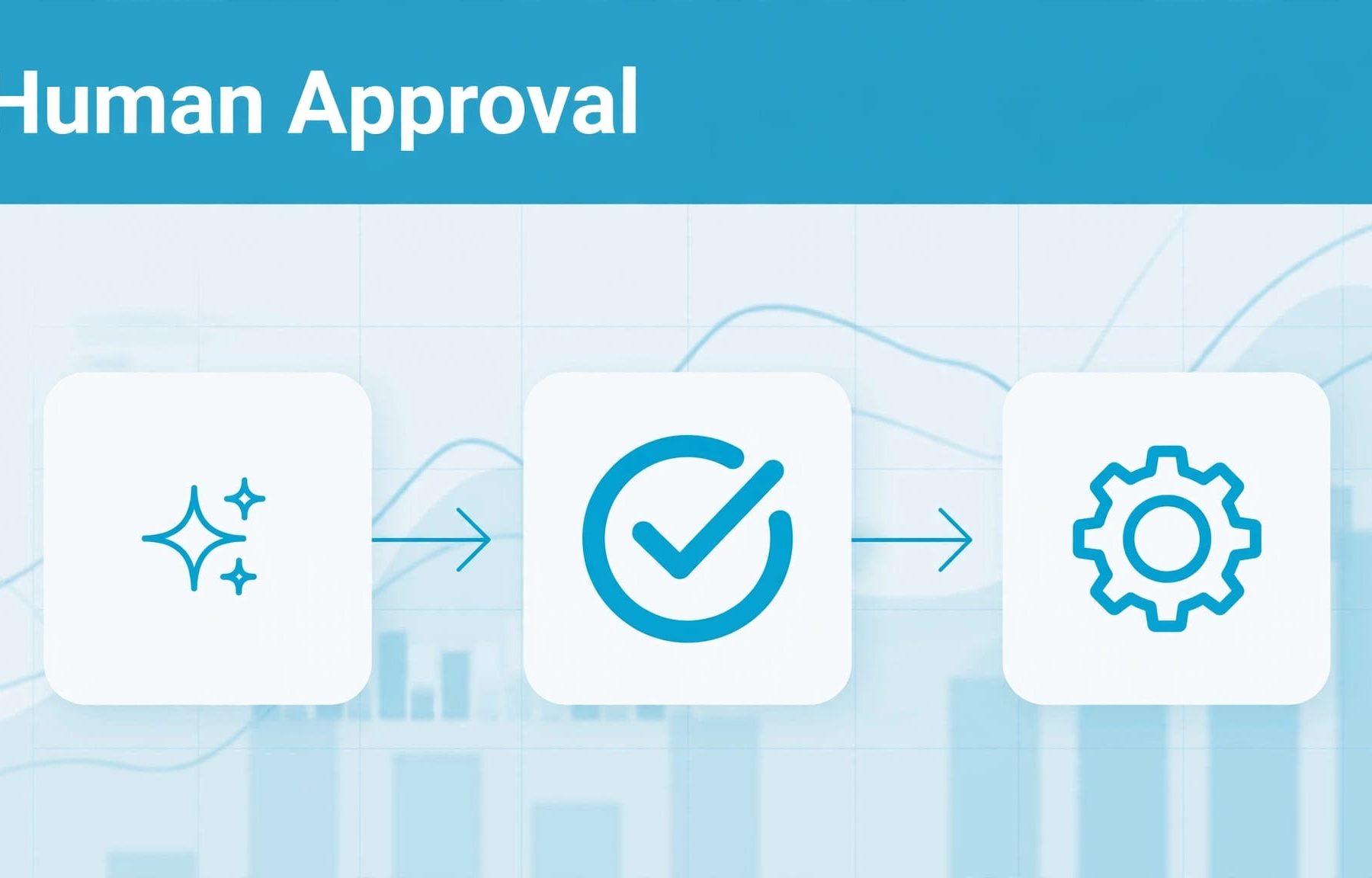
An AI agent can spot a useful account change without having enough context to approve it. Your Google Ads approval workflows should separate recommendations, human decisions and execution, with clear spending limits, named reviewers and a record of every applied edit.
That lets you reduce repetitive work without handing over decisions about budgets, lead quality or conversion tracking. Start by defining what the agent can propose, who can approve it and what happens when the account changes before approval arrives.
Separate recommendations from account changes
A practical workflow follows a fixed sequence: analyse, propose, review, validate, apply and monitor. Each stage needs its own status so you can distinguish an interesting suggestion from an authorised instruction.
Let the agent prepare the recommendation
Use the agent to identify issues, gather supporting data and produce a precise proposed change. Keep its recommendation separate from the tool that writes changes to Google Ads.
For example, a budget recommendation should show current spending, conversion performance and the proposed allocation. It should also identify information the agent doesn’t have, such as whether your sales team can handle additional enquiries.
This separation is a useful starting point for PPC automation for Google Ads, because you can assess recommendations before allowing account edits.
Give one person ownership of the decision
Assign an accountable reviewer to each change type. Your PPC manager can review keyword exclusions, whilst a budget owner approves spending increases outside the agreed plan.
Avoid sending every request to several people without a final decision-maker. You need a clear approval, rejection or request for revision.
When you use AI agents for PPC campaign management, responsibility for commercial decisions still needs to sit with someone on your team.
Approve business outcomes, not platform improvements
A lower cost per conversion can look encouraging whilst your sales team receives fewer worthwhile enquiries. Define what a successful change means before deciding whether to approve it.
Use qualified leads and revenue where possible
Your approval criteria should reflect the outcome you buy advertising to achieve. That might be qualified demonstrations, profitable purchases or enquiries that become sales opportunities.
Marketing-qualified leads and sales-qualified leads aren’t interchangeable. If your agent treats every form submission as equally valuable, its recommendations can favour volume over quality.
Start with reliable Google Ads conversion tracking so reviewers understand which actions influence the recommendation and which outcomes matter commercially.
Allow for low volume and conversion delays
A low-volume campaign can swing sharply after one additional conversion. That makes short reporting windows a weak basis for pausing campaigns or reallocating spend.
Ask the agent to show conversion counts alongside CPA, and account for the time between a click and a recorded sale. Compare equivalent periods rather than Monday morning against Sunday afternoon.
An assessment of Google Ads account performance helps you establish a baseline before introducing automated recommendations.
Set approval rules by commercial risk
Use change impact to determine the approval route. A reporting update and a conversion-action edit shouldn’t pass through the same process.
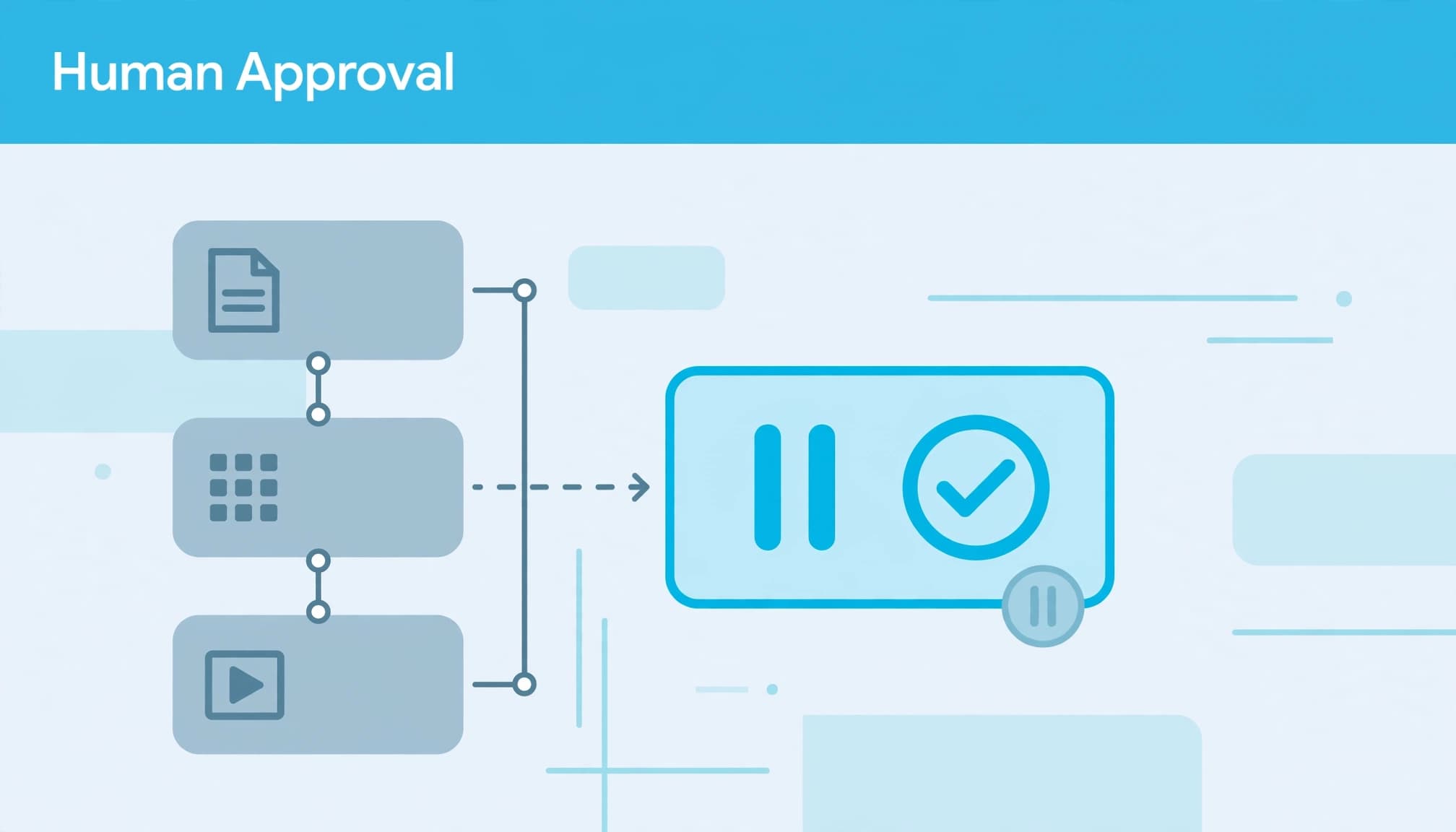
This is a practical starting policy for a controlled pilot.
| Proposed action | Approval route | Main safeguard |
|---|---|---|
| Produce a report or alert | No account-change approval | Read-only access |
| Add negative keywords | PPC manager | Review relevance and match type |
| Change a campaign budget | PPC manager within delegated limits | Account-wide spending ceiling |
| Change bidding targets or locations | Senior campaign reviewer | Business context and test plan |
| Change conversion actions or permissions | Exclude from the initial pilot | Separate authorised process |
The table gives you a starting structure, not a universal set of Google rules. Adjust it to your account’s spending, complexity and commercial exposure.
For budget changes, define both percentage and cash limits. A proposed increase from £100 to £120 per day is a 20% change, but its impact also depends on the wider account allocation.
Several individually approved budget increases can exceed your account limit. Apply the ceiling across the combined changes, not just each request.
Your AI budget allocation process should also protect testing budgets. A campaign marked “limited by budget” needs investigation, not an automatic increase.
Make every approval request easy to review
An approval button is only useful when you can understand what you’re approving. Give reviewers the exact edit, the evidence and the expected commercial effect.
Show the current and proposed settings
Each request should identify the account, campaign or resource, current value, proposed value and reason for the change. Include the reporting period and relevant spend, conversion and lead-quality data.
For a negative keyword, show the search term, proposed match type and scope. An account-level exclusion has wider consequences than a campaign-level exclusion.
This detail belongs alongside your wider approach to managing PPC campaigns. It gives you enough context to approve the edit without reconstructing the analysis.
Make approval expire when its assumptions change
Tie approval to the exact proposed change. If the agent revises the budget, keywords or targeting afterwards, send it back for review.
Give requests an expiry time that suits the change. A recommendation based on yesterday’s pacing shouldn’t remain executable indefinitely.
Before execution, compare the live settings with those shown to the reviewer. If another manager has already changed the campaign, stop and prepare a fresh request. Otherwise, an approved recommendation can overwrite a newer decision.
Validate the change before applying it
Human approval answers whether you want the change. Technical validation answers whether the request is acceptable to the API. You need both.
Validate the approved request
The Google Ads API supports validate_only = true for mutation requests. It validates the request without committing the change and returns validation errors.
Use it on the approved payload before allowing execution. If validation fails, return the error to the reviewer or developer rather than asking the agent to improvise a different edit.
Successful validation doesn’t prove that a recommendation will improve performance. It also doesn’t replace reviews of claims, landing pages or customer-facing copy.
Decide how batches should handle failure
With Google Ads API bulk mutations, requests are atomic by default. Enabling partial_failure = true allows valid operations to commit whilst failed operations return errors.
Use atomic execution when the edits depend on each other. If partial failure is appropriate, record the outcome of each operation rather than marking the whole batch complete.
Also avoid blind retries after a timeout. Read the current account state first, because the request may already have succeeded.
The approved payload, validation result and execution response should remain linked under one request identifier.
Limit access and protect shared budgets
Start agents in observation mode, then allow recommendations. Keep execution behind a controlled tool that accepts only approved actions.
Your controls should specify permitted accounts, resources and fields. A prompt telling an agent to “be careful” isn’t an access restriction. Keep credentials outside its conversational output and limit the data it receives to what the task needs.
For your PPC management process, review other systems that can change the account too. Google’s automated-rule controls let you enable, pause, edit and remove rules, so include those rules in your automation inventory.
A separate rule shouldn’t counteract an approved agent change.
Keep SEO investment and Facebook Ads budgets outside the agent’s spending authority unless your budget owner has explicitly delegated cross-channel decisions. Paid search performance alone doesn’t justify moving money away from another channel.
Keep an audit trail and monitor the result
An approval record tells you why a change was authorised. Account monitoring tells you what actually happened. Keep both.
Record decisions as well as edits
Store the original recommendation, supporting data, reviewer, decision time, approved payload and execution result. Record rejected requests too, because repeated rejection reasons can reveal weaknesses in the agent’s analysis.
The API provides change_status for summaries and change_event for more detailed records, including old and new field values. Google’s account-change documentation describes these resources.
Use them alongside your own approval log. An account-change record doesn’t explain the commercial reasoning behind a decision.
Monitor outcomes without creating automatic reversals
Connect applied edits to Google Ads change alerts that identify material movements in spending, tracking or lead quality.
An alert should name the change, show relevant performance data and identify the next owner. Avoid generic notifications that leave you searching through the account.
Define a recovery action before execution, but route reversals through approval too. Restoring an earlier setting can undo later work by another manager, so compare the live state first. Reversing a budget setting also doesn’t recover spend already incurred.
Pilot one task before expanding access
Start with a narrow task, such as drafting negative keyword recommendations for one campaign. Keep the first stage read-only and compare the agent’s proposals with your manager’s decisions.
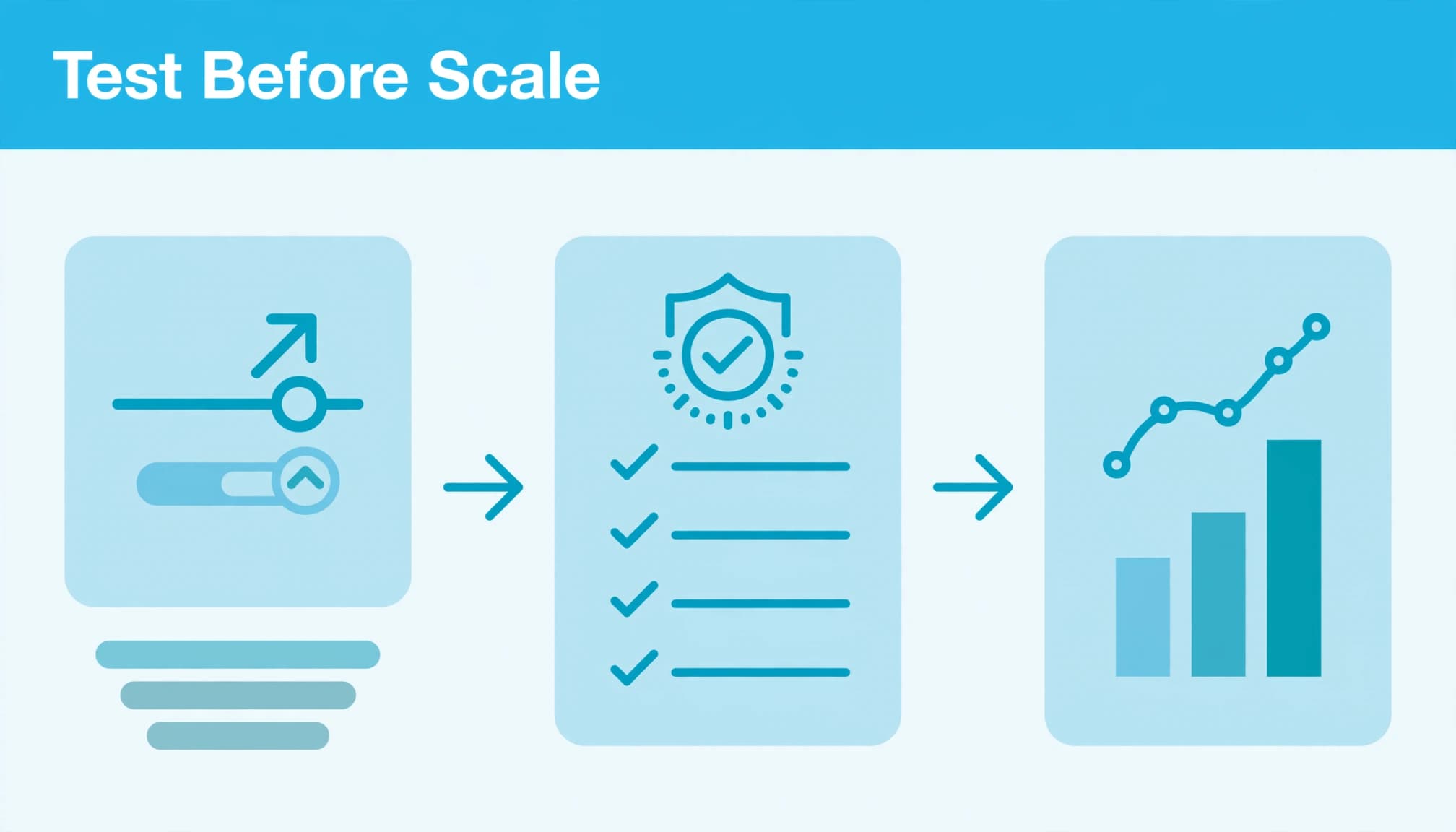
Track rejection reasons, reviewer time, validation failures and whether approved changes match what was applied. Those measures tell you whether the workflow reduces work or merely creates another queue.
You can use Google Ads scripts for scheduled monitoring alongside an API-based approval system. Choose the implementation around the task rather than adding more tools than you need.
Keep the test interpretable. Changing bidding targets, budgets, landing pages and ad copy together makes it harder to identify what affected results.
Digital marketing planning should also account for sales capacity, seasonality and other active campaigns. Bring that context into reviews.
Expand permissions only when the agent produces useful recommendations and the approval process works reliably. Keep a named person able to pause execution immediately.
Build control into your next account change
Useful Google Ads approval workflows make each proposed edit understandable, authorised and traceable. Keep commercial judgement with your team whilst automation handles analysis and repetitive preparation.
Start with one change type, one reviewer and a limited pilot. That gives you a manageable way to improve efficiency without losing account control.
Talk to us about your Google Ads account and how to build human-led approval points into your campaign management.


