

AI budget allocation works best when Google handles auction-level bidding and your team sets the commercial rules. Give proven campaigns room to grow, protect budgets for testing, and judge performance by qualified leads, revenue and return on investment, not cheap clicks. That keeps strategic alignment while using automation across a busy PPC account.
The aim isn’t to let AI move money around unchecked. It’s to use performance signals, pacing checks and clear approval rules to make better decisions before wasted spend becomes a monthly problem.
Key Takeaways
- Use AI for auction-level bidding, pacing analysis and recommendations, while keeping campaign-level budget decisions under commercial control.
- Allocate spend across core, growth, test and seasonal activity, protecting proven demand without assuming that more budget will deliver the same returns.
- Feed Google Ads reliable conversion data, including qualified leads, CRM outcomes, revenue and profit where possible, rather than optimising solely for cheap clicks or form fills.
- Set pacing trackers, material-change alerts and approval rules so budget shifts are investigated and authorised before they affect performance.
- Reallocate budget based on marginal returns, available demand and business value, and test significant changes one variable at a time.
What AI budget allocation can and cannot do
Google Ads can make thousands of bid decisions each day. Its machine learning models assess auction signals such as device, location, time and previous user behaviour.
That does not mean it understands your sales team’s capacity, profit margins or which enquiries turn into good customers.
The platform optimises auctions, not your business plan
Smart Bidding uses Google AI to optimise for conversions or conversion value in each auction. It can adjust bids faster than any account manager working through a spreadsheet.
But Google doesn’t automatically know whether a form fill is a poor-fit lead, whether a product is out of stock, or whether your team is already full for the month. You need to define what a valuable conversion looks like before automated bidding has anything useful to optimise towards.
For a B2B firm, that might mean sending sales-qualified leads and closed deals back into Google Ads. For an ecommerce business, it may mean using revenue, margin or repeat-purchase value rather than treating every order equally.
Campaign roles come before budget changes
Start by giving every campaign a job. Brand Search may protect demand you have already created. Non-brand Search may capture high-intent prospects. Performance Max may support wider product discovery. Remarketing may need a modest but reliable budget.
Allocation becomes messy when these different roles are judged by one blunt target. A branded campaign may show a low cost per lead, but it shouldn’t automatically absorb every spare pound.
If you need help defining these roles, a well-structured Google Ads account gives you far better budget decisions than one large campaign with mixed intent.
Set your campaign allocation before automation starts
Before changing bid strategies or daily budgets, treat the monthly media budget as a practical capital allocation exercise. This is less exciting than clicking “Maximise conversions”, but it stops strong campaigns from taking money meant for testing or seasonal activity.
A sensible starting point looks like this:
| Budget area | What it covers | How to treat it |
|---|---|---|
| Core spend | Campaigns producing qualified leads or profitable sales | Protect it and scale in measured steps |
| Growth spend | New keywords, audiences, products or locations | Increase only after performance is proven |
| Test reserve | Controlled creative, landing page or bidding tests | Keep separate from core targets |
| Seasonal reserve | Promotions, launches and demand peaks | Release against a defined commercial plan |
The exact percentages depend on your account. Capital allocation should reflect each campaign’s commercial role and available demand, so know why each pound is there.
Protect proven demand without overfunding it
A campaign with stable lead quality and consistent returns deserves budget headroom. Check whether it is genuinely limited by budget, then look at Search Lost Impression Share, conversion value and lead quality before increasing spend.
Don’t assume that more budget produces the same result. The next £1,000 may bring more leads, but they may cost more and convert less often. Look for the point where marginal cost starts rising faster than commercial value.
For lead-generation accounts, tROAS bidding for Google Ads can make this easier when you import offline outcomes from your CRM. It gives Google a stronger signal than basic form completion.
Keep a reserve for controlled learning
Most accounts need a test budget, even when targets are tight. Without one, every useful idea competes with the campaigns that already pay the bills.
A separate reserve is practical resource allocation, protecting learning from core campaign performance and supporting cost control. A London professional-services firm may reserve 10% of its monthly budget to test a new service page, a different qualification question on its form, or a broader Search theme. If the test brings enquiries that become genuine opportunities, it can earn more budget next month.
A campaign marked “limited by budget” is a delivery signal, not an instruction to increase spend.
Feed AI the conversion signals that matter
AI can only work with the information you provide. If the primary conversion is a click-to-call that rarely reaches the right person, the system will pursue more of the same.
Start with Google Ads conversion tracking that records actions you can stand behind. Track calls, quote requests, purchases and booked consultations. Then add offline outcomes where your sales process allows it.
Move beyond cost per lead
Cost per lead is useful, but it is not the whole answer. A £30 lead that becomes a £5,000 customer is not comparable with a £12 lead that never answers the phone.
Review your funnel in stages:
- Track the cost of the first meaningful action, such as a sale, call or form submission.
- Compare qualified lead rate by campaign, search term, audience and location.
- Import CRM outcomes where possible, so bidding can learn what turns into revenue.
Your Google Ads account, CRM and other software and SaaS tools can connect these signals. They only help when your conversion tracking and sales data are reliable.
This also helps wider Digital marketing activity work together. Stronger organic visibility can lift branded demand, while better landing pages can improve paid conversion rates. Neither result means you should blindly raise every campaign budget.
Use value rules with care
Google Ads conversion value rules can adjust values by audience, device or location. They can be useful when one customer type has a higher average order value or better long-term value.
Keep the logic simple. If leads from a defined UK service area consistently close at a higher rate, assigning greater value may help bidding focus there. Don’t build layers of adjustments based on a few weeks of data.
Google allows value-rule multipliers between 0.5 and 10. That range is wide enough to cause trouble if the inputs are weak. Review the underlying sales data before changing the value Google sees.
Set pacing guardrails before moving spend

Budget pacing is about forecasting month-end spend, not panicking over one busy morning. Most Google Ads campaigns use an average daily budget, and 30.4 times that figure is a useful monthly reference point.
A £100 average daily budget therefore maps to roughly £3,040 over a typical month. Google may deliver up to twice the daily budget on a high-opportunity day, so a single £200 day isn’t automatically an error.
Track planned spend against actual spend
Use a simple campaign-level tracker alongside Google Ads reporting. Include monthly budget, average daily budget, month-to-date spend, expected spend, forecast month-end spend, conversions, qualified leads and an owner.
The tracker supports cost control by highlighting material pacing deviations without overreacting to normal daily variation. Compare actual spend with planned cumulative spend, then investigate the reason for any meaningful gap.
A strong promotion may justify the difference. A copied campaign, new location target or changed target CPA may not. A weekly review against Google’s budget report keeps the record honest. The spreadsheet supports investigation, but the platform’s billing data remains the authority.
Use alerts for material changes
More alerts don’t make an account safer. Better alerts do.
Set notifications for changes that can alter commercial results, including a budget increase above an agreed threshold, bid-strategy edits, new locations, campaign duplication, conversion-action changes and new account permissions.
These checks support governance and compliance, but they should remain focused on material changes. A useful alert tells you what changed and how it affects spend. “Campaign changed” is noise. “Daily budget increased by 40%, target CPA changed and spend is 18% above pace” gives the reviewer something useful to check.
A clear approval process creates budget governance. AI agents for PPC management can help flag anomalies and prioritise issues, but they shouldn’t approve or implement commercial changes independently. Keep final approval with a person who understands the commercial target.
Reallocate budget using marginal returns
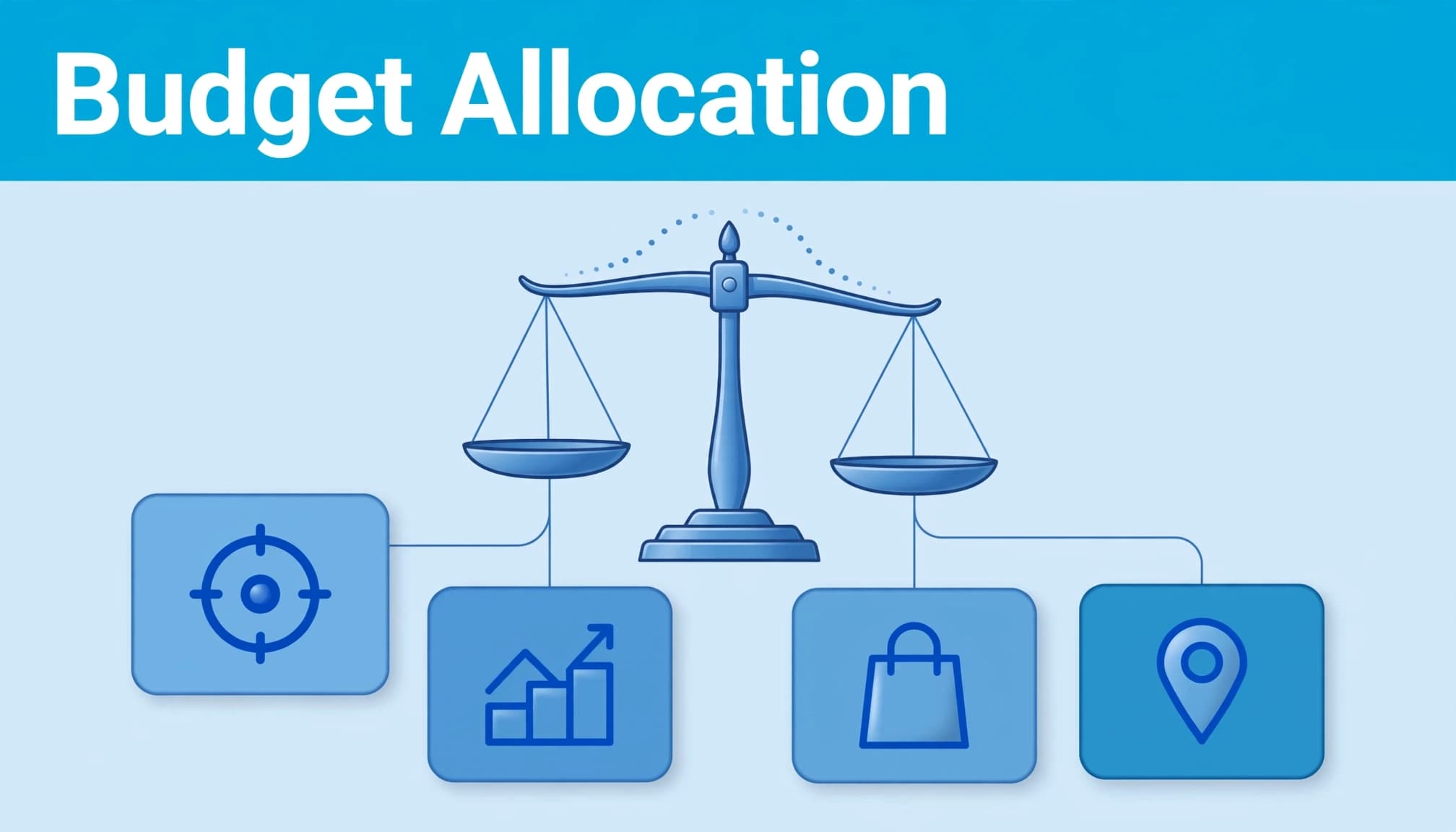
The right question is not “which campaign has the lowest CPA?” It is a capital allocation decision: “where will the next pound produce the most useful result?”
That is a different calculation. Compare qualified leads, revenue, profit and available demand to judge financial efficiency, rather than relying on historic CPA. A campaign can have an excellent historic CPA but little room left to scale. Another may look more expensive but produce stronger leads and have more available demand.
Look for headroom, not vanity metrics
Review recent conversion value, lead quality, impression share, search demand and cost trends before moving budget. Predictive analytics can forecast marginal demand and highlight campaigns likely to weaken when pushed harder.
For example, an ecommerce campaign can look brilliant on return on ad spend until extra budget reaches broader, lower-intent searches. The account still grows, but profit may not.
Use Google Ads Smart Bidding with sensible targets and clean data. It is good at auction decisions, but it cannot fix a weak offer or an unclear landing page.
Avoid cheap leads that do not convert
If one campaign produces lots of low-cost enquiries but few opportunities, it shouldn’t win more budget over a campaign producing fewer, stronger leads.
Bring sales feedback into the review. Ask which campaigns create booked calls, accepted quotes and actual revenue. If that data isn’t available yet, use a lead-scoring process and improve it over time.
This matters when comparing channels too. Facebook Ads may generate lower-cost initial leads than Search, whilst Search captures people already looking for a solution. Give each channel a suitable role before comparing results.
Test major changes before rolling them out
Large budget shifts should be treated as experiments, not acts of faith. Google’s own guidance recommends testing one variable at a time on campaigns with enough volume and time to produce a meaningful result.
Change one meaningful variable
Don’t change the target ROAS, daily budget, ad copy and landing page in the same week. You won’t know what caused the result, and the bidding system will be adapting to several moving parts.
Pick one commercial hypothesis. For example: “Increasing the budget of this high-value Search campaign by 20% will create more qualified leads without pushing cost per opportunity above our target.”
Treat this as change management: document what changed, the control, test dates, budget, target and outcome before launch. That keeps the test interpretable.
Review the business result, not only platform data
A campaign can look stronger in Google Ads while producing weaker sales opportunities. Give the test enough time, then compare qualified leads, opportunity value or revenue where possible.
PPC automation strategies are safest when they detect and report changes first. This supports risk management by ensuring AI flags material changes before an approved person implements them. The practical pattern is simple: AI spots the issue, a manager reviews it, then an approved rule or account change follows.
Frequently asked questions
Can AI automatically allocate budget across Google Ads campaigns?
Google’s bidding systems optimise bids and campaign delivery based on the goals and budgets you set. They do not replace the account-level decision about how much each campaign should receive. Use AI for bidding, pacing analysis and recommendations, then make budget reallocations against your commercial priorities.
How often should you review campaign budgets?
Check pacing daily where spend is meaningful, especially during promotions or after account changes. Review allocation decisions weekly, using a longer view for lead quality and revenue. Changing budgets every day because of normal fluctuation often makes performance harder to read.
Should you use Target CPA or Target ROAS?
Use Target CPA when the conversion actions have similar business value and you want to manage a cost per lead or acquisition. Use Target ROAS when you track reliable conversion values and want bidding to favour higher-value sales or leads. Google’s AI-powered Smart Bidding guidance explains the wider approach.
Put AI budget allocation under commercial control
AI budget allocation should make your Google Ads account more responsive, not less accountable. Give Google clean conversion data, clear values and realistic targets. Then protect your budget with pacing checks, experiments and human approval.
If you want a clearer view of where your spend is going and where it should go next, Flow20 can help you build a practical capital allocation framework around qualified leads, revenue and sustainable growth.


