
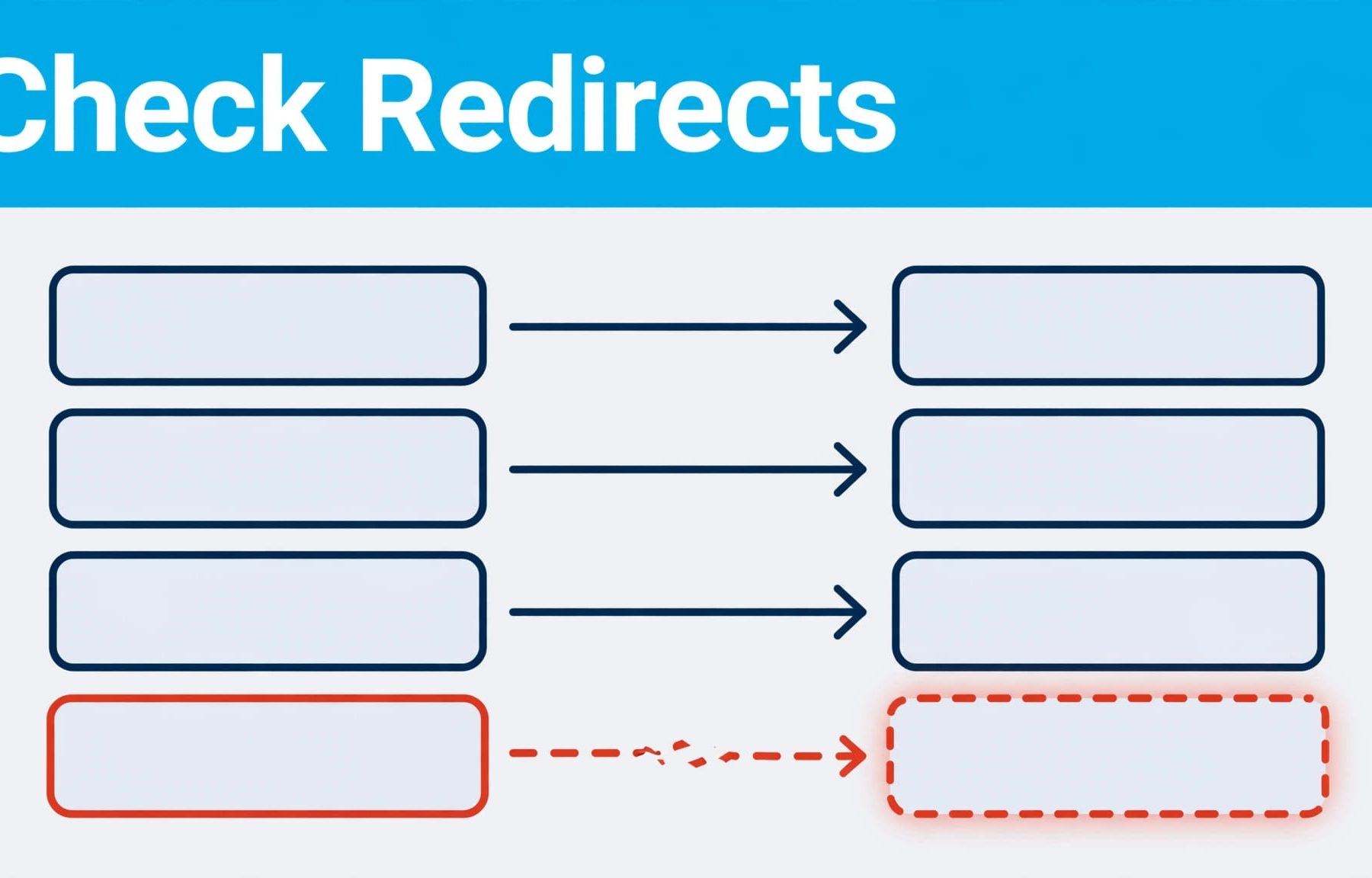
A new site can look ready while its old URLs send customers to errors. Run SEO redirect checks against an approved map of old and new pages before launch, catching failed or irrelevant routes before they affect the user experience. Hold the release if important URLs loop or fail; fixing rules on staging is easier than explaining a missing lead after launch.
The practical approach is to decide where each old URL belongs, test the full route automatically, then repeat the checks on the live site. Start with the map.
Build a URL map before writing redirect rules
A redirect checker can show where a URL goes, but it can’t tell you whether that destination is right for your business. Decide that first, especially during a site migration.
Record the URLs you already have
Crawl the current site and export its URLs. Add pages from your XML sitemap, Google Search Console and analytics data, since a crawl may miss pages with no internal links. Pay particular attention to URLs that attract organic visits, enquiries or backlinks.
Keep the original URL where you can. If a redesign doesn’t require a new address, there’s no reason to create an extra move. Flow20’s guidance on avoiding SEO losses during a website redesign covers the wider handover, including content and on-page elements that can get lost alongside URLs.
Give every changed URL an approved destination
Create a sheet for every changed address, recording the old URL, approved destination URL, expected status code, page owner and approval status. Add a note where the match isn’t obvious. An old service page may need a replacement service page, not the homepage simply because the original service has gone.
For example, if your tax advice page has been renamed, someone who knows the offer should confirm the replacement before a developer writes the rule. Automate the route check, not the judgement about relevance. Google’s site-move guidance recommends mapping old URLs to new ones before implementing and testing redirects.
Choose the right response for each URL
Each URL needs an expected result, including the relevant HTTP status codes. Otherwise, a checker may mark any URL redirect as a pass, even when a permanent move uses a temporary response or ends at a broken page.
| Response | What it means | Typical pre-launch decision |
|---|---|---|
| 301 or 308 | Permanent redirect | Use for a lasting URL move. |
| 302 or 307 | Temporary redirect | Use when the original URL is expected to return. |
| 200 | Page loads successfully | Expect this at the approved final destination. |
| 404 or 410 | Page is unavailable | Investigate if the old URL needs a relevant replacement. |
A 301 redirect tells search engines the move is permanent. A 302 says it is temporary. Google treats 308 as permanent and 307 as temporary too, as set out in its redirect documentation. If a campaign experiment briefly sends visitors to a variation, a temporary redirect may be appropriate; Google’s search guidance for A/B tests recommends a 302 for that situation.
Don’t turn every old URL into a homepage redirect. Where a page has genuinely been retired and no suitable replacement exists, record that decision rather than disguising it with an unrelated destination. Your automated report should distinguish an approved retirement from a missing rule.
Run SEO redirect checks across the whole URL list
Testing a few pages in your browser is useful, but it won’t cover a migration. Run a bulk redirect test on your approved old URLs and record each hop, not only the page you see at the end.
Use a crawler to inspect the route
Screaming Frog SEO Spider is useful for a pre-launch website audit. In List Mode, upload the old URLs and enable its setting to follow redirects. Its reports show each URL’s route, so you can compare the final address with your map and spot problems.
A normal crawl has another job: it finds internal links that still point to old URLs. Fix those links at source, so visitors and search engines can go straight to the final page. The Screaming Frog crawl can help find these links. Flow20’s technical SEO guidance for site health puts clean URLs and working internal routes alongside other launch checks.
Compare actual results with expected results
Use the Screaming Frog report to compare actual routes with your approved destinations. Check each hop, the final URL and its status, then confirm the destination is relevant and indexable. A simple script can also request each old URL, follow redirects and save the status and Location value at every step. Use a normal page request if a quick header-only check produces a different result.
Flag redirect chains that could be shortened, redirect loops, an error 404 or a 500 response, and any final page that differs from the approved destination. For large URL sets, persistent loops can waste crawl budget. Check more than the response code: a page can return 200 while showing an error message or carrying a noindex directive. An SEO specialist should review exceptions rather than treating every technical pass as a successful migration.
Make redirect testing part of the release process
The useful thing about automation is that the same check runs again after someone edits a rule. Save the URL map with the release work, and make failures visible to the people who can fix them.
Set clear pass and fail rules
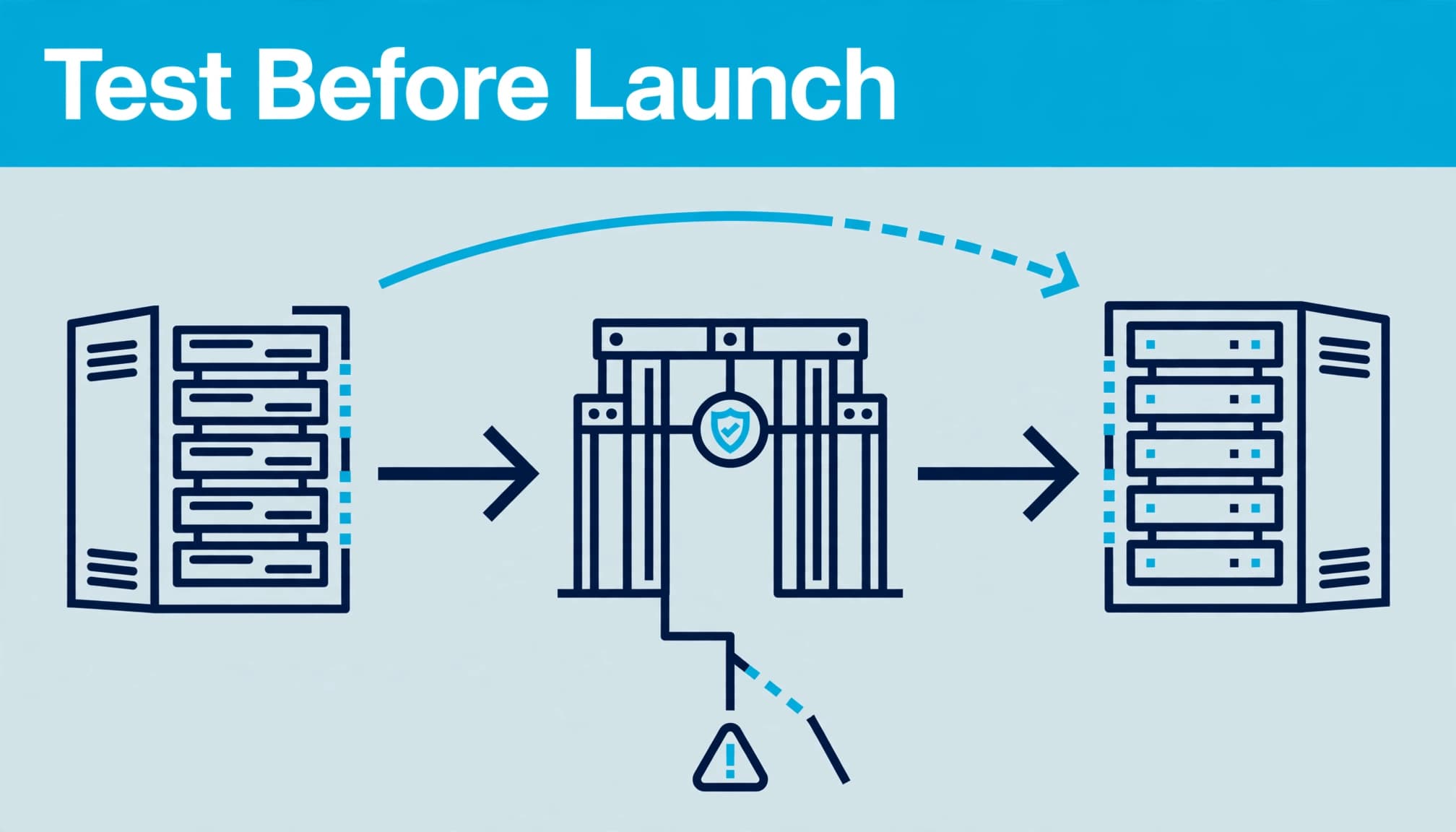
Run the bulk test against staging before approval. If staging uses a different host, adapt the expected host for the test without changing the intended live paths. Require priority URLs to reach their approved pages without errors or loops. Review every mismatch before it becomes an exception.
Keep the process small enough to use on every relevant release:
- Export the approved URL map and test the old addresses.
- Save the full redirect route and final response for each one.
- Send failures to an owner with the expected result attached.
- Retest after changes, reusing a saved Screaming Frog list if it’s already part of your process. Then run the same check against production.
A script can raise the ticket. A person should approve a change to a redirect rule, canonical tag or robots setting, then confirm the result. That separation matters when several old pages could plausibly point to one new page.
Keep staging out of search results
Test pages need to be accessible to your team, but your staging copy shouldn’t appear in search results. Password protection is a strong option. If you use noindex, check how search engines can access the page to see it. A robots.txt block alone isn’t the same as a noindex instruction.
Check that priority destination pages have suitable canonical tags and are indexable as intended. Keep staging out of search results and prevent it being treated as duplicate content.
Before launch, compare priority pages’ titles, headings and content with the originals. Redirects can’t protect a page’s relevance if its useful copy disappears during the redesign. They are one part of the wider site structure and SEO checks you need before switching domains or templates.
Investigate chains, loops and inconsistent URL variants
A report full of green final status codes can hide an untidy journey. Check how visitors reach the page, especially where host, protocol and platform rules overlap and affect loading speed.
Remove unnecessary hops
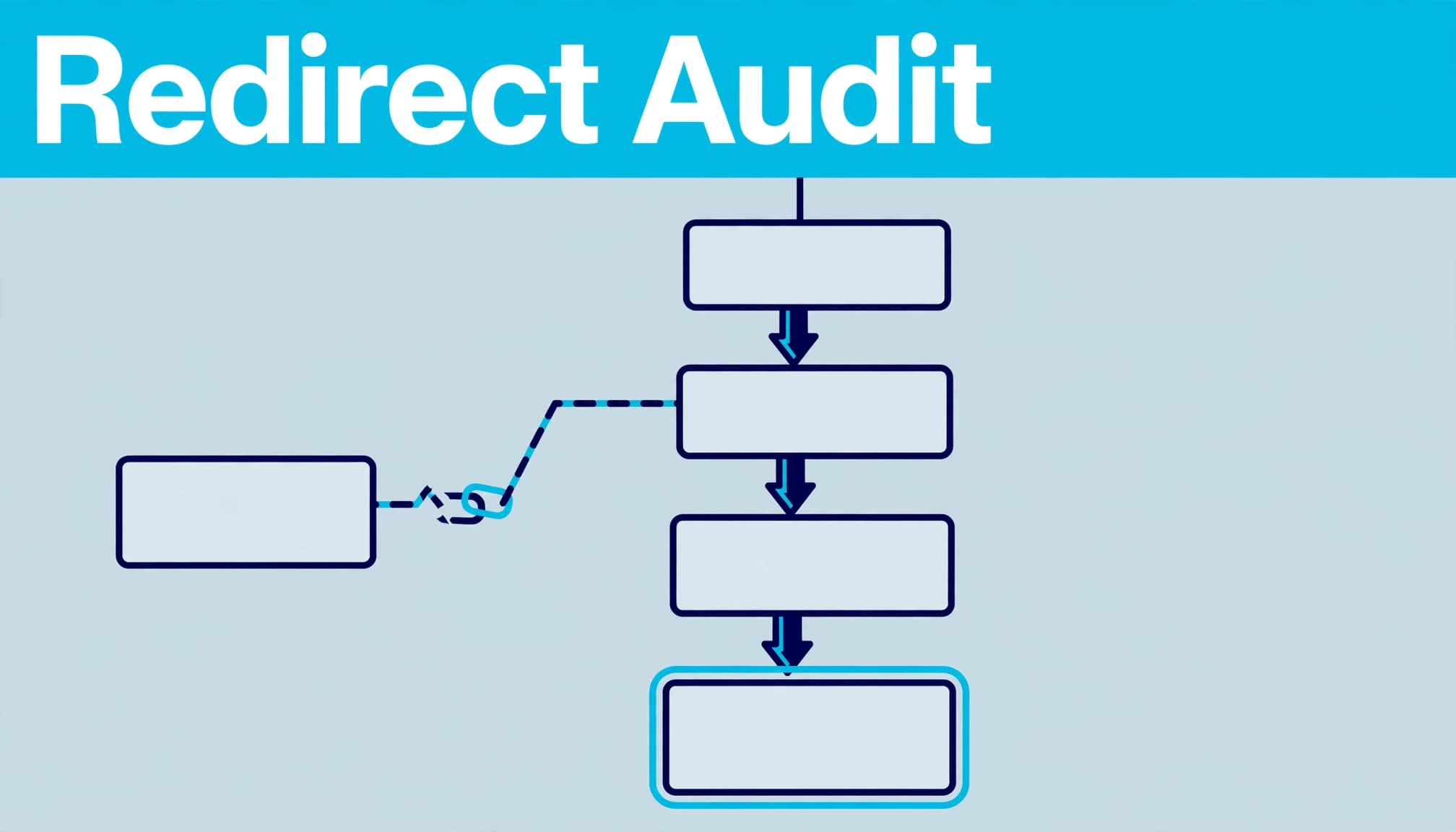
Suppose an old HTTP address redirects to HTTPS, then to a WWW version, then to a renamed page. These redirect chains may reach the correct destination, but each extra request adds work before the page can load. Point the old address straight to its final approved URL where possible, and update internal links to use that URL too.
There’s no reliable, fixed percentage of lost ranking value from long routes. Shorten redirect chains where possible, as repeated requests make troubleshooting harder and, on large migrations, can use crawl budget. Any impact on link equity varies, so don’t assign a fixed PageRank loss.
Check rules at every layer
For an HTTPS migration, test HTTP and HTTPS, plus WWW and non-WWW versions, against your chosen canonical host. If a browser reports ERR_TOO_MANY_REDIRECTS, inspect the full route for redirect loops. A web server may push requests to HTTPS while a proxy or application sends them back to HTTP.
Also check whether an old cached redirect is affecting what you see. Compare a fresh request with the browser result, and review server-level redirects, application rules and CDN settings where applicable. Change one cause at a time, clear or wait out relevant caches, then retest. Guessing at several rules at once makes the fault harder to trace during your SEO redirect checks.
Repeat the checks after launch
Staging isn’t production. The live host may have different server rules, caching or application settings, so rerun the mapped URLs as soon as the new site is available. Crawl the live navigation and check that its links use final URLs.
Submit an updated XML sitemap with the new, intended pages in Google Search Console. Keep redirected and broken URLs out of it. Watch the Pages report and inspect important URLs when their indexing status looks wrong. Monitor organic rankings alongside indexing and landing-page checks, and investigate changes without assuming redirects are the cause. Google’s site-move advice also recommends keeping permanent redirects in place for as long as possible, generally at least one year.
Check performance where it affects real visitors. A new template, image or script can affect Core Web Vitals and loading speed independently of redirects. Compare key page types with your pre-launch baseline, and assess performance separately from redirect behaviour.
Paid traffic needs a separate pass. Check that PPC and Google Ads landing page URLs still reach the intended offer, with campaign parameters handled as expected. Do the same for active Facebook Ads links. A working redirect to the wrong offer can waste spend even when your organic checks pass.
Key takeaways for launch day
- Start with an approved old-to-new URL map, not a collection of redirect rules.
- Bulk-test every route and check its final page, response code and indexability.
- Hold the release for priority-page failures, loops and unexplained mismatches.
- Repeat the tests on production, then monitor Search Console and important landing pages.
Frequently asked questions
Do redirect chains always damage SEO?
Not by a fixed amount. Redirect chains add requests and make troubleshooting harder, giving visitors and crawlers more points where they can hit a fault. Check the route and replace avoidable hops with a direct redirect. Judge the final page too, since a short redirect to an irrelevant destination is still wrong.
What’s the difference between a 301 and a 302 redirect?
A 301 is for a permanent move; a 302 is for a temporary one. Your choice should reflect whether you expect the original URL to return. For a lasting website migration, map the old page to its new location and use a permanent redirect rather than a temporary one.
Why test both WWW and HTTPS versions?
Visitors and old links may use different versions of your domain. Testing them shows whether each request reaches your preferred HTTPS host without a loop or unnecessary hops. It also helps you spot conflicting rules before the site goes live.
Finish with a verified route to every important page
A launch-ready redirect isn’t merely one that returns 301. It sends the right visitor to the right page, through a route you’ve tested on the live site.
If you’re preparing a migration, ask Flow20 to review your redirect map and release checks through its SEO services. Get the routes right before your wider Digital marketing activity sends visitors to them.


