

To prepare B2B migration pages for AI search, preserve useful content and URLs, answer buyer questions directly, and keep product information accessible to search systems. Your migration needs page-level planning, including redirects, internal links and testing, rather than a new sitemap and a hopeful launch.
Whether you’re moving an existing B2B website or improving pages that sell migration services, buyers need clear answers about scope, cost, responsibilities and risk. Start by separating those content decisions from the technical move.
Key takeaways
- Map every existing page to an approved destination before changing URLs.
- Explain suitability, delivery, limitations and evidence in accessible page text.
- Test redirects, buying journeys and account relationships, then measure qualified enquiries separately from AI citations.
Build the migration map before changing pages
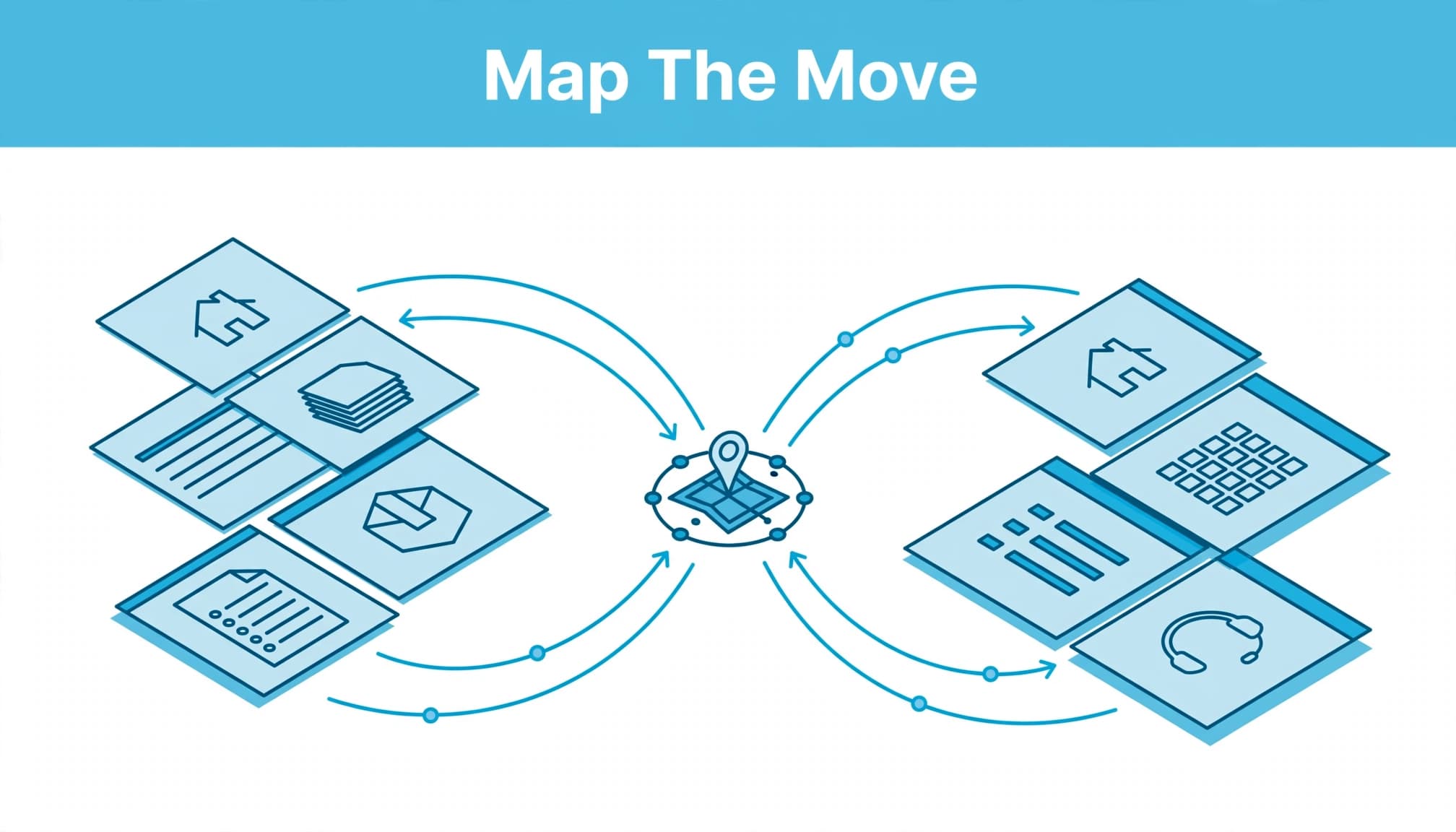
Start with a content inventory using Screaming Frog SEO Spider, your CMS export, an XML sitemap and Google Search Console. Together, these reveal pages, search demand and technical conditions that a sitemap alone won’t show. Use the inventory to build a migration plan that connects each URL to an approved destination and launch checks.
Record each URL’s purpose, enquiries, backlinks, indexability, canonical URL and proposed destination. Give important pages a named owner. A clear destination for every URL supports risk reduction by avoiding irrelevant redirects and preserving useful page signals.
Our guidance on protecting SEO during a redesign covers the wider risk: losing useful copy, titles and links whilst improving the design.
Use this mapping table to turn the inventory into implementation decisions.
| Existing page | Migration decision | Acceptance evidence |
|---|---|---|
| Service page with unchanged purpose | Keep its URL where possible | Successful response, correct canonical and preserved answers |
| Two overlapping guides | Consolidate into the stronger relevant page | Combined useful content and direct permanent redirects |
| Renamed product page | Map to the equivalent product page | Matching product identity and working conversion route |
| Withdrawn offer without a replacement | Return an appropriate 404 or 410 | No misleading redirect to an unrelated page |
The destination must preserve the visitor’s intent. Google’s site-move documentation supports URL-level planning rather than sending every retired address to the homepage.
Apply our SEO redirect checks before launch, including chains, loops and incorrect destinations.
Structure B2B migration pages around buying decisions
Give each page a distinct job
Separate a website migration service page from a technical migration guide or a marketplace implementation page. They answer different questions and shouldn’t compete through near-identical copy.
Open with who the service suits, what moves, what remains outside scope and the outcome you support. State exclusions early. Moving website content doesn’t automatically include transferring customer accounts or rebuilding procurement workflows.
For vendor selection, compare scope, exclusions and acceptance criteria before choosing a provider.
Our approach to B2B use-case pages starts with the buyer’s task. Apply that here instead of opening with a general explanation of digital transformation.
Answer the questions that delay approval
Before approving a provider, buyers assess relevance, risk, competence and how the decision will benefit their team. Explain costs, downtime arrangements, responsibilities, acceptance criteria and support before asking for a meeting.
A clear service page supports B2B landing page conversion by setting out scope, relevant evidence and the next step. Tie benefits to roles. Marketing needs continuity in enquiries; IT needs dependencies and access requirements; procurement needs scope and commercial clarity. Put relevant proof beside the claim it supports.
Your B2B pricing page should explain what changes the price, whilst the migration page explains what the work includes.
Use a CTA that fits the decision, such as “Discuss your migration scope”, and explain what the conversation covers. Tell buyers what information to bring when they make an inquiry.
Make product details and delivery responsibilities explicit
Name the systems and relationships
Use complete product names where they matter, such as Salesforce Sales Cloud rather than “the CRM”. Distinguish the platform, integration, service and supplier so readers don’t have to infer the relationship.
Document supported versions, migration sources, target systems and exclusions where you have approved information. Avoid claiming compatibility simply because two products offer APIs.
Keep these details consistent across service pages, documentation and FAQs. Conflicting descriptions leave both buyers and search systems with competing answers.
Put evidence beside the explanation
Explain who exports data, approves mappings, handles exceptions and signs off the result. Our guidance on B2B implementation pages covers these delivery questions.
For migration claims, useful evidence includes an approved mapping document, reconciliation results and workflow acceptance records. A logo strip doesn’t demonstrate that an approval process survived the move.
Write answers that remain understandable outside the surrounding page. Name the product or service rather than repeatedly saying “our solution”.
Keep important answers technically accessible
Preserve crawlability and indexing
Google’s guidance for AI search features says supporting pages must be indexed and eligible for a Search snippet. There are no additional technical requirements or special AI schema, and eligibility doesn’t guarantee selection.
Keep essential answers in accessible HTML text. Don’t leave service scope, prices or limitations available only through a video, image or gated document.
Test robots directives, accidental noindex tags, canonical URLs, rendered content and hosting restrictions. A launch can look fine in your browser whilst blocking a crawler.
Retain useful page signals and connections
Carry over meaningful titles, headings and descriptions. Use our guidance on writing meta descriptions to preserve an accurate search-result promise, without treating descriptions as an AI citation mechanism.
Update links to point directly to final URLs. Connect migration pages with relevant product documentation, implementation details, pricing and case studies using descriptive anchors.
Structured data must match visible content. Publish final canonical URLs in the XML sitemap; Google’s sitemap documentation explains its discovery role. A sitemap doesn’t repair broken redirects or guarantee indexing.
Preserve business meaning when commerce data moves
If the project includes B2B ordering, protect the relationships between accounts, permissions, commercial terms and orders. Use account mapping to link the legal buyer, operating division, delivery location and individual user to their authorising source systems. Name the system that owns each purchase order and every unfinished transaction.
Retain historical identity separately from current access: a former employee can remain named on an order without retaining a login.
Historical prices explain past charges. Reorders should use current terms, with price changes visible before submission.
Closed orders can enter a searchable archive. Each open purchase order needs a decision on amendment, fulfilment or resolution. Use status mapping to define each status by its business meaning: “complete” might mean approved, shipped or financially closed.
Pending approvals must either finish in the legacy system or transfer with the requested amount, agreed terms, approvals granted and outstanding steps recorded. Reconcile transaction states and approval details before launch, then test old approval email links against the correct transaction. Where an old action can’t be honoured, provide a controlled replacement route with appropriate authentication.
Equal record counts can conceal incorrect account relationships. Use account mapping and reconciliation to check representative records and data populations, then test representative buying workflows.
Require your vendor’s deliverable to identify the account model, transaction populations, unresolved decisions and acceptance method. That gives you evidence to assess, rather than a general assurance that migration is finished.
Test the launch and track commercial performance
Before release, crawl staging against the approved map. Test successful responses, redirects, canonicals, forms, tracking and representative mobile journeys. Protect staging from indexing without carrying its restrictions into production. Retain acceptance evidence, including test results showing redirects, forms and representative journeys meet their acceptance criteria.
After launch, crawl again and inspect priority URLs in Search Console and Bing Webmaster Tools. Submit updated sitemaps. Bing’s Webmaster Tools guidance also describes IndexNow notifications for added, updated or deleted URLs.
Update destinations and messaging across PPC, including Google Ads and Facebook Ads. A correct organic redirect doesn’t repair an outdated campaign promise or broken conversion event.
Record a pre-launch baseline for organic visits, qualified enquiries and sales acceptance. Track whether each qualified buyer inquiry, recorded as an enquiry in your CRM, becomes a sales opportunity. Keep your AI search visibility observations separate: a citation doesn’t establish commercial value.
For repeatable AI checks, record the platform, buyer question, date, cited URL and description of your offer. Look for inaccuracies alongside missing mentions.
Keep a change log covering content, redirects, tracking and campaign adjustments. Otherwise, a drop in form submissions could be mistaken for lost search visibility when the real problem is a broken form. Give each launch issue an owner and an acceptance test before closing it.
Frequently asked questions
How much does a website migration cost?
There’s no standard price that covers both a straightforward CMS move and a B2B commerce migration. URL volume, template changes, integrations, content rewriting and workflow testing determine the scope.
Your quote should separate discovery, implementation, content work, testing and post-launch support. An unchanged URL structure removes some redirect work, but it doesn’t remove the need to test content, indexing and enquiries.
Should a B2B migration page be short or long?
Use enough detail to resolve the purchase hurdles. A straightforward service may need a concise page; a migration involving permissions, approvals and open orders needs more explanation.
Put the direct answer first, then organise conditions, evidence and exceptions under clear headings. Keep detailed technical documentation linked nearby rather than forcing every buyer through it.
Prepare the page and the move together
Your strongest migration plan preserves meaning and access: the buyer’s question, the evidence behind your answer and the route to the correct destination. A cleaner design shouldn’t remove the information that helped someone choose you.
If you’re planning a move, speak to our SEO team about migration preparation. Our Digital marketing support can connect the page changes, paid campaigns and enquiry measurement before launch.


