

Meta Ads placements can find efficient reach across Facebook, Instagram, Messenger, Threads and Audience Network, when each surface has suitable assets, creative formats, tracking and offers. Automate objective pre-launch checks, use campaign objectives to define meaningful results, and judge quality by qualified leads and sales outcomes, not cheap clicks or form fills.
Advantage+ Placements and automatic placements can broaden delivery, while placement customization adapts assets to different surfaces. AI automation can flag missing assets, inconsistent naming and tracking issues, but it shouldn’t approve claims or decide whether a lead is commercially valuable. If you need help building this process into your wider Facebook Ads activity, start with the data your sales team already trusts.
Key takeaways
- Review Meta Ads placements by surface, then check delivery, lead quality and CRM feedback before changing settings.
- Use automation to flag wrong formats, unsafe crops, missing landing pages, outdated offers and incomplete tracking before ads go live.
- Apply placement customization with suitable creative formats for Feed, Stories and Reels, rather than forcing one landscape asset everywhere.
- Use cost per result as an initial platform signal, then compare cost per acquisition with qualified leads, opportunities and revenue.
- Treat Audience Network as a measured test. Use return on ad spend as a later-stage measure when reliable revenue data is available.
- Keep people involved in brand safety, claims, policy and sales-quality decisions. Automation supports consistency, not judgements about what makes a good customer.
A placement report can look healthy whilst hiding poor lead quality. CRM feedback helps show whether responses become qualified opportunities.
How Meta Ads placements should be checked
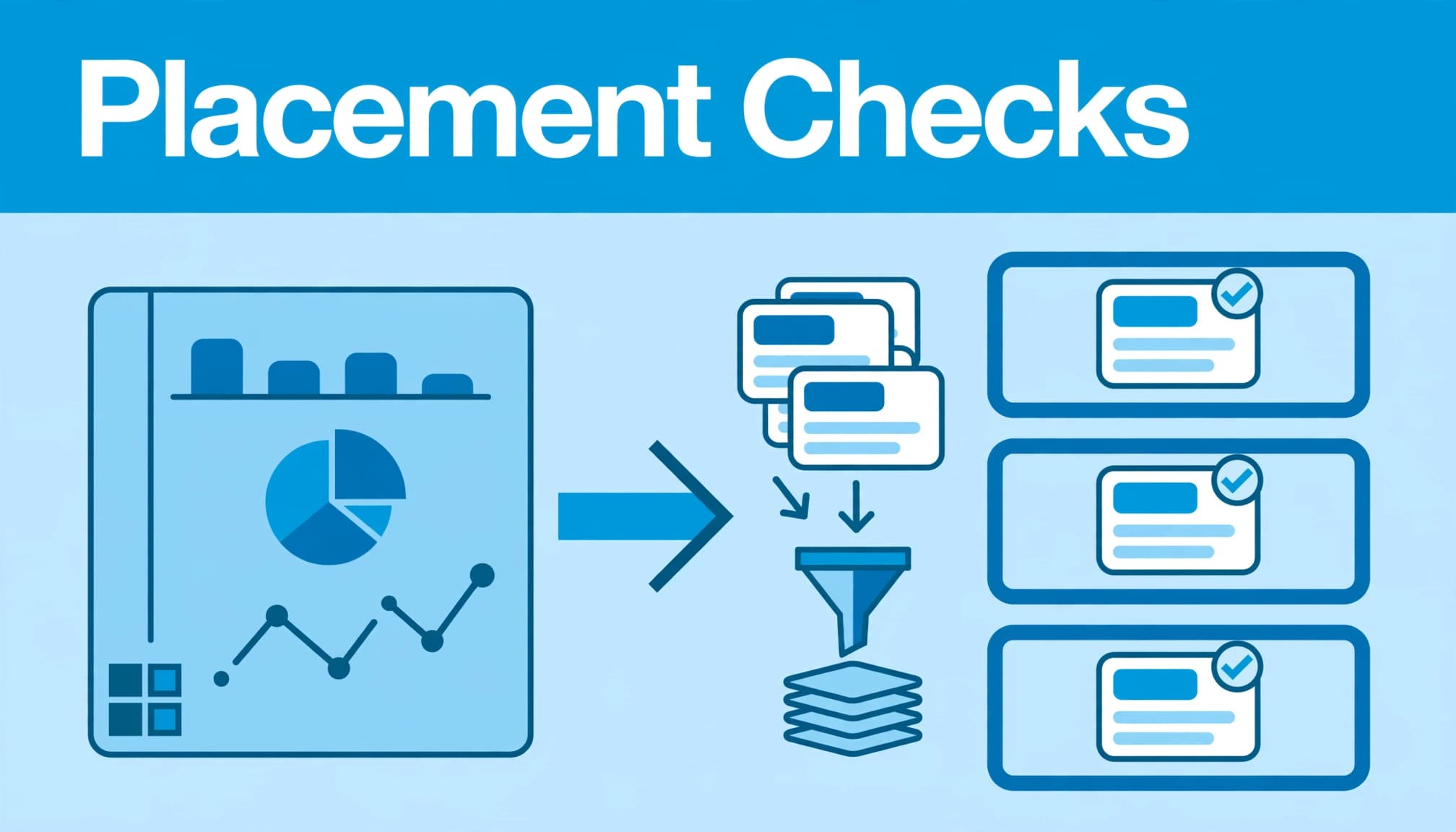
A good quality-control process catches problems before the algorithm spends money learning the obvious. It should check each approved asset, its destination and the data you’ll use to judge it. Strong ad performance can still hide a poor customer experience.
Separate delivery decisions from quality decisions
Advantage+ placements can distribute delivery across eligible inventory. That doesn’t mean Meta can decide whether your logo is cropped, whether the price is current or whether a lead is worth calling.
Use placement customization to set per-placement asset settings. Set rules that check file type, dimensions, aspect ratios, creative formats, creative approval status, destination URL, UTM structure and offer expiry. A broken page or old promotion can make even a well-targeted campaign look weak.
Your landing page also needs to continue the advert’s promise. Don’t assume one asset’s creative formats suit every surface. If a Reel offers a B2B audit but sends visitors to a general agency homepage, you’ve created friction before the person has read a word.
Build a launch gate around real risks
Automate checks that are objective, repeatable and easy to miss during a busy launch. These include missing vertical creative formats, unsupported crops, duplicate ads, untagged URLs and campaign names that can’t be matched to CRM records.
Check whether each asset is eligible for its intended surface through placement customization. When using dynamic creative, validate every variation, including its destination URL, claims and tracking parameters.
Keep human approval for claims, tone, legal restrictions, commercial accuracy and brand safety. For example, a finance firm may need approved wording around returns and eligibility. No automated rule can safely infer that from a headline.
In Meta Ads Manager, review previews, approval status, destinations and placement eligibility before launch. Use placement customization to inspect the live advert on each intended surface. Meta’s placement ratio guidance is a useful starting point, but it isn’t a substitute for opening the preview and looking at the actual advert.
Advantage+ Placements versus manual control
Different Meta Ads placements can support different campaign objectives, from efficient reach to qualified lead generation. Neither broad delivery nor restricted inventory is automatically right.
Where Advantage+ Placements usually make sense
Use Advantage+ Placements when conversion tracking is reliable, your budget needs room to learn and the campaign has suitable creative formats, including proper Feed and vertical assets. Automatic placements can then test where the right person is most likely to take your selected action.
This is often a sensible starting point for a new campaign. Restricting placements before the learning phase has enough conversion data can leave delivery chasing a smaller, more expensive audience. Meta Advantage+ campaigns for better leads need clear guardrails, not constant interference.
When manual placements are justified
Manual placements are useful when you have a clear reason to exclude a surface. That could be a brand-safety requirement, a format that cannot support your available creative formats, or a controlled test using placement customization.
They also make sense when CRM or sales-quality data shows persistent poor results from a placement. Use placement customization for a surface-specific asset adjustment when evidence supports it.
The cheapest placement is not necessarily the most efficient one. Compare what happens after the form is submitted.
For lead generation, define what counts as valid, sales-qualified and worth pursuing before changing delivery. Assess qualified leads, contact rate and sales acceptance, rather than clicks alone. Otherwise, you’re only optimising for the platform’s easiest signal.
Match creative to each placement
The fastest route to poor placement quality is forcing one advert and its creative formats across every surface without placement customization. It might deliver, but delivery isn’t the same as a good customer experience.

Give Feeds room to do their job
For Facebook Feed, Meta supports 1:1 and 4:5 image and video assets, with 4:5 recommended for single-image Feed ads. Instagram Feed can use 4:5 and 1:1, depending on the asset and placement.
These aspect ratios are only a starting point. Text, logos and proof can still be cropped or obscured, so use placement customization when adapting the creative formats for each Feed.
A proof-led static image often works well here. Think customer evidence, a clear commercial problem or a product comparison that needs a second longer look.
The table below gives a practical asset baseline for common aspect ratios. Use it alongside placement customization checks, rather than treating the ratios as fixed rules.
| Placement group | Useful starting ratio | What to check |
|---|---|---|
| Facebook and Instagram | 4:5 or 1:1 | Is the key proof visible without cropping? |
| Stories and Reels | 9:16 | Does the opening frame make sense without sound? |
| Facebook Marketplace | 1:1 | Is the product or offer clear at a small size? |
| Facebook right column | 1.91:1 | Is the image readable at a compact scale? |
Treat Stories and Reels as full-screen formats
Stories and Reels need vertical 9:16 creative. Use placement customization to put the product, result or problem in the first frame, then keep important text and logos away from screen edges and interface areas.
A local service business might use a 4:5 testimonial in Feed and a short vertical video before-and-after asset in Reels. The message stays consistent, but the creative formats change to suit each placement.
Meta allows placement-specific creative customisation, including different media, text, URLs and asset exclusions for particular placements. Use this placement customization control. Small adaptations can stop awkward crops and weak calls to action from becoming the default.
Build an automated checking workflow
You don’t need a complicated system to start. A structured asset library, clear naming convention and launch checklist can remove most avoidable errors. Start manually, then add a spreadsheet, scripts, the Meta API or a workflow platform as volume grows.
Validate the asset before it reaches Ads Manager
Tag every asset with its angle, format, audience, offer and version. Record the required creative formats, ratio, placement eligibility and approval owner in a shared asset library. Names such as proof-video-demo-v2 or price-static-a make later analysis much easier.
A spreadsheet can track the campaign, ad set, ad, placement eligibility, asset ratio, landing-page status, UTM pattern, offer expiry and approval owner. Include a placement customization column or rule, so each asset has a clear intended use.
Before launch, use Meta Ads Manager for manual checks, previews, publishing status and destination review. Confirm that every campaign has an approved destination, valid tracking pattern and suitable files for its enabled placements. Check the second set of creative formats too, especially when a placement needs a different ratio or orientation.
A script or Meta API check can compare spreadsheet fields with live campaign data. Its validation should include placement customization, naming consistency, missing assets, destination status and UTM patterns. API permissions, inconsistent names and reporting delays can limit what it catches, so don’t treat it as a complete replacement for review.
Use dynamic creative carefully. Every combination still needs a valid promise, destination and tracking structure. AI automation can classify assets or flag unusual combinations, but a person must approve claims, policy-sensitive copy and commercial accuracy.
A workflow platform can alert the owner or pause the handoff when a required field is missing. Make placement customization a condition in that alert, alongside offer expiry, landing-page status and approval status. Don’t allow a last-minute generic substitute to pass without human approval.
Check the landing page and feedback loop
An advert cannot qualify a lead on its own. Put real conditions in the copy when they matter, such as service area, starting price, business type or minimum order value. You may get fewer enquiries, but sales will waste less time.
Before publishing, confirm the correct asset is assigned to each surface, including the final placement customization check. Then review the landing page, form and tracking parameters manually. This catches promises, prices or urgency messages that the destination cannot support.
Pass campaign, ad, form and placement information into the CRM. Report lead quality alongside spend, cost per acquisition and ad performance, rather than judging placements on clicks alone. A validated downstream event, such as a sales-qualified lead or opportunity, should only return to Meta after CRM rules confirm it is genuine.
This is where PPC reporting should connect with Google Ads reporting. The channels do different jobs, but both should use the same definition of a valuable lead. A person should review that definition and approve any automated changes before they affect active campaigns.
Evaluate placements without reacting too soon
A single day’s results are rarely useful. Advantage+ Placements and automatic placements can shift delivery while Meta explores inventory.
This learning phase means early placement snapshots may misrepresent true ad performance. Base decisions on meaningful spend, conversion volume and reliable CRM feedback.
Review like-for-like performance
Break results down by placement, device, creative, audience and time period. Compare against the same target audience and objective wherever possible.
Record the placement customization and asset variation served. Don’t compare a vertical Instagram Reel with a Facebook Feed image as if they had the same job or creative formats.
Use placement customization to compare surface-specific assets fairly. Review placement customization again when deciding whether weak results come from the placement or the creative.
Look for patterns across several meaningful outcomes:
- Cost per result, alongside qualified lead volume and quality.
- Contact rate and booked-meeting rate.
- Cost per acquisition and return on ad spend, where downstream data is reliable.
- Opportunity rate, pipeline value and revenue where available.
- Frequency and signs that a once-effective asset is tiring.
A strong click through rate with weak lead quality often means the advert created the wrong expectation. Tighten the message or improve the landing-page match before blaming the placement.
Test Audience Network with evidence
Audience Network can extend reach beyond Meta’s owned apps, but users may behave differently in third-party mobile environments. Rewarded video, for example, can encourage quick interactions when someone is focused on an in-app reward.
Don’t exclude Audience Network merely because clicks are cheap. Run a controlled test using manual placements for the exclusion, while keeping the offer, audience and objective as constant as possible.
Compare qualified leads and opportunities, then exclude the placement only when commercial evidence remains persistent. Removing inventory can reduce learning opportunities or raise costs, so test exclusions gradually and review delivery after the change. Improve Meta Ads lead quality by separating low intent, invalid traffic and genuine prospects who simply need more nurturing.
There’s no universal number of days before you judge an automated campaign. Set a review point based on meaningful spend, conversion volume and enough CRM feedback to see whether leads become real opportunities.
Frequently asked questions
Should beginner advertisers use Advantage+ Placements?
Usually, yes, if you have suitable creative for the main formats and reliable conversion tracking. Automatic placements give Meta more opportunities to find delivery. Start broad, then use manual placements only when data shows a genuine issue.
Which placement is best for conversions?
There is no universal winner. Feed placements may suit detailed proof, whilst Stories and Reels can work well for simple visual demonstrations. Your conversion event and CRM data should decide.
Should you exclude Audience Network?
Not automatically. Keep it included until your data shows weaker conversion quality, unsuitable traffic or a clear brand-safety concern. Use placement customization to remove it when the evidence supports that decision.
Can the same creative work in every placement?
It can appear across many placements, but it will not always look native. Match your creative formats to each surface, using 4:5 or 1:1 for Feed assets and 9:16 for Stories and Reels. Placement customization lets you adapt media and remove unsuitable assets. Check placement customization before launch so each version fits its intended format.
How does SEO relate to placement quality?
SEO does not control Meta delivery, but your landing page still needs to match the advert. Strong SEO improves the clarity and relevance of the pages paid visitors reach, which supports conversion quality and reporting.
Put automation in the right place
Automated placement checks should remove preventable errors, not replace commercial judgement. Use AI automation to flag missing assets and sizing issues, while human review protects brand safety and checks offer accuracy.
Give each surface suitable assets through placement customization, with creative formats matched to the placement. Review delivered assets for a final placement customization check, keep your offer accurate, and use sensible exclusions where evidence supports them.
The strongest Digital marketing programmes connect creative, paid media, landing pages and sales feedback. If your placement report looks good but your sales team disagrees, trust the evidence and fix the loop. Review your placement-quality workflow now, or build one that connects asset checks with CRM evidence.


