
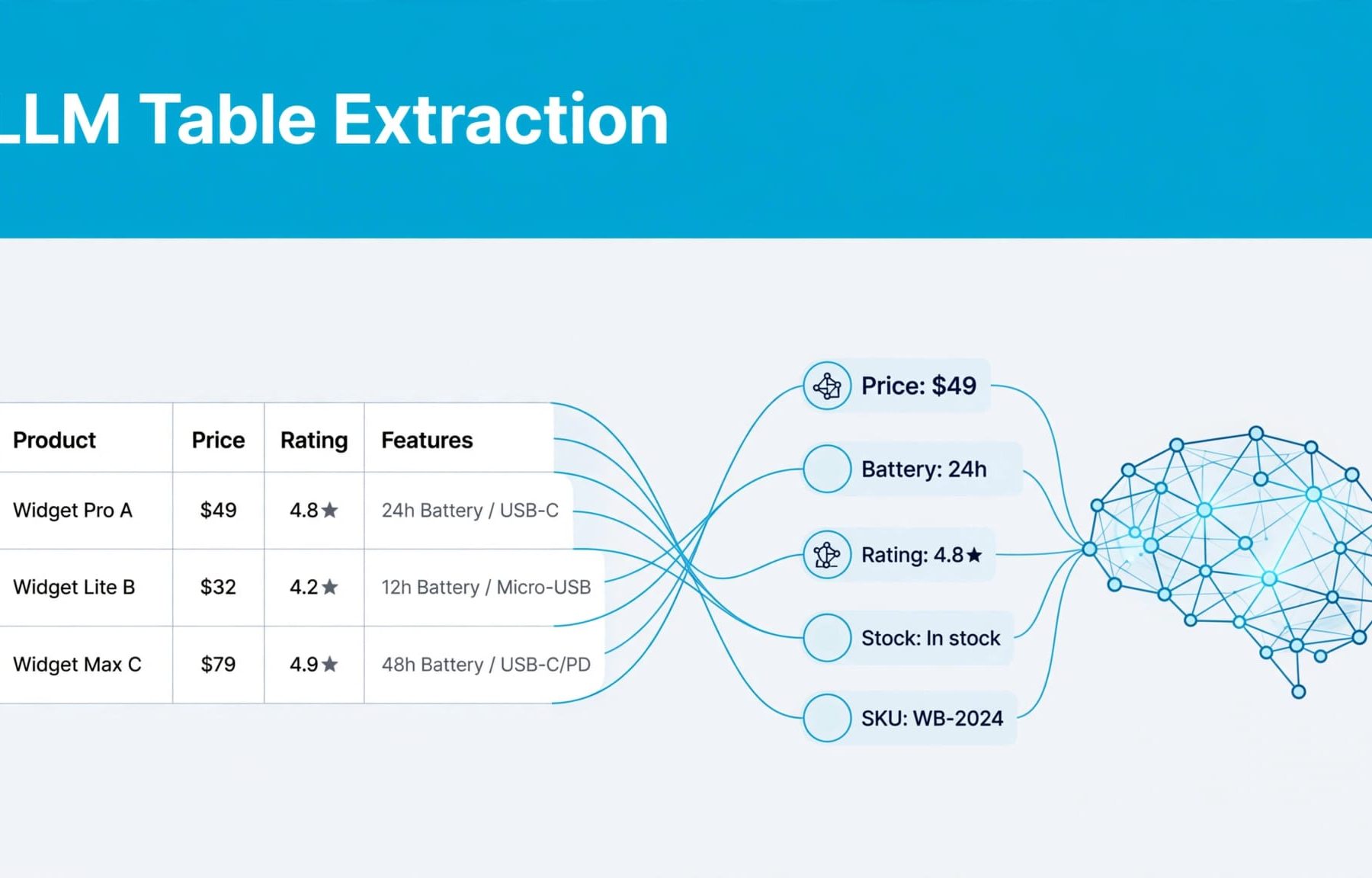
An LLM can extract product facts when it receives usable table content and correctly connects values with products, attributes and qualifications. Your job is to make those relationships explicit, whilst recognising that no table format guarantees accurate extraction or an AI search citation.
A comparison table might look clear to you, yet lose important meaning when its content is converted into text or separated into passages. Start by understanding what the model receives, then improve the information it has to work with.
How LLM table extraction reaches your product facts
Retrieval determines which information is available
An LLM isn’t automatically browsing your website. OpenAI’s GPT models and Google’s Gemini models can work with supplied content, connected search tools or other information, depending on their configuration.
In a retrieval-augmented generation system, retrieval finds relevant material before the model generates an answer. That material might include HTML, extracted text, documents or images. Different systems prepare website content differently.
Your ChatGPT search optimisation work should distinguish these stages. If the system retrieves an outdated pricing page, a perfectly structured current table may never enter the answer process.
Interpretation connects values with their meaning
Once table content is available, a model may identify relationships between headings, product names and individual cells. You shouldn’t assume that every system preserves or interprets those relationships correctly.
Consider a buyer asking whether a particular plan supports Salesforce integration. A useful answer needs the right product, plan, integration type and any restrictions.
An isolated “Yes” cell supplies none of that context. If a parser separates it from its row and column headings, the evidence becomes ambiguous.
When reviewing an answer, distinguish missing evidence, misinterpreted evidence and an unsupported claim. Each problem needs a different response.
Give your product tables clear structural relationships
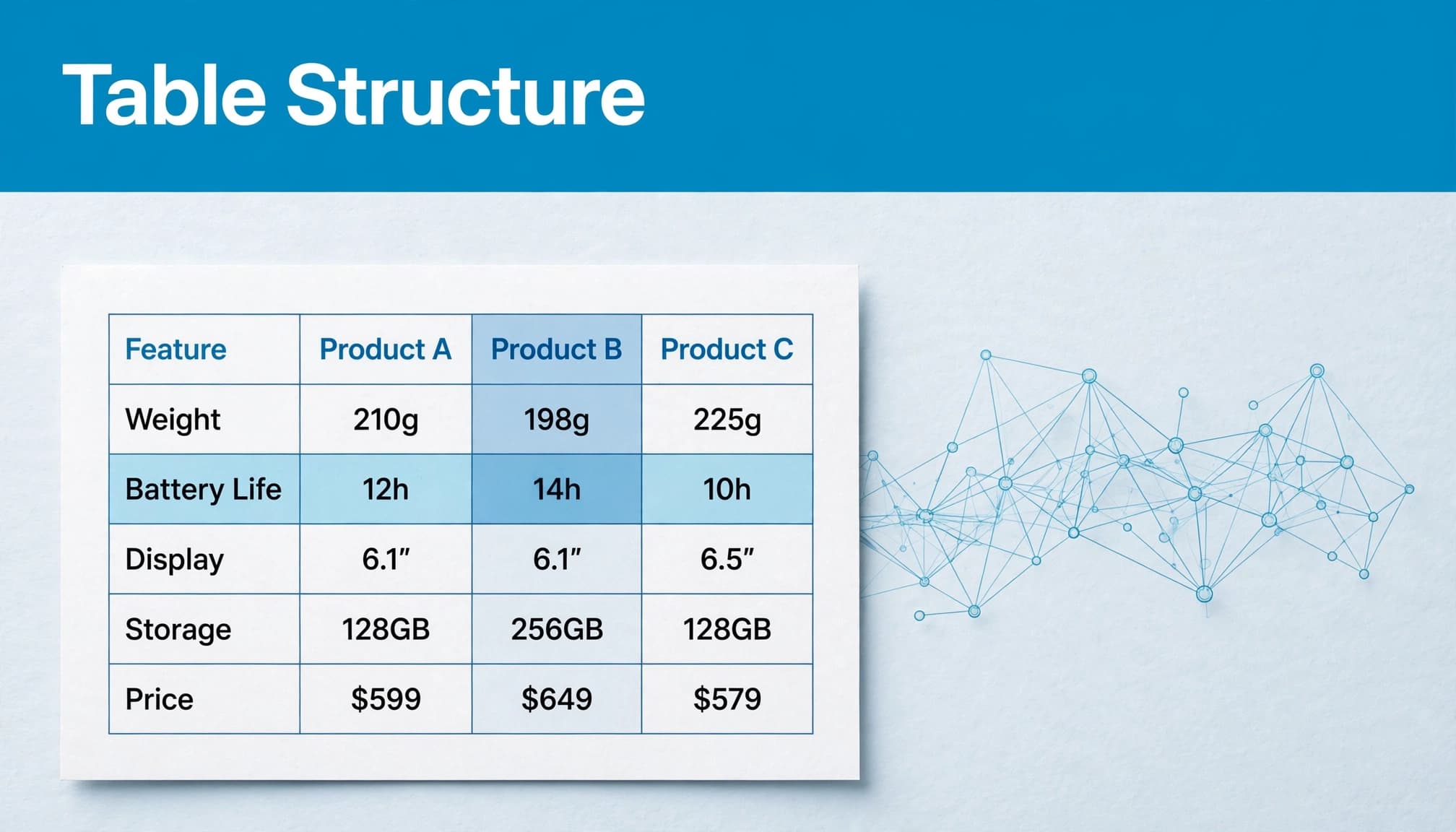
Use actual table headers and a useful caption
Use semantic HTML for genuinely tabular information. Header cells use th, whilst ordinary data cells use td. A caption identifies the table’s subject.
Your caption should distinguish the table from nearby content. “Subscription plan comparison” provides more context than “Features”, particularly when a page contains several tables.
MDN’s table accessibility guide explains captions, table sections and header associations. These practices establish accessible structure. They don’t prove that a particular LLM will extract every relationship correctly.
Ask your developer to inspect the markup rather than judging the table by its appearance alone.
Simplify complex comparisons where possible
For straightforward tables, use scope="col" for column headings and scope="row" for row headings where appropriate. More complex relationships may need explicit id and headers associations.
Merged cells and several layers of headings can make relationships harder to follow. Before adding more markup, consider whether two smaller tables would be clearer.
For example, separate commercial terms from technical capabilities when they answer different buying questions. Keep each table’s product identifiers and qualifications visible.
Avoid relying on colour, positioning or tick icons alone. A readable “Included” or “Available as an add-on” gives buyers clearer evidence than an unexplained symbol.
Keep product facts complete enough to stand alone
A number becomes a useful product fact when you can identify what it measures, which product it belongs to and what conditions apply. The same applies to prices, availability and integration claims.
Use this review to identify missing context in your existing tables.
| Table element | Meaning it should establish | What you should check |
|---|---|---|
| Product identifier | The exact product, model or plan | Variants aren’t grouped under an ambiguous name. |
| Attribute heading | What the value describes | Labels distinguish capacity, usage limits and performance. |
| Unit | How a number is measured | Units remain visible when cells are extracted. |
| Commercial terms | How a price or commitment applies | Currency, VAT treatment and billing period are clear. |
| Qualification | Conditions attached to a claim | Restrictions sit beside the relevant fact. |
| Version or date | When the information applies | Current and archived specifications are distinguishable. |
Your buyer shouldn’t have to guess whether a price is monthly, annual, per user or dependent on a minimum commitment. Keep VAT treatment visible for UK pricing.
Treat blank cells carefully. “Not supported”, “Not applicable” and “Not published” describe different situations. An empty cell leaves the interpretation open.
Maintain these conventions across your pages and structured product feeds for AI search. Conflicting records create uncertainty even when each individual table looks tidy.
The practical test is simple: could someone understand an extracted row without seeing your entire website?
Preserve context when tables become searchable passages
Keep headings attached to extracted rows
If you control a knowledge assistant, check how its ingestion process handles tables. Splitting documents into smaller passages can leave a row without its headings or detach a limitation from the claim it qualifies.
Preserve the table title, product identifier, relevant headers, source URL and version information with each useful passage.
W3C’s HTML table techniques document header-cell associations. Your ingestion process should retain equivalent meaning when converting those tables into another representation.
Don’t assume this happens automatically. Inspect the extracted records before evaluating the generated answer.
Retrieve precise evidence, not merely related content
Vector search compares numerical representations to find semantically similar material. Similarity alone doesn’t establish that a passage answers a precise commercial question.
Exact model numbers, plan names and technical acronyms may also need keyword matching or filters. Hybrid retrieval combines keyword and semantic methods, although you still need to test the implementation.
Your B2B product documentation for AI search should distinguish current capabilities from older explanations.
For a Salesforce integration question, an archived integration announcement may sound relevant whilst missing today’s plan restrictions. Evaluate whether retrieval supplies the current source, rather than accepting the first plausible passage.
Use structured data as supporting information
Schema markup gives search systems a defined vocabulary for describing content. Your visible table and its markup should agree on product identity, pricing, availability and other published attributes.
If you need the foundations, schema markup for SEO explains the distinction between readable page content and machine-readable descriptions.
Google Search Central identifies product snippets for product pages where buyers cannot purchase directly, and merchant listings for pages where they can buy from the seller. These are documented Google product experiences, not universal rules for LLM table extraction.
Google also accepts product information through Product structured data, Merchant Center feeds or both. Those routes have their own requirements and aren’t interchangeable with a website comparison table.
Your structured data for AI search should accurately describe what buyers can see. Don’t add a price that your commercial team hasn’t published, or mark a quote-only offer as immediately purchasable.
Markup can support eligibility for relevant search presentations. It doesn’t guarantee display, ranking, citation or correct interpretation by every AI system. Keep the readable answer on the page, with its conditions, rather than expecting schema to replace it.
Test accessibility, retrieval and answer accuracy separately
Start with the page itself. W3C’s accessibility guidelines require information and relationships conveyed through presentation to be programmatically determinable or available in text. This is useful groundwork, although accessibility compliance isn’t an LLM performance test.
Then run a short, repeatable review:
- Inspect the HTML and rendered page. Confirm that products, headers, units and restrictions remain available without relying on screenshots alone.
- Review extracted content where your system allows it. Check that each row retains the headings and qualifications needed to understand it.
- Ask real buyer questions. Include plan eligibility, integration restrictions, billing terms and questions the published evidence cannot answer.
- Compare answers with their cited sources. Record omissions, wrong product associations, outdated claims and whether the system declines unsupported conclusions.
For schema, use the Rich Results Test and follow your structured data testing with Google’s URL Inspection tool to check the rendered page and access.
Record the platform, date, complete prompt and whether web search was active. Otherwise, you may compare different configurations and mistake the difference for a content problem.
An AI search audit helps you keep this review repeatable. A correct answer once is an observed result, not proof that all future responses will be accurate.
Connect clearer tables with qualified buyer decisions
Your strongest tables answer the questions buyers ask before enquiring. Include genuine limitations, eligibility requirements and trade-offs, even when they make one option look less suitable.
If you’re comparing HubSpot Sales Hub with Salesforce Sales Cloud, organise the page around relevant buying criteria. Brand names and a long row of ticks won’t explain implementation requirements or commercial fit.
Keep ownership clear. Product teams should approve capabilities, commercial teams should approve terms, and your publishing process should prevent old values remaining in related pages. Build this into AI SEO quality control rather than treating table maintenance as an occasional design task.
Clear product evidence also supports your wider SEO work and landing pages used for PPC. Buyers need the same accurate answers regardless of how they arrive.
If you use Google Ads or Facebook Ads, make sure campaign promises match the table’s published terms.
Measure more than AI mentions. Track answer accuracy alongside qualified enquiries and the questions prospects bring into sales conversations. If clearer eligibility information reduces unsuitable enquiries, that can be useful even without a rise in traffic. Let commercial outcomes guide your priorities.
Start with the table your buyers rely on most
LLM table extraction depends on available evidence and its interpretation. Your most useful improvement is to keep product context attached to every important value, then test what reaches the answer.
Choose one high-value product or comparison page. Review its structure, qualifications and extracted content before applying the same process elsewhere.
Talk to Flow20 about Digital marketing if you want to connect clearer product information with search visibility and qualified lead generation.


