
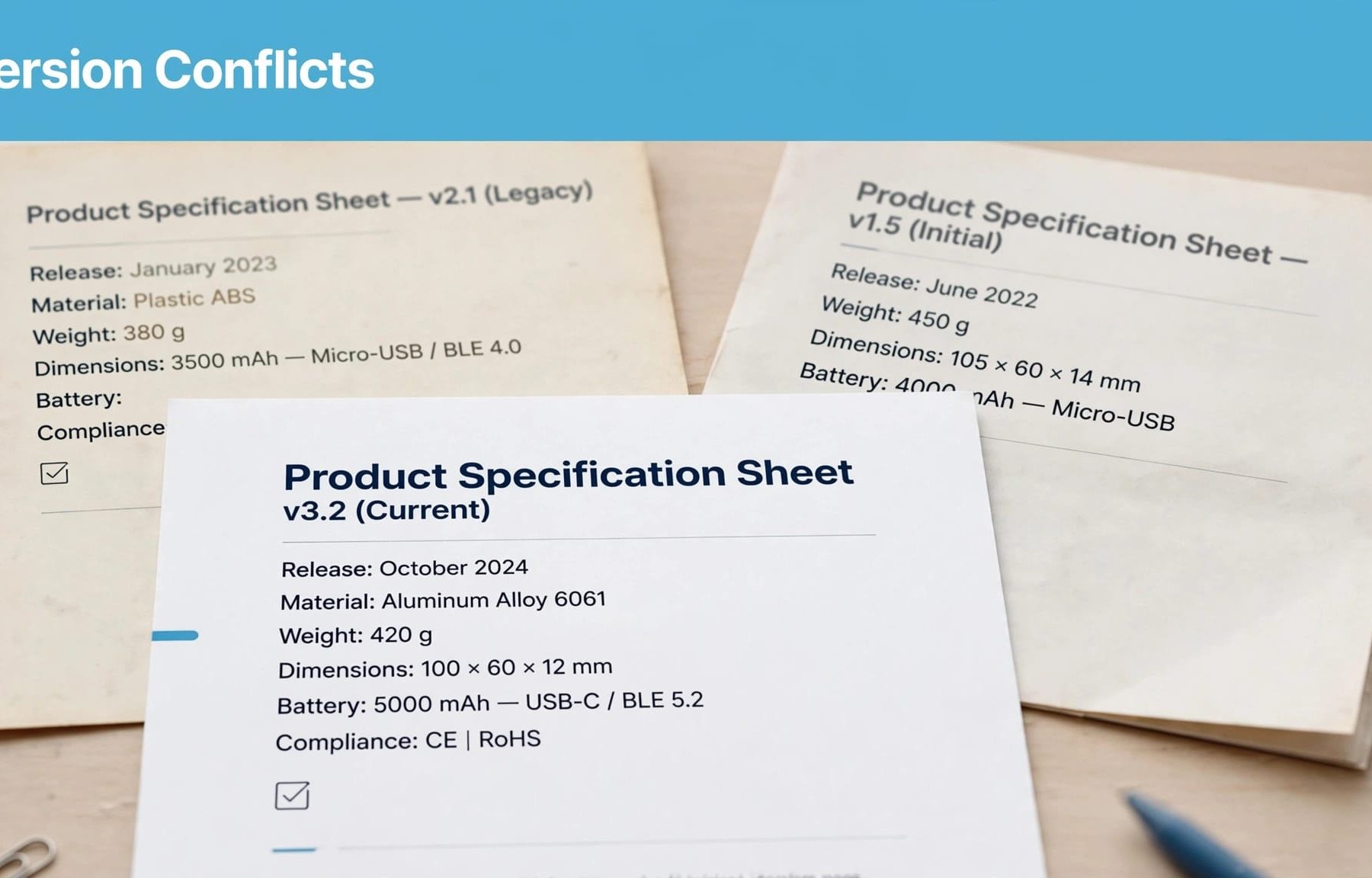
LLMs can select outdated product information or combine details from different versions, even when your current page is accurate. Your most useful response is to make version boundaries clear, align supporting material and keep current specifications accessible.
If your product page describes today’s offer whilst an old PDF describes yesterday’s, buyers may receive a mixture of both. There isn’t a universal rule that makes an LLM choose the newest information.
Start by understanding where the conflict enters the answer.
How LLMs interpret competing product claims
Stored knowledge and retrieved sources differ
An LLM answering without external retrieval draws on patterns learned during training. Updating your website doesn’t immediately replace that learned information.
A search-enabled system can retrieve material when you ask a question, but retrieval doesn’t guarantee that it finds your latest product page. An older document may match the question more closely or be easier to discover.
This distinction matters when you’re optimising content for ChatGPT search. You can improve accessible sources, but you can’t assume that every response uses the same evidence.
Different platforms also use different retrieval systems, so identical questions can produce different answers.
Generation can combine incompatible details
A model may take a feature from your current product page and a deployment requirement from an older support article. Each statement could be accurate for its original version, whilst the combined description is wrong.
That’s a reasonable explanation for some errors, rather than a proven diagnosis of every inaccurate answer. Check the cited material before deciding what happened.
If an answer contains a claim unsupported by its sources, hallucination is another possibility. If it cites a genuine historical claim, the problem may instead be lost context.
A confident answer alone doesn’t tell you which explanation applies.
Separate releases, tiers and historical claims
Before changing your content, identify what your pages are disagreeing about. A product release, subscription tier and deployment option aren’t interchangeable.
Use these distinctions when reviewing competing claims.
| Difference | What your content should clarify |
|---|---|
| Software release | Name the release covered by each feature or compatibility statement. |
| Subscription tier | Identify which plan includes the capability and any restrictions. |
| Deployment option | Separate cloud and on-premises requirements where they differ. |
| Geographic availability | State whether the offer or integration is available in the UK. |
| Historical information | Explain when the claim applied and whether it remains current. |
The useful question is whether two claims describe the same offer under the same conditions. If they don’t, preserve the distinction.
For example, Microsoft SQL Server 2019 and SQL Server 2022 are separate releases. If your integration documentation mentions support for SQL Server 2019, that doesn’t establish compatibility with SQL Server 2022.
A buyer asking about the newer release needs an explicit answer, not a general statement that your product “supports SQL Server”.
You should also avoid grouping everything under one product identity without checking the relationship. Schema.org’s ProductGroup definition describes products that vary in defined ways. It isn’t a general mechanism for resolving contradictory release information.
Make each product claim understandable on its own
Keep qualifications beside the feature
Put the product name, version and relevant conditions beside the claim they qualify. Don’t leave those details several paragraphs away or inside a separate document.
This matters because a retrieval system may select a passage rather than your entire page. A statement such as “supports single sign-on” loses meaning if the Enterprise-tier restriction appears elsewhere.
Keep comparison tables equally clear. Give columns descriptive headings, and attach restrictions to the relevant value rather than relying on a distant footnote.
Well-structured B2B product documentation makes it easier for buyers and retrieval systems to identify what applies to their situation.
Label history without hiding it
Your older documentation may still be useful to customers running earlier releases. Removing it indiscriminately can create a support problem.
Instead, identify the release near the top and explain whether the document covers a current, supported or retired version. Link to the appropriate current guidance where that helps.
Keep publication dates and substantive update dates honest. Changing a timestamp without reviewing the specifications doesn’t make the information current.
Treat historical case studies similarly. Preserve the customer’s original experience, but distinguish the product they used from the offer you sell today.
A recent page date doesn’t prove that every specification on the page applies to the latest release.
Use canonical URLs and schema for the right job
Consolidate duplicates, not different releases
Canonicalisation helps search engines handle duplicate or very similar pages. Redirects and canonical tags provide signals about which URL should be treated as the representative page.
Those signals don’t establish which conflicting specification is true. A canonical tag isn’t a correction notice.
Don’t point genuinely different release documentation at one generic product page simply because you want the current version to rank. You may obscure information that existing customers need.
Use technical SEO checks to identify accidental duplicates, conflicting directives and inaccessible pages. Your wider SEO work should preserve useful distinctions whilst reducing unnecessary duplication.
Describe relationships accurately with markup
Structured data can describe products and their relationships, but it must agree with the visible page.
Google’s product variant documentation explains ProductGroup and Product markup for variations such as size, colour and material. That guidance doesn’t promise to resolve disagreements between websites or guarantee an AI citation.
For software releases, check whether the proposed markup accurately describes your products rather than copying a retail example.
If you need the underlying concepts, Flow20’s schema markup guide explains the role of structured data. Start with accurate content, then describe it consistently in the markup.
Build a reliable product source of truth
Maintain one approved product record
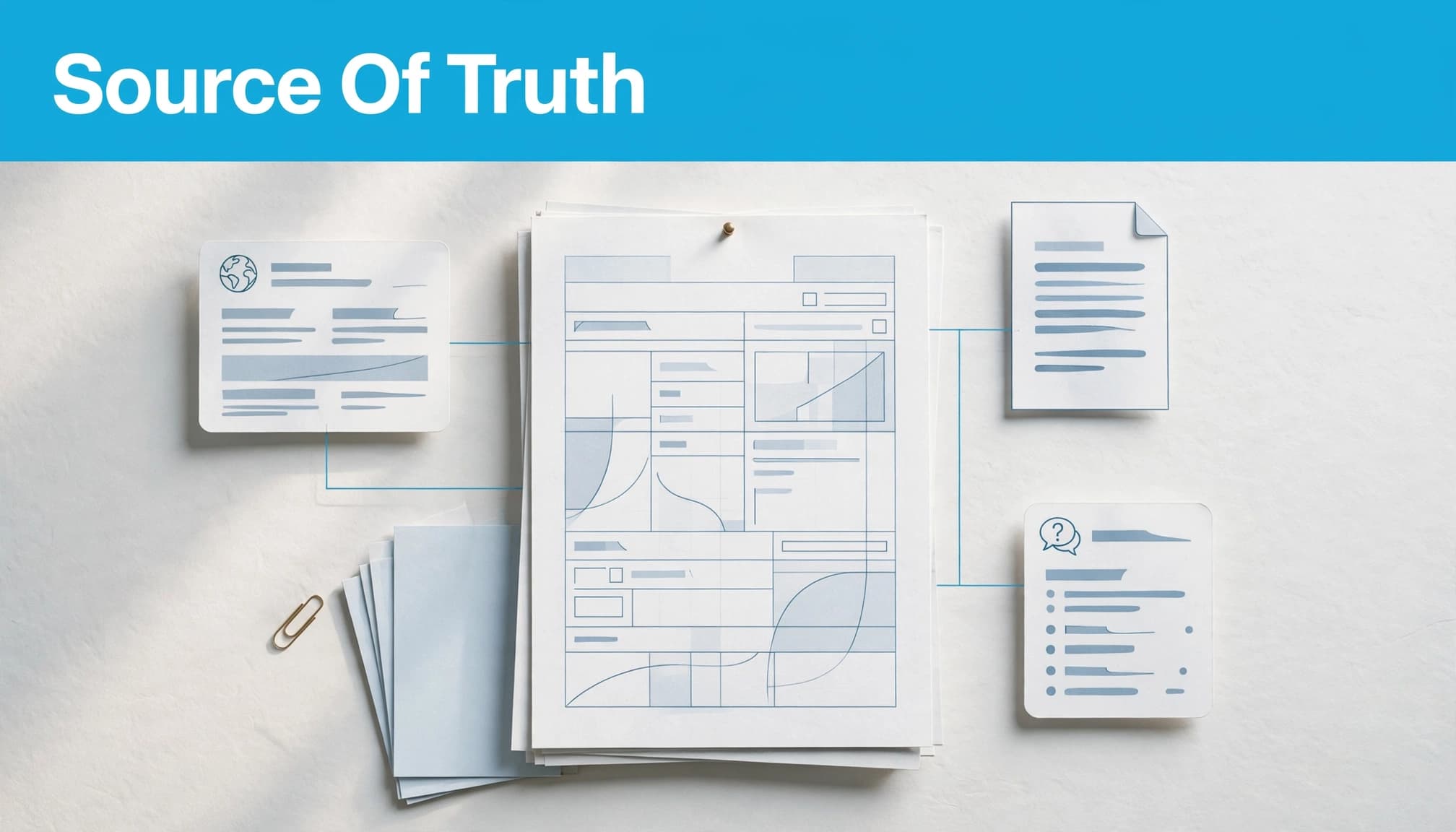
Create an approved record for each release or commercial offer. Include its name, status, capabilities, eligibility, integrations, deployment requirements and applicable pricing terms.
Use that record to maintain product pages, comparison tables, downloadable documents and support content. You don’t need identical wording everywhere, but the underlying facts should agree.
Where practical, publish repeated specifications through shared CMS fields rather than maintaining separate copies manually.
Google’s product structured data guidance concerns how product information can appear in Search. Keep any product markup aligned with your approved facts, rather than treating it as a separate description.
Give changes a named owner
Assign responsibility for each record and its public destinations. Product teams should confirm capabilities, whilst marketing, support and sales check the materials they control.
Build version changes into AI SEO quality control. A launch should trigger a review of existing claims, not simply the publication of another page.
Check third-party profiles and partner listings you can influence. Request corrections for material errors, but don’t try to erase genuine historical reviews because your product has improved.
Keep a change log so you know which sources were updated and which remain outstanding.
Test answer accuracy before measuring visibility
Start with buyer questions about compatibility, pricing, implementation and suitability. Use questions your sales and support teams regularly receive, rather than prompts designed to produce a favourable brand mention.
A repeatable AI search audit gives you a more useful baseline than a collection of isolated screenshots.
For each test, record enough detail to investigate the answer:
- Save the platform, date and exact question.
- Record the answer and any cited pages.
- Identify incorrect claims and the product versions they concern.
- Compare those claims with your approved product record.
Where citations are available, inspect them. An answer may cite a current page without accurately preserving its limitations. Citations show where a system points you; they aren’t proof that every statement is supported.
If you’re testing your own retrieval-based assistant, also inspect the passages retrieved. Check whether version identifiers survived document processing and whether older content remains eligible for selection.
Retest the same questions after changes, preferably across several runs. Responses can vary, so one corrected answer doesn’t establish a lasting improvement.
Keep AI search visibility separate from answer accuracy and commercial performance. A mention is useful evidence of visibility, but it doesn’t establish that a prospect understood your offer or became a qualified lead.
Keep campaign promises aligned with product changes
Your paid campaigns need the same accuracy checks as your product documentation. A buyer shouldn’t research one version and encounter a different offer after clicking an advert.
Use PPC enquiry data to identify wording that attracts qualified demand. Feed relevant questions back into your product pages, but keep paid campaign results separate from observed AI mentions.
When a feature, price or eligibility condition changes, review your Google Ads landing pages and active ad copy together. Old campaign pages can remain accessible after the main product page has been updated.
Apply the same checks to Facebook Ads, including remarketing creative that may still promote an earlier offer.
Prioritise claims that affect buying decisions. An incorrect integration promise usually deserves attention before a minor difference in your company introduction.
Ask sales whether prospects arrive with realistic expectations. Fewer unsuitable enquiries can be a useful result even when traffic doesn’t increase.
Start with the product page buyers rely on most
You can’t guarantee which source an LLM will select, but you can make your current offer easier to distinguish and verify. Clear version labels, consistent specifications and accessible evidence reduce avoidable ambiguity.
Choose one commercially important product page. Compare it with its supporting documents, campaign pages and the sources cited in AI answers, then assign an owner to resolve the material conflicts.
For help connecting this work with qualified lead generation, speak to Flow20 about Digital marketing support.


