
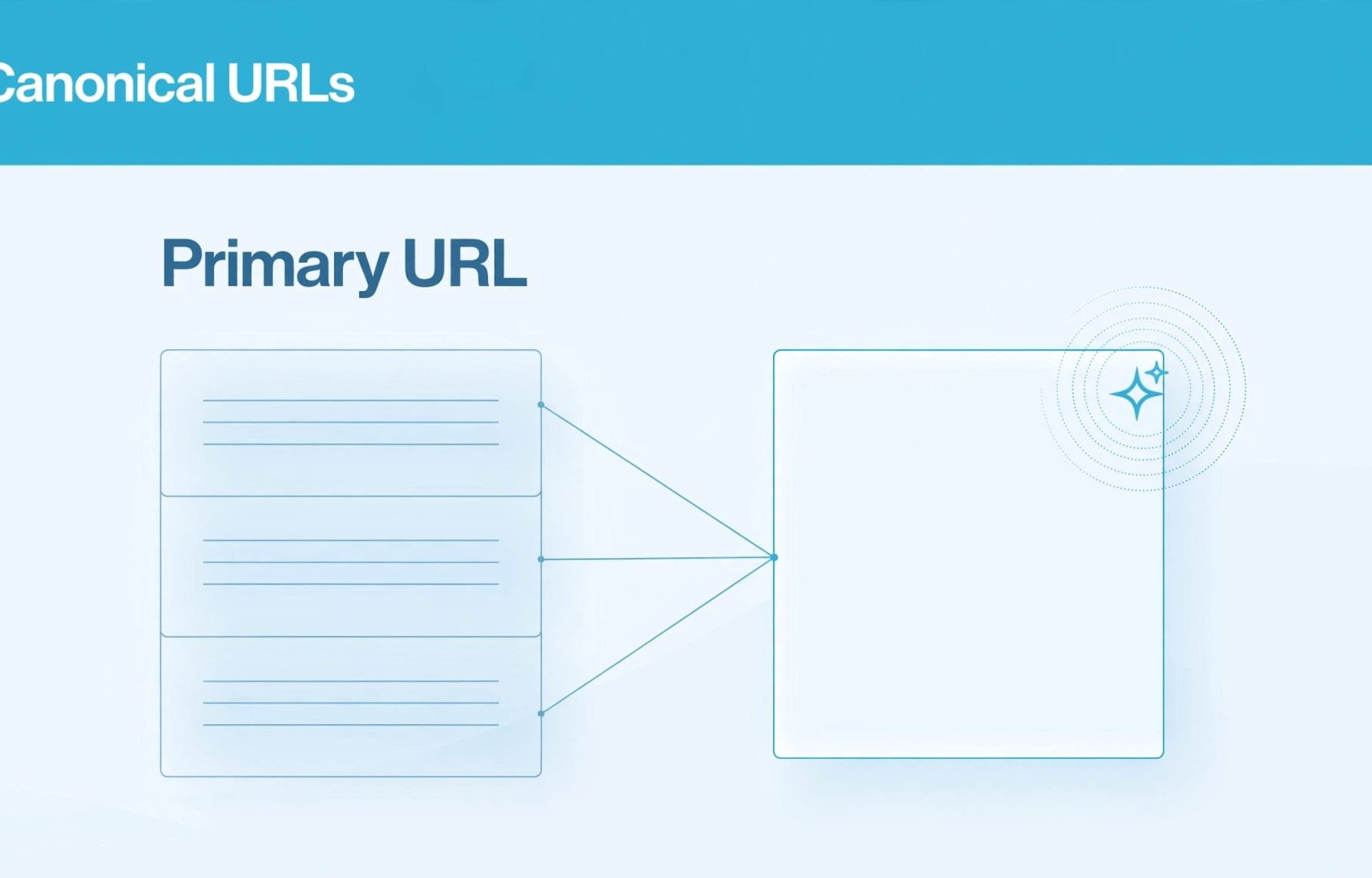
A canonical URL helps Google choose one representative page when your B2B website has duplicates, which can affect the pages available to its AI search features. Canonical URLs are strong hints, not instructions that force Google or another AI system to cite a particular address.
When campaign links and CMS templates produce duplicate content and extra URLs, you need consistent signals rather than another tag added in isolation. Start by separating duplicates from pages that have genuinely different jobs.
Key Takeaways
- A canonical URL is a strong hint that helps Google choose a representative address for duplicate or very similar pages. Google can select a different canonical from the one you declare.
- Google’s AI Overviews and AI Mode rely on Search eligibility. A canonical can affect which page Google indexes, but it doesn’t guarantee inclusion in an AI answer or a citation from another answer engine.
- Align canonical tags with redirects, internal links and sitemap entries. Use a permanent redirect for a moved URL, a canonical when a duplicate must stay accessible, and noindex when a page shouldn’t appear in search.
- Use one absolute, final canonical URL per page, and check that templates don’t output competing declarations. In Search Console, compare the user-declared canonical with Google’s selected canonical in the indexed report.
- Keep pages with different commercial purposes distinct. Similar keywords or headings don’t make pages duplicates when they serve different buyer needs.
What canonical URLs tell search engines
Google describes canonicalization as selecting the representative URL from duplicate or very similar pages. Its documentation also calls this deduplication.
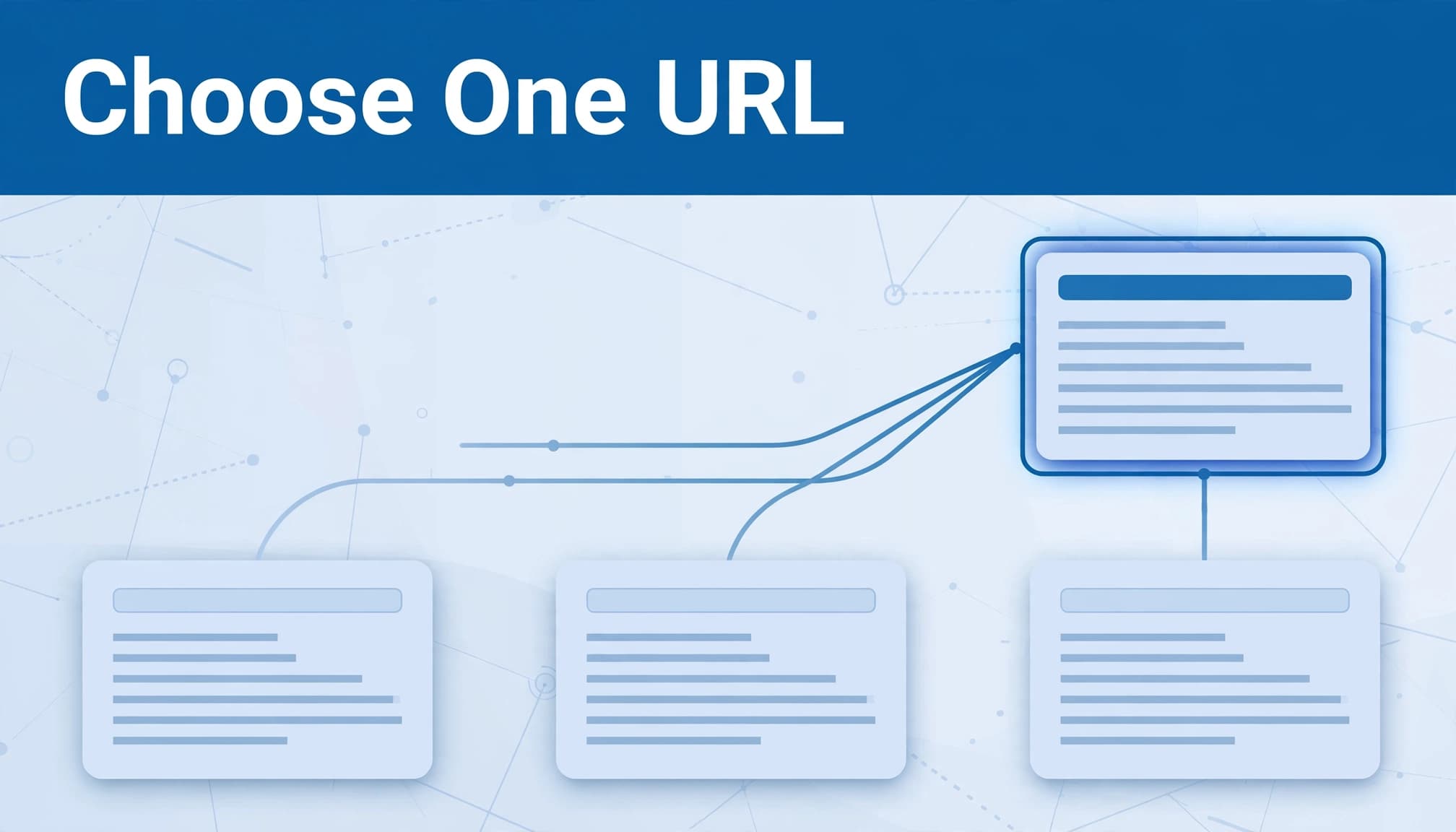
A URL identifies a page; a canonical identifies its representative
An ordinary URL is an address. A canonical URL is the address selected to represent a group of equivalent pages.
Duplication can come from regional or device variants, HTTP and HTTPS versions, sorting and filtering parameters, or a demo site accidentally left crawlable. Your CMS can create these without anyone copying content.
A canonical tag doesn’t directly improve rankings. It helps consolidate link equity and other signals around the preferred page. Our explanation of canonical URL basics covers that distinction.
The tag expresses your preference
The rel="canonical" canonical link element belongs in the HTML head. Google treats it as a hint, so its selected canonical can differ from yours.
Google, Yahoo and Microsoft announced support in February 2009. The IETF published the canonical link relation specification in April 2012.
The mechanism is established, but adding it doesn’t guarantee that every search system will accept your choice.
How canonicalisation connects to AI search
You need to separate Google’s documented behaviour from assumptions about every answer engine.
Google’s AI features depend on Search eligibility
Google’s AI Overviews and AI Mode use Google Search infrastructure. A page must be indexed and eligible to appear with a snippet to qualify as a supporting link.
Canonicalisation therefore matters upstream: it helps determine which representative page Google indexes. It doesn’t guarantee inclusion in an AI answer.
Keep your canonical choice consistent with navigation and contextual links. Our guidance on AI search website navigation explains how service relationships make your content easier to discover and understand.
A canonical isn’t a citation instruction
Don’t apply Google’s canonical signal hierarchy to ChatGPT Search or other answer engines without platform-specific evidence.
A canonical annotation doesn’t guarantee which address an AI system will fetch, quote or display. Google’s selected canonical also isn’t proof of another platform’s choice.
Measure those outcomes separately. Your AI search reporting should distinguish indexing health, observed citations and qualified enquiries. An accepted canonical tells you about Google’s URL selection, not whether a buyer has seen your business.
Choose between a canonical, redirect and noindex
Start with what the page needs to do for visitors.
| Situation | Appropriate action | What it tells Google |
|---|---|---|
| A URL has moved permanently | Use 301 redirects | A strong canonical signal that also sends visitors to the replacement |
| A duplicate must remain accessible | Add rel=canonical | A strong preference whilst both versions remain available |
| Preferred pages belong in your sitemap | Include final canonical URLs | A weak signal supporting your preferred addresses |
| A page shouldn’t appear in search | Use noindex | Exclude it from indexing, without nominating a replacement |
Google’s signals stack when aligned. A redirect, consistent canonical tag annotations and sitemap inclusion reinforce the preferred URL and consolidate link equity.
Google’s Matt Cutts previously favoured 301 redirects for permanent moves because crawlers could disregard canonical annotations. A redirect also gives visitors a clear route to the replacement.
If your PPC team runs Google Ads or Facebook Ads, tracking parameters can produce duplicate addresses. Where the content remains equivalent, point those variants to the clean page.
A campaign page with substantially different content needs its own indexing decision.
Implement canonical tags without conflicting signals
Google’s duplicate URL consolidation guidance favours consistent declarations across your website.
Use one absolute, final destination
Use an absolute URL with the protocol and domain, not a relative path. Each canonical page should have a self-referencing canonical link element pointing to its own address.
Point duplicate pages directly to that final URL. Don’t choose an address that redirects, returns an error or has a noindex instruction. Avoid URL fragments.
Declare only one rel=canonical per page. Don’t let the HTML and HTTP header specify competing destinations. Our canonical tag implementation guide covers common deployment scenarios.
Keep rendering and access consistent
Set the canonical in the original HTML where possible, and prevent JavaScript from changing it. If that’s impossible, leave it out of the source and add one through JavaScript.
Compare source and rendered HTML on JavaScript-heavy templates.
Don’t use robots.txt or Google’s URL removal tool for canonicalisation. Google may index a blocked URL without its content.
Google generally prefers HTTPS over HTTP. An invalid SSL certificate, insecure dependencies other than images, or an HTTPS page redirecting to HTTP can work against that preference. Keep redirects, tags and links aligned with your chosen HTTPS host.
What your CMS handles automatically
CMS defaults reduce manual work, but template changes and custom plugins can still introduce conflicting tags.
On WordPress, Yoast SEO automatically supplies a self-referencing canonical when its Canonical URL field is blank. Rank Math also generates a canonical by default. Avoid adding another canonical through your theme or a separate plugin.
Shopify automatically adds canonical tags to product pages, collections and blog posts. Custom themes still need to preserve that output.
Magento 2, now part of Adobe Commerce, provides separate category and product settings. You’ll find them under Stores > Settings > Configuration > Catalog > Catalog > Search Engine Optimization. Set “Use Canonical Link Meta Tag for Categories” and “Use Canonical Link Meta Tag for Products” to “Yes” where appropriate.
Treat automation as a starting point. Crawl representative service pages, resource pages and parameter variants to see what your live templates actually output.
Verify Google’s choice in Search Console
The tag tells you what you’ve declared. The indexed record shows Google’s selection. Use Google Search Console to compare them.
Compare the two canonical fields
Inspect the URL and open its indexing information. The URL Inspection documentation distinguishes the indexed report from the live test.
Compare “User-declared canonical” with “Google-selected canonical”. A mismatch means the Google-selected canonical is a different representative.
That isn’t automatically an error. Your declaration might point to an unsuitable page, or other signals might support a different address. Our Google Search Console guide covers the wider indexing workflow.
A successful live test can’t confirm the Google-selected canonical. That selection belongs to the indexed report.
Diagnose a tracked URL being selected
When Google’s selected URL contains campaign parameters but your declaration points to the clean address, inspect both versions.
Compare their content, response codes, canonical tags, internal links and sitemap entries. Replace navigation links that point to the tracked version. If the clean destination is your preferred URL, make sure the declaration points to its final address after any redirects.
Make sure the intended page is crawlable and indexable. Then monitor the indexed report after recrawling. Requesting indexing doesn’t guarantee an immediate change.
Keep canonicals aligned during a migration
A site migration needs one approved destination for each changed page, not several competing preferences.

Build your sequence around Google’s site migration guidance:
- Export existing URLs, including pages that receive traffic, enquiries or backlinks.
- Map each changed URL to its closest relevant replacement to support link equity.
- Give each new canonical page a self-referencing tag.
- Send old URLs directly to their final destinations with permanent status codes.
- Update internal links, campaign destinations and XML sitemaps to point to those final addresses.
Keep an existing URL when a redesign doesn’t require changing it. Don’t redirect every retired service page to the homepage.
After launch, test HTTP, HTTPS, www and non-www routes. Check redirects for loops, unnecessary hops and canonicals that still reference old URLs.
Keep each permanent redirect in place for at least a year, ideally longer. Use SEO indexation monitoring to record changes and inspect important pages. Protect staging environments with access controls rather than relying on canonicals to keep them out of search.
Preserve pages with different commercial jobs
Two pages sharing keywords aren’t necessarily duplicates. Your enterprise service page and implementation guide can address different buying decisions.
The same applies to product releases and audience-specific offers. Don’t canonicalise useful distinctions away because their headings overlap. Use keyword cannibalisation checks to decide whether pages need clearer positioning or genuine consolidation.
Keep language versions separate. When combining canonical annotations with hreflang, choose a canonical in the same language and keep the hreflang annotations aligned with it. For duplicate regional pages in one language, select the preferred representative whilst retaining appropriate regional annotations.
Paginated pages normally need their own self-referencing canonicals, unless an equivalent, crawlable view-all page is appropriate.
For syndicated articles, a canonical back to your original cannot guarantee exclusion of the partner’s copy. If exclusion from Google’s index is required, the partner needs a crawlable noindex instruction.
Frequently Asked Questions
What does a canonical URL do?
It identifies the address you prefer Google to use as the representative for duplicate or very similar pages. The canonical is a hint, so Google can select another address.
Does a canonical tag guarantee that a page will appear in an AI answer?
No. Google’s AI features rely on Search eligibility, and a canonical doesn’t guarantee inclusion or a supporting link. It also doesn’t tell you which URL another answer engine will fetch or cite.
When should I use a canonical tag, a redirect or noindex?
Use a permanent redirect when a URL has moved, and use a canonical when a duplicate needs to remain accessible. Use noindex when a page shouldn’t appear in search, without nominating a replacement.
How can I check which canonical Google selected?
Use URL Inspection in Google Search Console and compare the user-declared canonical with the Google-selected canonical in the indexed report. A live test can’t confirm Google’s selected canonical.
Give each important page one clear identity
Your canonical policy should align page purpose, tags, redirects and internal links. That gives Google consistent evidence without removing information your buyers need.
Digital marketing works better when your paid and organic teams follow the same URL rules. Start with your highest-value service and campaign pages, then address repeated template issues.
Ask our SEO team to review your canonical setup alongside redirects, sitemaps and the B2B pages you want found.


