
LLMs help B2B buyers assess product fit by extracting requirements and comparing evidence. They explain whether a product appears suitable. Results are more reliable when you provide explicit conditions, current product records and application rules to validate the match.
A fluent answer doesn’t prove that a replacement part fits or an integration supports your software version. Start by separating what the model can interpret from what your systems must establish.
How LLMs interpret compatibility requirements
Turn buyer language into separate requirements
Your buyer rarely asks a question that matches your catalogue fields perfectly. They describe equipment, operating conditions and restrictions in ordinary language, sometimes leaving out the detail that determines suitability.
An LLM can translate that request into attributes such as model number, voltage, material, connector type and software version. It should also distinguish mandatory requirements from preferences.
A required operating temperature is a constraint. A preferred colour usually isn’t. Treating both equally can exclude suitable products or recommend unsuitable ones.
OpenAI’s Structured Outputs documentation describes how you can constrain responses to a supplied JSON Schema. That controls the output structure, but doesn’t establish whether the extracted values are correct.
Retrieve evidence and validate the match
Your application then needs evidence for the requested combination. Semantic search can find related descriptions, whilst exact matching protects model numbers, revisions and technical identifiers.
Use function calling to let the model request catalogue records or invoke a validation service. Keep the final rule evaluation in application logic where exact comparisons matter.
A USB-C connector, for example, doesn’t establish support for USB Power Delivery or a particular display mode. Physical similarity is only one part of the assessment.
The same distinction matters when LLMs handle conflicting product versions: a correct specification attached to the wrong release can produce the wrong recommendation.
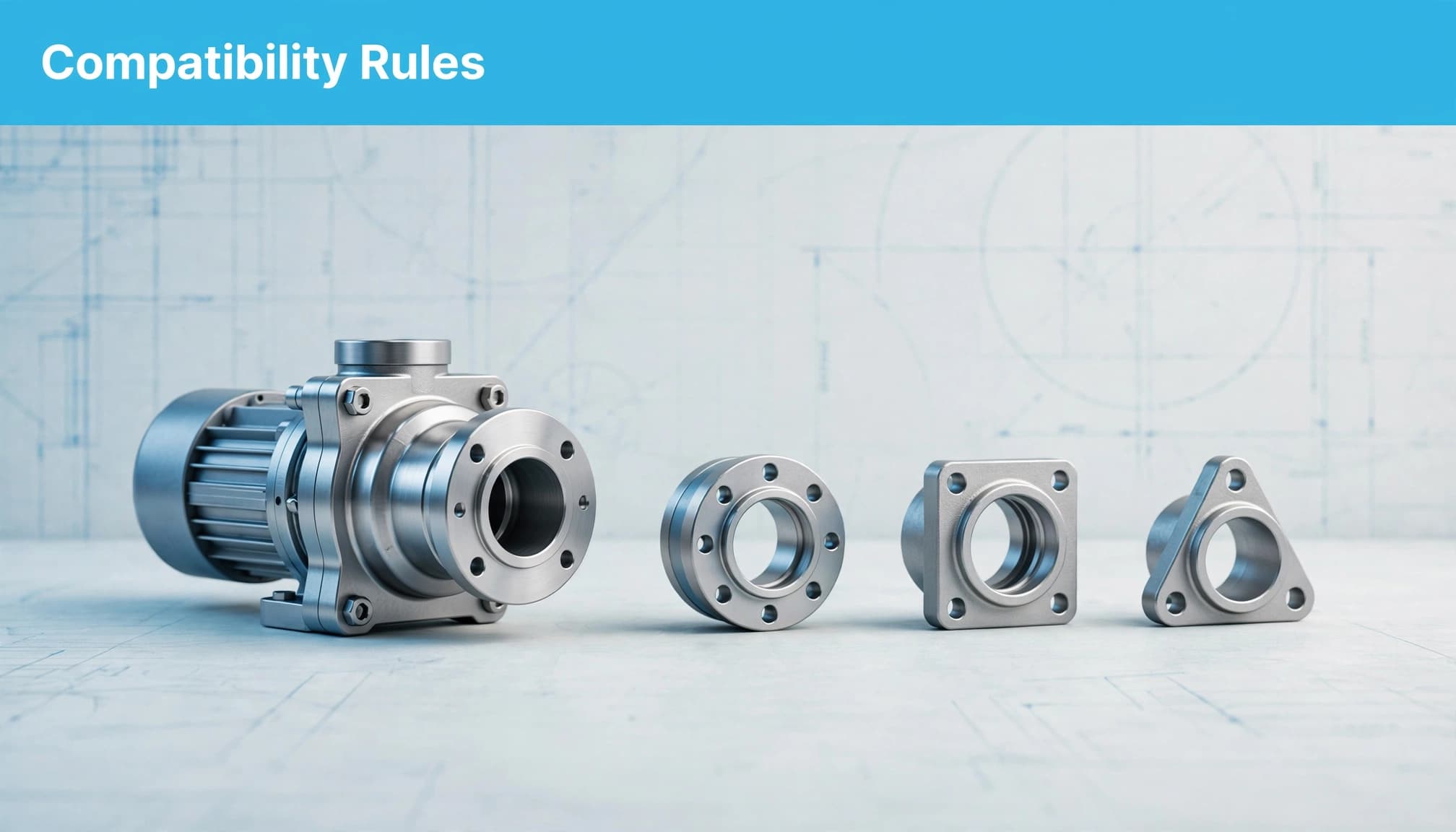
Build a compatibility matrix with explicit conditions
Your manufacturer catalogue needs more than titles and prices. Reliable matching depends on product data such as exact specifications, materials, fitment, product families, replacement relationships and required accessories.
Start with one record for each supported product-to-target relationship. Give both sides stable identifiers, then attach revision boundaries and operating conditions.
Use compatibility matrices to record supported product-to-target relationships and their conditions.
| Field | What you record | What it prevents |
|---|---|---|
| Product and target IDs | Exact identifiers for both items | Matching similar names incorrectly |
| Version scope | Supported revisions and effective dates | Applying old approval to new equipment |
| Technical constraints | Dimensions, units, connectors and ratings | Treating partial matches as sufficient |
| Dependencies | Required adapters, accessories or licences | Presenting conditional support as automatic |
| Evidence | Approved document, revision and owner | Unsupported compatibility claims |
| Decision status | Compatible, conditional, incompatible or unknown | Treating missing evidence as approval |
The important distinction is between unsupported and incompatible. Missing data doesn’t prove a mismatch, but it shouldn’t produce a positive recommendation either.
Preserve direction and replacement limits
Supported relationships aren’t always interchangeable. A replacement approved for an older assembly doesn’t automatically establish that the older component works in a newer assembly.
Keep replacement history separate from product-family membership. Two parts belonging to the same range can still have different materials, tolerances or approvals.
Keep conditions attached to the answer
Your answer should retain any dependency that changes the buying decision. If a supported relationship requires an adapter, that adapter belongs beside the recommendation.
Avoid separating the qualification into a distant footnote. A shortened AI answer may otherwise preserve the positive claim and lose the restriction.
Give PIM, DAM and ERP distinct responsibilities
Set the source of truth at field level, with clear ownership and governance, rather than assuming one system owns everything.
Separate product facts from supporting assets
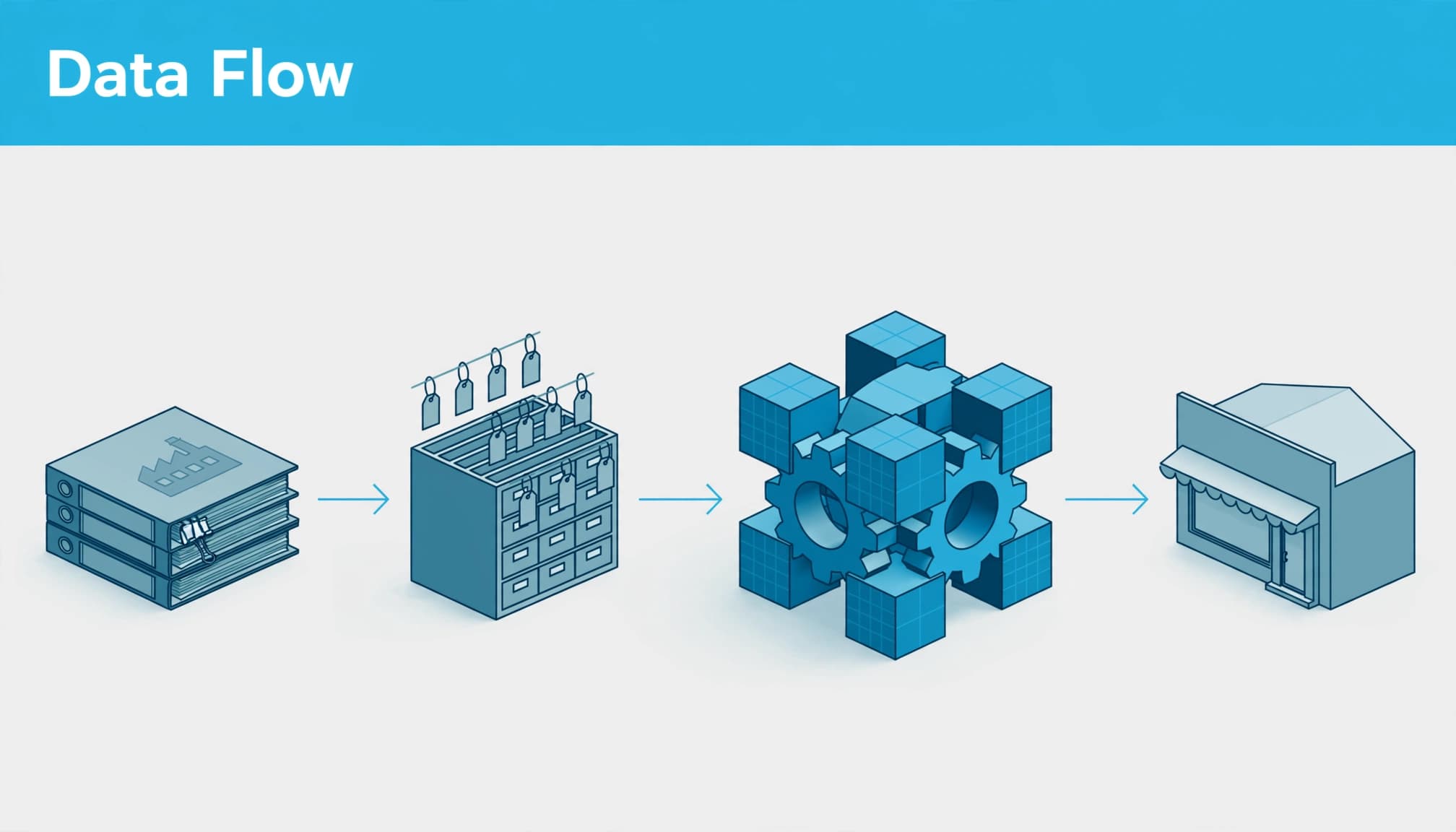
Product Information Management (PIM) supports product catalog management by holding structured attributes, descriptions, localised text and completeness workflows. Digital Asset Management (DAM) holds high-resolution images, PDF manuals, CAD drawings and safety videos.
Your ERP may own customer pricing, stock and order status. Engineering may approve compatibility relationships in a separate controlled database.
Publish those responsibilities clearly. Otherwise, middleware can become a hidden system of record because nobody knows where a transformed value originated.
Your AI search schema markup should describe the approved facts visible on the page, rather than introduce another version of them.
Use integration logic for business rules
Middleware or an integration platform as a service (iPaaS) supports ERP integration by extracting, transforming and validating records before routing them to your storefront, dealer portal or configure-price-quote (CPQ) tool.
Native connectors and API integrations can move standard fields effectively. They’re often insufficient when you need revision-specific relationships, customer entitlements, unit conversion and several approval stages.
Keep data integration transformations traceable to their source. If a rating changes during conversion, your team needs to see the original value, transformation rule and published result.
Publish compatibility evidence where buyers need it
Your internal catalogue and public product pages answer different questions. A connected assistant can query controlled records, whilst a public AI search system may only retrieve accessible pages and documents.
For B2B ecommerce, public product pages need clear, retrievable evidence that answers buyer questions. Put the product identifier, supported equipment, exclusions and dependencies together in readable text. Don’t make a buyer interpret a photograph to discover whether an accessory is included.
For ChatGPT search optimisation, the practical priority is evidence that remains understandable when retrieved separately. A paragraph saying “fits” is weak evidence without naming the product, target and conditions.
Keep current specifications separate from archived announcements. Updating one page doesn’t guarantee that an AI system will stop retrieving an older PDF.
This also supports your SEO, because specific product information answers the buying question more directly than repeated category keywords.
Clearer content improves the evidence available. It doesn’t guarantee an AI citation, recommendation position or correct interpretation.
Set publishing rules before connecting systems
Make completeness a release condition
Set a 100% completeness threshold for mandatory fields before publishing a compatibility record. Define those fields by product category, rather than requiring irrelevant attributes everywhere.
Assign named owners for technical specifications, commercial details and supporting documents. Validation should reject invalid units, missing identifiers, contradictory relationships and unsupported status values.
Schedule daily inventory management checks that compare exported records with the live catalogue. Investigate unexpected item-count changes, broken product or image links, and mismatched prices, currencies or availability.
Keep timestamped exports so you can trace whether an error began in a supplier import, ERP rule or feed transformation.
Own failed updates and exceptions
Define a retry window for failed synchronisation, an alert owner and an escalation route. Log each rejected record with its cause, responsible person and resolution date.
Your storefront should retain a known-good record or withhold an affected recommendation according to a documented policy. It shouldn’t silently treat an unsuccessful update as current information.
A successful data transfer proves that a message arrived. It doesn’t prove that the right product relationship reached the buyer.
Apply the same discipline to EDI. A missed transaction can disrupt order processing, inventory, shipment and invoicing. Exception visibility matters across the wider supply chain as orders and goods move.
Choose commerce tools around the buying process
Technical fit is one part of B2B commerce. Your B2B platform may need tiered pricing, customer-specific pricing and bulk ordering. Account-based purchasing may also require net 30 or net 60 terms, multi-user approvals, a self-service portal and quote-to-order workflows.
Unlike a typical consumer purchase, B2B ecommerce often involves negotiated prices, purchasing permissions and credit terms tied to an organisation. A technically suitable item can still be unavailable under that account’s agreement.
SaaS is cloud-hosted, subscription-based B2B software. It commonly supports configuration and extensions, but gives you less control over core software. Open-source platforms offer greater customisability, whilst leaving hosting, maintenance and security responsibilities with your business.
Account count alone isn’t a useful selection rule. A spreadsheet may support a small wholesale operation, but complicated fitment, supply chain and approval requirements can justify dedicated systems early.
For payments, apply the relevant PCI DSS requirements. Your wider platform also needs role-based access controls, encryption and audit trails.
Compare tools using your actual compatibility workflow, including conditional matches, missing evidence and failed updates. A polished demonstration of product search won’t show how the system handles those exceptions.
Measure answer quality before increasing traffic
Test your system against approved fit decisions. Include exact matches, unsupported revisions, missing specifications, exclusions and products that only work with accessories.
Measure false-positive recommendations separately from unanswered questions. An assistant that asks for a missing model number may be more useful than one that confidently recommends the wrong part.
Track whether answers preserve conditions, retrieve current evidence and identify unknowns. Then connect those results to enquiries, quote quality, returns and customer-service workload.
This is where clear fit information supports B2B lead generation. Better-qualified enquiries give your sales team more time to solve buying problems instead of re-entering specifications.
If you use PPC, match landing-page evidence to the requirement expressed in the search. Your Google Ads campaigns shouldn’t promote a replacement claim that the product record can’t support.
For remarketing through Facebook Ads, preserve the same product identity and fit limitations. Changing the channel shouldn’t change the recommendation.
Start with one product family
Reliable B2B product fit depends on controlled evidence and enforceable rules. Your LLM can interpret the question and explain the result, whilst your catalogue and application establish the supported match.
Start with one commercially important product family. Build its relationships, assign owners and test difficult questions before expanding the workflow.
If you need help connecting clearer product content with search visibility and qualified enquiries, speak to our Digital marketing team about your next priorities.


