
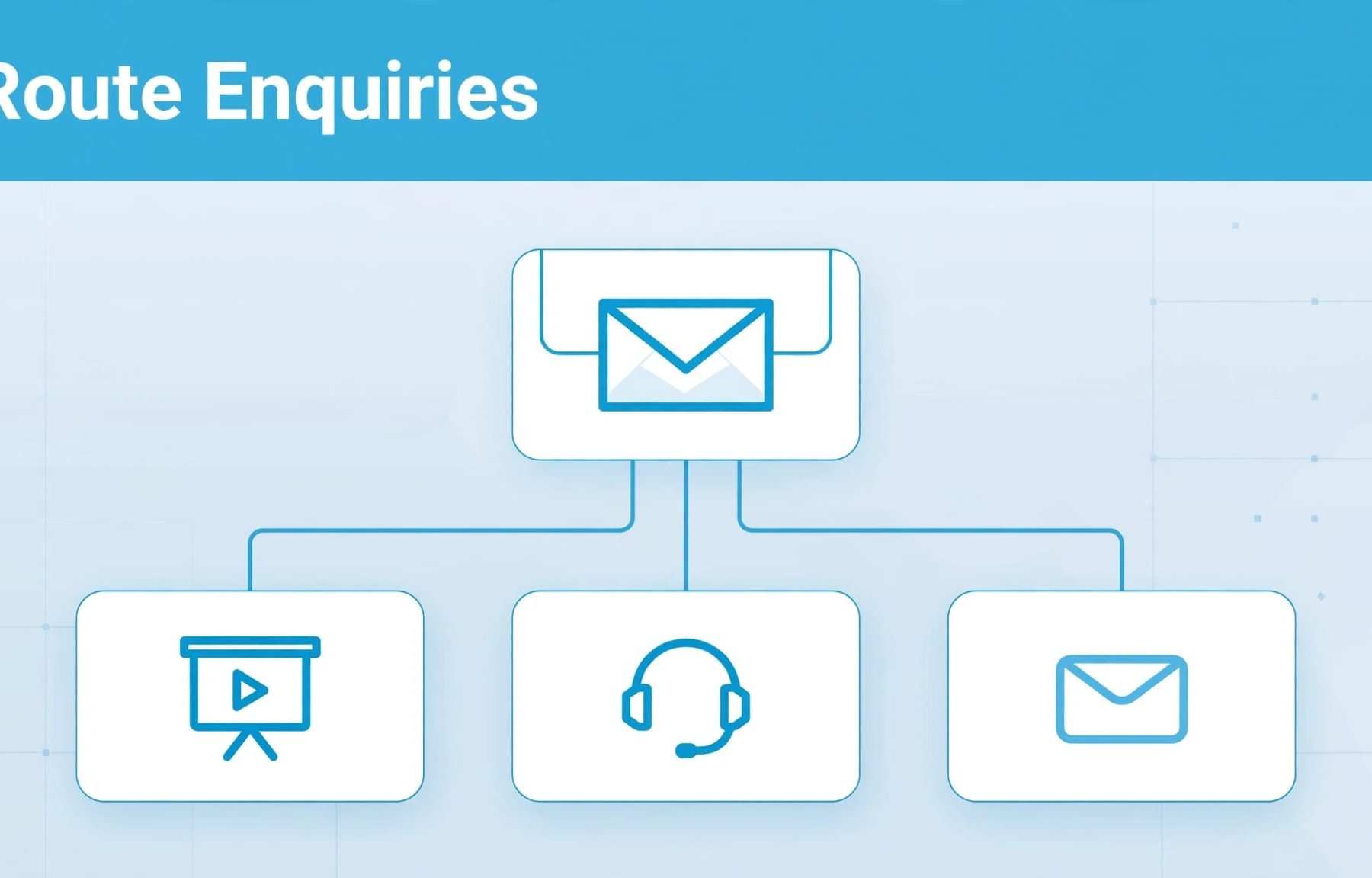
Your B2B contact page should explain who handles each enquiry, collect the information needed to route it and make the next step clear. For AIO, keep those instructions publicly accessible and easy to understand; for conversion, connect them to a reliable handoff with clear responsibility.
A prospect asking for a demo and a customer reporting a fault shouldn’t have to guess which route to choose. Start with those different needs, then build your page and follow-up around them.
What AIO means for your B2B contact page
Make your contact information understandable
Here, AIO means artificial intelligence optimisation: making your information easier for AI systems to understand and potentially use in answers. The term isn’t universally standardised, so define what you mean before turning it into a project brief.
On a contact page, this means explaining your enquiry options, service scope and next steps in plain language. A buyer should understand where to go without opening a chatbot or submitting their details first.
This follows the same principle as our AIO strategy for B2B service pages: answer the buying question clearly, then provide a relevant action.
Keep optimisation separate from assignment
AIO doesn’t assign a submission to your sales team. Your form integration, CRM or support system handles that operational work.
The public page explains the route. The system behind it delivers the enquiry. Both need attention, because clear copy can’t compensate for a submission that never reaches anyone.
Keep this connected to your wider SEO work. Google’s guidance on AI features says established SEO practices still apply, with no additional technical requirements for its AI search features.
A separate AI-only contact page adds little if your existing page already gives buyers accessible, accurate information.
Make each enquiry route clear before the form
Start with the reasons people contact you. Your internal department names matter less than the task your visitor wants to complete.
A buyer may want to discuss implementation, request a proposal or understand whether you support Salesforce. An existing customer may need help with access or billing. Those needs require different handling, even when they concern the same product.
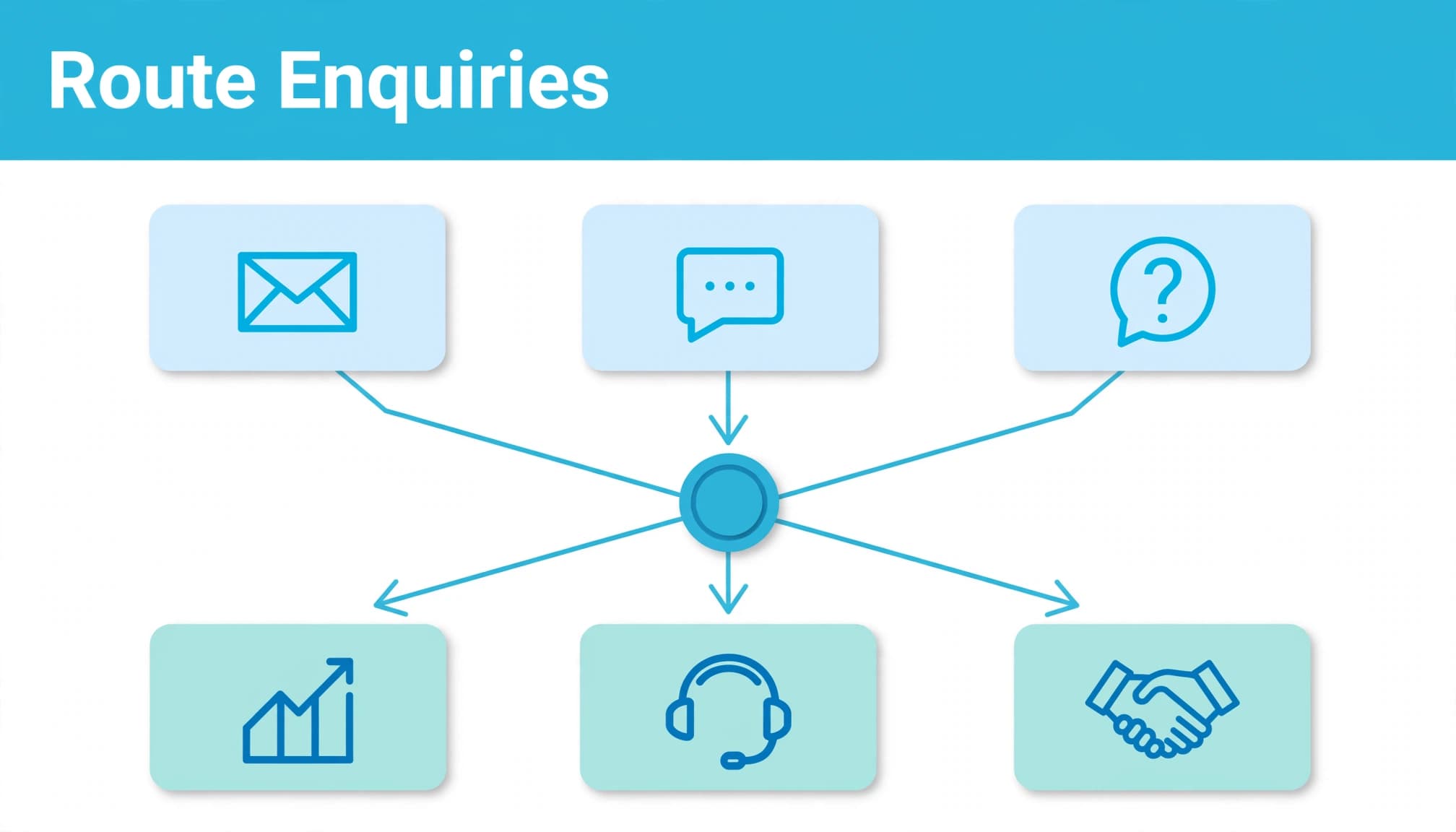
Use a simple routing map to connect each enquiry type with a receiving team.
| Enquiry type | Receiving team | Useful initial context |
|---|---|---|
| New project, proposal or demo | Sales | Service needed and business requirement |
| Help with an existing product | Support | Product and a short description of the issue |
| Commercial partnership | Partnerships | Organisation and proposed relationship |
| Unclear or mixed request | General enquiries | A brief explanation for manual review |
The useful distinction is the visitor’s purpose. Avoid presenting several routes that all appear to mean “talk to us”.
Keep essential instructions in visible page text, rather than hiding them inside dropdowns. That helps buyers understand the options before starting.
Your B2B use-case pages should lead to the relevant contact route too. Someone who has read about a particular workflow shouldn’t need to explain their interest again.
Ask questions that help the receiving team
Qualify only where the answer changes something
Every field should help you respond, route or assess suitability. If nobody uses the answer, remove the question.
For an initial sales enquiry, the service required and a short description may be more useful than a mandatory telephone number. Business size or budget can help with qualification, but only when those details affect how you handle the request.
The same distinction matters when comparing LinkedIn Lead Gen Forms and landing pages. Easier submission can increase volume without improving the proportion of enquiries your team can serve.
Match the detail to the commitment. A callback request needs less information than a conversation about a complex implementation.
Make the form work for uncertain visitors
Allow people to describe a request that doesn’t fit your categories. Otherwise, they’ll choose whichever option looks closest, and your routing data becomes less reliable.
Keep visible labels, understandable error messages and a usable mobile layout. Explain why you need information that might seem unnecessary.
For support requests, discourage visitors from entering passwords or sensitive account information into a general message field.
Your B2B lead generation strategy should distinguish an enquiry, a content download and a booked meeting. Applying that distinction to your forms prevents different intentions entering one undifferentiated sales total.
Connect routing to your CRM and follow-up
Give each submission a receiving team
Document what happens after a successful submission. Name the receiving team, the notification method and the process for enquiries that don’t match an available route.
A shared inbox can work, but someone needs responsibility for reviewing it. Sending the same message to several departments can leave everyone assuming somebody else will respond.
Salesforce lead assignment rules provide one documented approach to distributing leads. Use the capabilities of your existing system before adding another routing tool.
Map the information before building integrations
Your website form and CRM may use different names for the same information. Document how enquiry type, service interest, message and permitted acquisition data pass between them.
HubSpot, Salesforce, Pipedrive and bespoke systems won’t have identical integration options. The data flow needs to reflect the system you’re using.
Apply the same discipline when connecting LinkedIn Lead Gen Forms, but keep platform capture distinguishable from website enquiries.
Retain enough context for a useful response. If someone asks about a Salesforce integration, the receiving team should see that question, not just a new contact record.
Test failures as well as successful submissions. A saved enquiry with a failed notification still needs to appear somewhere your team actively monitors.
Keep the next step and data use understandable
Confirm receipt without promising too much
Your confirmation message should explain what happened and what the visitor can expect next. Distinguish an acknowledgement from a response by the relevant team.
Don’t describe a meeting as booked when someone has only submitted a request. Likewise, an automated email shouldn’t imply that a specialist has reviewed their question.
State the next step your process can deliver. If you provide a route for additional information, explain how visitors can use it without creating duplicate submissions.
That small amount of clarity reduces uncertainty after the form disappears.
Separate enquiry handling from later marketing
Explain how you use contact information and provide an accessible privacy notice. Collect only what you need, and restrict access to people who need it for the task.
A request for help isn’t blanket permission for unrelated promotional emails. The lawful basis and electronic marketing rules depend on the processing and recipient.
The ICO’s direct marketing guidance makes planning that use part of the process. People also have an absolute right to object to processing for direct marketing.
Where you use LinkedIn lead nurturing, keep that activity distinct from answering the enquiry. Your follow-up should reflect the person’s request and applicable marketing permissions.
Measure accepted leads, not form clicks
A contact page can generate plenty of submissions whilst leaving your team with little useful demand. Measure what happens after capture.
In GA4, trigger generate_lead only when the form provider confirms success. A button click can include validation errors, abandoned attempts or failed spam checks.
For an AJAX form, use the confirmed success response. A thank-you page view works as a submission signal only when successful completion reliably reaches a unique destination.
Our guide to B2B lead tracking in GA4 connects that initial event with later commercial stages. Use agreed CRM definitions for qualification and sales activity:
- Record
qualify_leadwhen the enquiry meets your agreed qualification criteria. - Use
working_leadwhen sales makes or receives contact. - Send
close_convert_leadwhen the lead becomes a customer.
Keep personal information, including email addresses and message contents, out of GA4 event parameters.
Record rejection reasons too. “Wrong service”, “duplicate enquiry” and “outside your market” help you identify whether the problem is messaging, targeting or capture.
A routing error and an unsuitable lead need different fixes. Record them separately so marketing doesn’t reject good demand because it reached the wrong team.
Review completion, successful delivery, qualification and sales progress together. A higher submission rate is useful only if the enquiries remain relevant and reach someone who can act on them.
Keep campaign context through to the contact page
Your contact page is part of the conversion journey, so it needs to continue the promise that brought someone there.
For PPC, preserve relevant campaign and service context in the submission. That gives the receiving team a better starting point than an email address with no explanation.
If your Google Ads campaign promotes a particular service, make that service easy to select. Avoid sending visitors to a generic form that makes them reconstruct the offer.
The same applies to Facebook Ads, where initial interest may need more qualification before a sales conversation. Don’t treat the first message as evidence of buying readiness.
Our guidance on Meta Advantage+ campaigns makes the measurement point: later-stage lead quality matters alongside initial conversion volume.
Before publishing, test each route on mobile and desktop. Submit a sales request, a support question and an unclear enquiry, then follow each record into the receiving system.
Review the page whenever your services, integrations or team responsibilities change. Contact instructions become misleading when the business changes but the page doesn’t.
Build a contact page your team can act on
A useful B2B contact page makes the request understandable, collects relevant context and passes it to a responsible team. AIO supports the public explanation; your systems and people handle the delivery.
Start with the route that currently causes the most confusion. Improve it, test the handoff and measure qualified outcomes before adding more complexity.
Talk to our team about Digital marketing support that connects your campaigns, contact page and qualified enquiries.


