
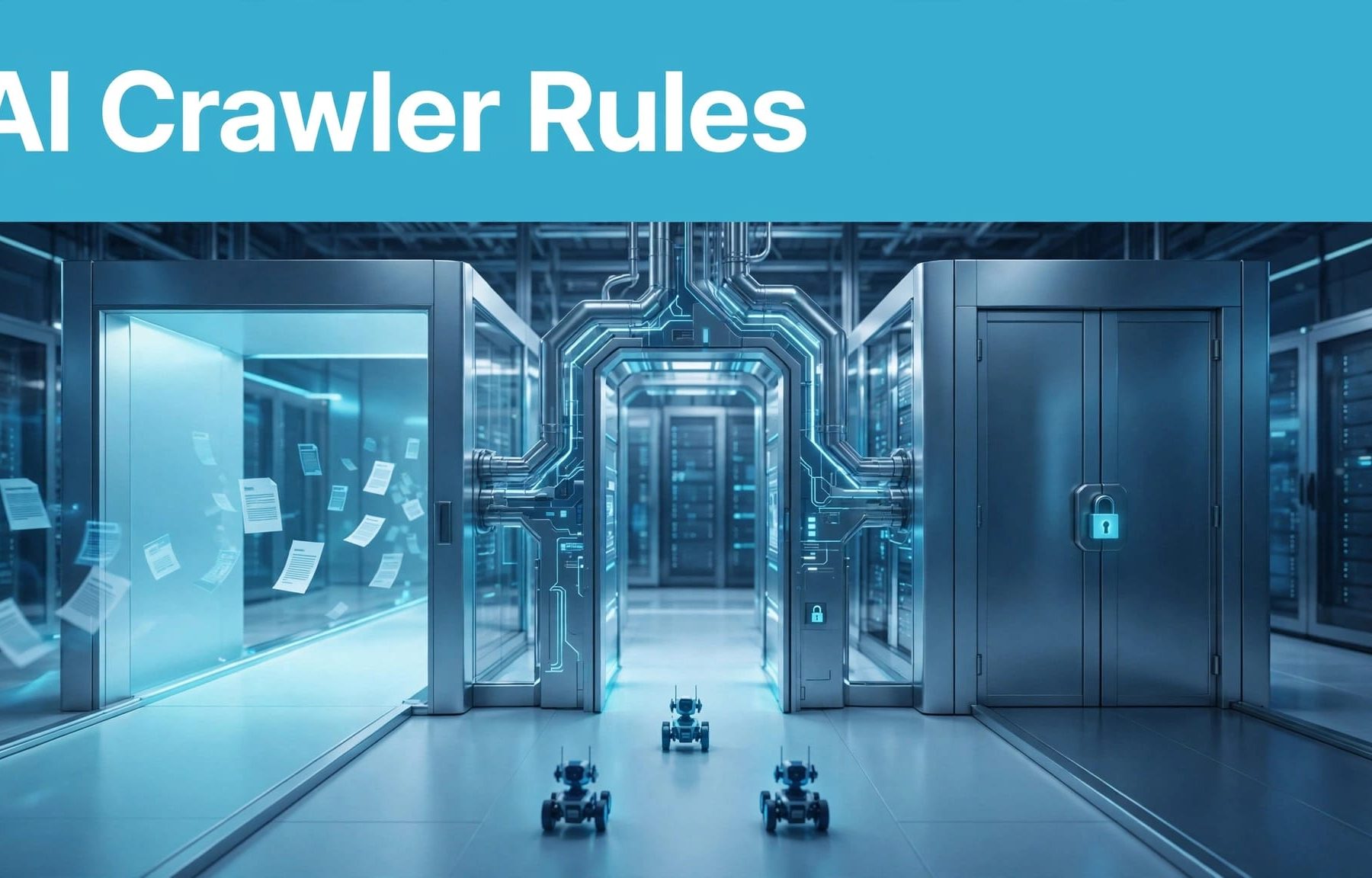
Use robots.txt to set separate rules for model-training and search crawlers, whilst protecting private B2B content with authentication. You can block GPTBot and ClaudeBot whilst allowing their providers’ search crawlers to access public pages, but access doesn’t guarantee citations or leads.
The useful starting point is crawler purpose, rather than whether a bot has “AI” in its name. Build your rules around what you want buyers to discover, then test what happens on your live website.
What robots.txt controls on your website
Robots.txt gives compliant crawlers instructions about which paths they can request. It belongs at the root of the relevant host and protocol, not inside your blog or another directory.
Your main website and documentation subdomain need separate policies. A robots.txt file on one host doesn’t automatically control another.
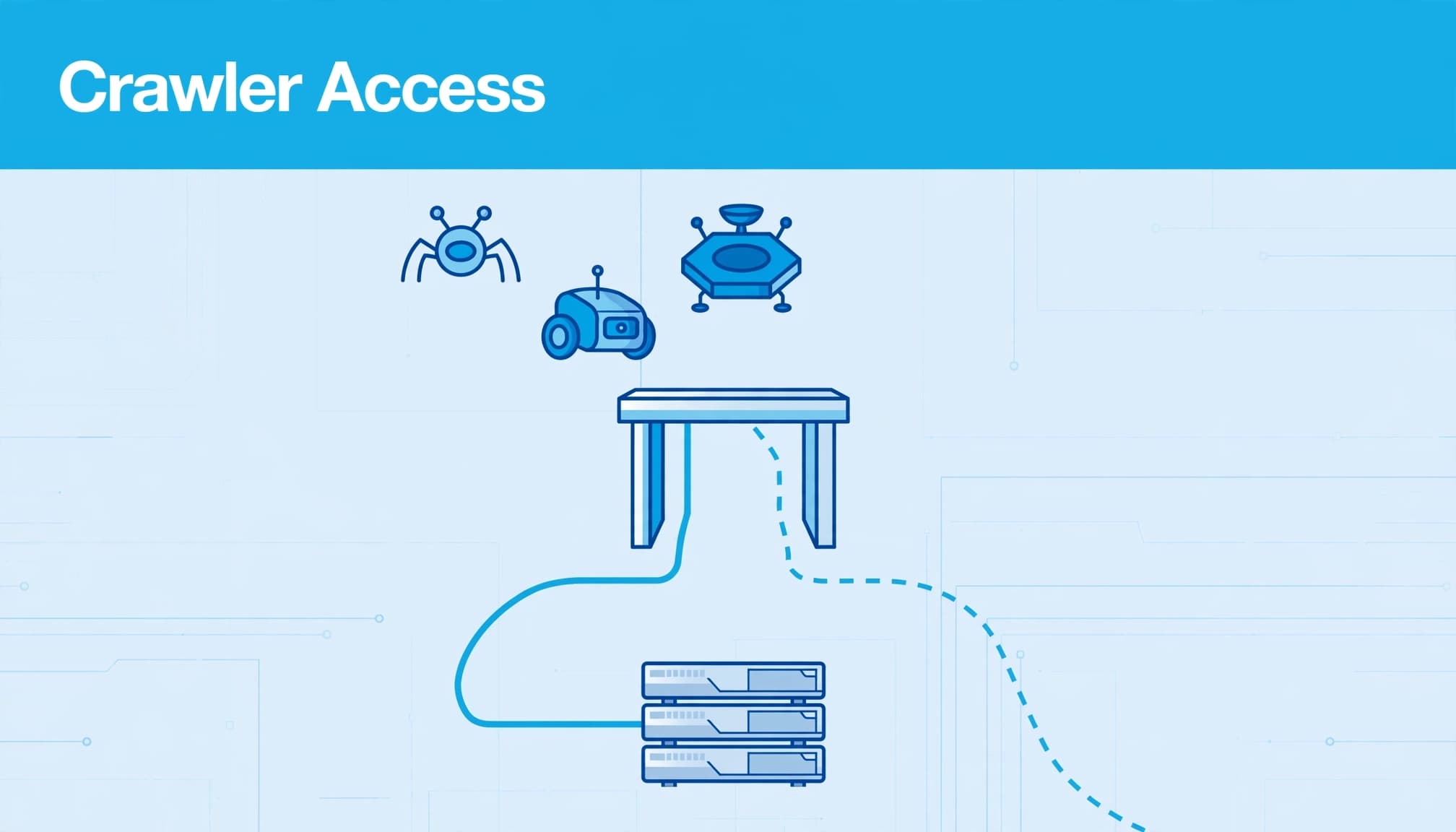
The Robots Exclusion Protocol provides the framework for these instructions. However, robots.txt is publicly readable, and a scraper can ignore it.
Keep confidential proposals, customer records and client portals behind authentication. Naming those directories in robots.txt doesn’t protect their contents.
You also need to separate crawling from indexing. Blocking a request doesn’t necessarily remove an already known URL from search results. That distinction belongs within your broader technical SEO foundations, alongside redirects, canonical tags and page-level indexing controls.
Treat robots.txt as one part of your access policy. Your application, content delivery network (CDN) and web application firewall (WAF) still determine whether a request reaches useful content.
Separate training, search and user-triggered access
Providers use different agents for different jobs. Your rules should reflect those differences.
These are the main OpenAI and Anthropic identities relevant to this policy.
| Agent | Documented purpose | Decision for your team |
|---|---|---|
| GPTBot | Content collection for possible model training | Decide whether to permit training-related crawling |
| OAI-SearchBot | ChatGPT search | Decide which public pages to make accessible |
| ChatGPT-User | Certain user-triggered actions | Treat separately from automated crawling |
| ClaudeBot | Possible model-training collection | Apply your training policy |
| Claude-SearchBot | Search-result quality | Apply your public search-access policy |
| Claude-User | Fetching pages for user questions | Consider retrieval access separately |
The practical point is that you don’t need one blanket answer for every agent.
Decide training access independently
If you don’t want GPTBot to crawl your content for possible training, give it a dedicated disallow rule. Apply the same reasoning to ClaudeBot.
OpenAI’s crawler documentation distinguishes GPTBot from OAI-SearchBot. Allowing the search crawler doesn’t require you to allow the training crawler.
Make this a recorded business decision involving marketing, technical and content owners. Avoid inheriting a policy because a plugin supplied it.
Keep search and user requests distinct
OAI-SearchBot and Claude-SearchBot support search-related activity. Their access matters when you want public content considered for those experiences.
User-triggered requests are another category. OpenAI says robots.txt rules may not apply to ChatGPT-User, so don’t treat it as equivalent to GPTBot.
Your approach to Claude search visibility should account for all three Anthropic identities. The same distinction matters when understanding ChatGPT search.
Map B2B pages before choosing directory rules
Start with a route inventory. Include service pages, product documentation, pricing, case studies, account areas and internal search results.

Make useful buying information accessible
For your own site, consider the question a prospect asks before contacting sales: “Does this product support our existing system?”
Your public integration documentation can answer that question. If you want it available to ChatGPT search, allow OAI-SearchBot to request it, even if your policy blocks GPTBot.
Apply that reasoning to implementation guides and public support information. Prioritise pages that answer buying questions, rather than opening every directory because it contains marketing content.
Campaign pages deserve individual decisions too. A landing page used for PPC isn’t automatically unsuitable for organic discovery.
Protect private systems at the application level
Account pages, internal documents and staging environments need access controls that work regardless of crawler identity.
Keep customer-specific implementation notes behind authentication. Publish a separate public explanation when prospects need to understand the process without seeing confidential details.
Internal search and filtering routes may also generate large numbers of low-value URLs. Decide whether their crawling adds value before permitting repeated access.
Don’t use a directory name as a substitute for understanding what’s inside it. A broad exclusion can catch useful pages alongside unwanted routes.
Write crawler-specific robots.txt rules
Use separate groups when your training and search policies differ. The following configuration blocks training-related crawling whilst permitting search access, with selected directories excluded.
User-agent: GPTBot
Disallow: /


User-agent: ClaudeBot
Disallow: /


User-agent: OAI-SearchBot
User-agent: Claude-SearchBot
Allow: /
Disallow: /account/
Disallow: /admin/
Disallow: /internal-search/
Those paths are configuration examples. Replace them with your site’s actual routes before deployment.
User-agent identifies the crawler covered by the group. Disallow: / excludes the whole site for that agent. A directory exclusion applies to matching paths beneath it.
The search agents share a group because this example gives them identical rules. Use separate groups if their permitted paths differ.
Keep directory exclusions explicit. A crawler-specific group doesn’t inherit the restrictions in your User-agent: * group. Add the intended exclusions to the applicable group.
Adding a dedicated search-crawler group can change access to directories previously covered only by your wildcard rules.
Merge the configuration into your existing file rather than replacing it wholesale. Preserve your search-engine rules and sitemap declarations.
Have a named owner approve the policy. Record the date, exact directives, affected crawler, reason and rollback version. That gives your developer a useful answer when someone questions a block six months later.
Test access beyond the robots.txt file
A correct file can coexist with a firewall rule that blocks the same crawler. Test both policy and delivery after deployment.
Inspect the live responses
Retrieve the published robots.txt from each relevant host. It should return the intended plain-text file, rather than a login page or browser challenge.
Then inspect priority public URLs and excluded routes. Record their response codes, redirects and security actions.
A test client with a changed user-agent can help diagnose a rule. It doesn’t reproduce an AI crawler’s network identity, JavaScript capabilities or indexing behaviour.
Use Google Search Console for indexing checks where Google is concerned. Its evidence doesn’t establish access or inclusion for another provider.
Compare edge and origin evidence
Review CDN, WAF and origin logs together. Requests served from an edge cache may never appear in your origin logs.
A robots.txt request may receive a 403 because of a security rule. Browser challenges can also prevent retrieval despite apparently healthy pages.
Follow activity for several days after deployment. Cached policy files and edge responses can make changes appear inconsistent.
Match claimed bot identities against provider-supported identity evidence, including published IP ranges where available. A user-agent string alone is only a claim.
Use SEO indexation monitoring to track indexing separately, with dated records of affected URLs and changes.
Measure access separately from marketing value
A crawler requesting a page proves that a request occurred. A successful response doesn’t prove that the page was indexed, quoted or shown to a buyer.
Build your technical reporting around bot family, requested URL, response status, response time and bytes served. Our guide to AI crawler monitoring covers the evidence you need.
Compare request volumes against your own baseline. Investigate repeated access to expensive routes, rising errors and slower responses before applying rate limits.
Commercial reporting needs a separate view. Record observed citations, referral visits, qualified enquiries and CRM opportunities when you measure ChatGPT search performance.
Keep those enquiries separate from Google Ads and Facebook Ads campaign attribution. Compare lead quality across channels without treating crawler requests as visits or conversions.
If access improves but enquiries don’t, the next problem may be relevance, evidence or conversion performance.
Key takeaways for your crawler policy
- Assign an owner to each access decision so policy changes have a clear approval route.
- Keep a dated copy of every deployed file and the configuration it replaced.
- Define what successful deployment looks like before making changes, including permitted pages and expected exclusions.
- Put crawler activity and buyer-facing outcomes in separate reports so technical progress doesn’t become an unsupported marketing claim.
Frequently asked questions
Can you block GPTBot without blocking ChatGPT search?
Yes. GPTBot and OAI-SearchBot have independent controls. You can disallow GPTBot whilst allowing OAI-SearchBot to crawl appropriate public pages.
Your CDN and firewall must also permit the search access you intend. An allow rule in robots.txt cannot override a security block elsewhere.
This gives you a way to separate training-related crawling from search access. It doesn’t guarantee that ChatGPT will cite your business or send traffic.
Will robots.txt remove a page from Google?
Not reliably. Google can know about a blocked URL without crawling its contents.
For pages you want excluded from Google results, use an appropriate noindex meta tag or X-Robots-Tag response header. Google needs crawl access to read that instruction.
Our guide to when to use noindex explains the distinction. Confidential information still needs authentication, regardless of whether you also apply crawl or indexing controls.
Set access rules around your business priorities
Your robots.txt policy should make intended public content accessible whilst keeping training decisions separate. Protect private systems with proper access controls and retain the evidence behind each change.
Start with your highest-value pages, apply the relevant crawler rules, then compare live responses with the policy you approved. Keep access evidence separate from claims about visibility.
If you need help aligning crawler controls with your SEO priorities, ask us to review them within your wider Digital marketing strategy.


