
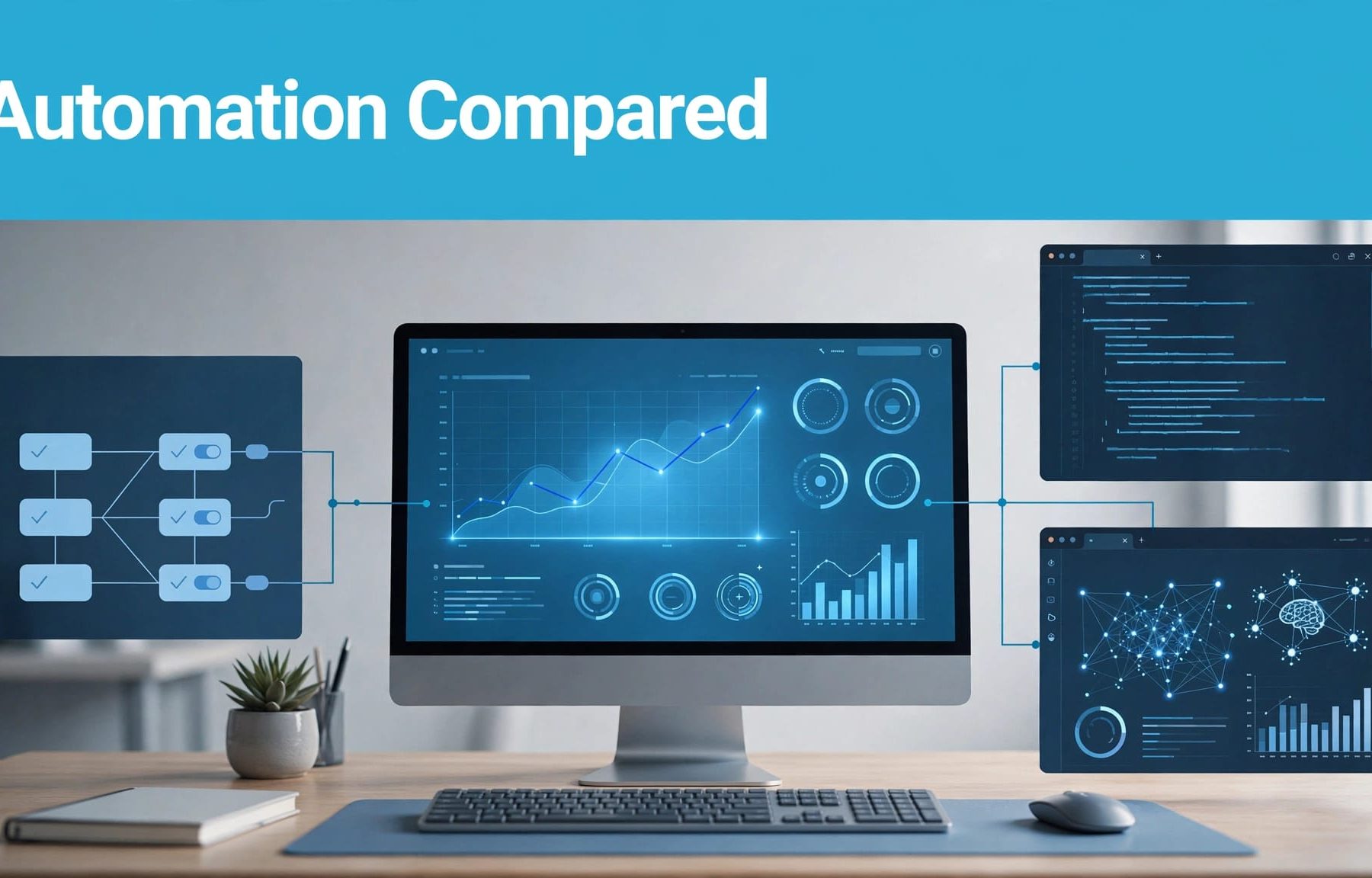
Scripts suit custom workflows; rules handle simple conditions, while AI agents investigate a PPC campaign and suggest actions. Choose based on the task, available data and how much control you need over changes.
You don’t need the most sophisticated option for every job. Start by separating routine account maintenance from decisions that affect your budget, targeting and lead quality.
Google Ads scripts, rules and AI agents at a glance
The main difference between these automation tools is how you define the work. Rules follow conditions you select. Scripts follow JavaScript you provide. Agents interpret instructions and use the tools and data they can access.
Use this comparison to narrow your options.
| Factor | Automated rules | Google Ads scripts | AI agents |
|---|---|---|---|
| Best fit | Simple scheduled actions | Custom checks and reporting | Investigation and recommendations |
| Coding required | No | JavaScript | Depends on the tool |
| External data | Limited native options | Sheets and supported external services | Depends on integrations |
| Behaviour | Follows fixed conditions | Follows programmed logic | Can vary between responses |
| Setup cost | Mainly staff time | Development and maintenance time | Subscription or integration costs may apply |
| Main risk | Poor conditions or timing | Faulty code or broad scope | Incorrect reasoning or excessive permissions |
Choose the simplest option that meets the requirement. Routine ad scheduling rarely needs an agent, whilst a cross-account pacing report or controlled bid adjustments may justify a script.

Your PPC management still needs someone accountable for the outcome. Useful PPC automation strategies assign each tool a clear job, rather than letting several systems edit the same settings.
Smart Bidding is separate again. It optimises auction-level bids towards your conversion goals; it doesn’t replace your campaign allocation decisions.
When automated rules are enough
Rules are usually the easiest starting point because you can set up simple automated tasks inside Google Ads without writing code.
Use rules for clear conditions
For ad scheduling, a rule can pause promotional ads on a chosen date. It can also adjust supported settings or email you when conditions are met. You select the account entities, action, conditions and schedule.
Start with notifications before enabling account changes. That lets you check whether the threshold produces useful information.
For performance-based conditions, account for conversion delay. Yesterday’s apparent lack of leads may change when conversions arrive later. Pausing activity too quickly can remove demand before you understand the result.
Allow for timing and account differences
Rules aren’t precise, real-time controls. Google describes a standard execution window of up to two hours, so a scheduled action shouldn’t depend on minute-perfect delivery.
Manager-account rules also require care with time zones. Google’s guidance on rules in manager accounts explains how scheduling interacts with client-account data.
Keep Google Ads change alerts focused on meaningful events. A budget increase or conversion-action change deserves attention. A generic notification that something changed gives you little to investigate.
When scripts justify the extra work
Google Ads scripts are useful when a rule can’t express the whole workflow. They can use JavaScript to query account data, calculate results and make supported changes.
Combine checks and custom reporting
Google’s developer documentation, including the Google Ads Scripts documentation, explains how JavaScript can query and manage account data.
You can build a report combining month-to-date spend, expected pacing, campaign status and auction insights, then write it to Google Sheets. That’s more useful than separate alerts with no shared context.
A monitoring script can flag performance anomalies and check a landing page, ad extensions and negative keywords.
Google’s Link Checker and Account Anomaly Detector are practical starting points for checking broken URLs. These are script solutions, not switches that automatically protect every campaign.
Log broken URLs for your paid search and SEO teams, so the same issue isn’t investigated twice.
Adapt templates without losing control
You don’t need to write every line yourself. You do need to understand the campaign selection, reporting period, permissions and actions.
If you use free scripts or a shared example, inspect and verify it before adapting it. Separate data collection, calculation and notification into functions. Keep campaign labels, thresholds and recipient addresses in a clearly named configuration section.
AI can explain code or draft a starting version, but automating PPC campaigns with AI still requires testing. Ask it to explain every account-changing operation. If you can’t follow that explanation, keep the script read-only until someone can review it.
How to set up your first script safely
Begin with a report or alert, such as a read-only check for broken URLs. Google Ads scripts that change every campaign budget create unnecessary risk before you’ve checked the basics.
Follow this sequence inside Google Ads:
- Open Tools, then Bulk actions, then Scripts, and create a new script.
- Give it a descriptive name and paste the reviewed JavaScript code snippet. Check the JavaScript code and its configuration values before running it.
- Authorise the script when prompted, after reviewing the requested access.
- Use Preview to enter preview mode, then inspect the Changes and Logs panels for unexpected activity.
- Run it manually on a narrow scope before adding a schedule.
Preview helps you inspect proposed Google Ads changes. It isn’t a complete sandbox for external activity, such as sending emails or writing to Google Sheets.
Check the selected campaigns, date range, account time zone and currency. An empty report might mean your filter matched nothing, rather than proving there were no issues.
Advertiser-account scripts have a 30-minute execution limit, according to Google’s script execution limits. Large reports need narrower queries or smaller batches. Manager-account scripts have additional execution arrangements, so don’t assume a single-account template will scale unchanged.
Keep the script’s purpose, owner and schedule documented, and retain its script history to help with debugging. Scheduled scripts can run whilst you’re signed out, but authorisation can lapse. If the author loses account access, another user may need to reauthorise it.
There’s no automatic script rollback. Treat a successful preview as a check, not permission to skip reviewing the live result.
Where AI agents add useful judgement
Agents are most useful when you need several signals interpreted together. Their value depends on access, reliable data and a clearly bounded task.
Ask for investigation before execution
An agent can investigate performance anomalies by comparing campaign changes with spending patterns and available conversion data. Auction insights may add context, depending on your access and integrations.
Give it a precise brief: identify campaigns with unusual pacing, show the supporting figures and recommend what you should inspect next. It could also assess ad copy or suggest negative keywords for human review. Require it to separate observed facts from possible causes.
This approach to AI agents for marketing and PPC makes recommendations easier to review. It also stops a weak explanation becoming an immediate budget change.
For lead generation, include CRM outcomes where available. A lower cost per click or cheaper form submission doesn’t establish that sales opportunities improved.
Check the product’s actual capabilities
Google has announced Ask Advisor, an AI-powered collaborator connecting marketing data across Google Ads, Analytics and Merchant Center. Check availability, permissions and supported actions in your account rather than assuming every announced feature is accessible.
Third-party agents differ too. Some analyse exports; others connect through APIs and can request account changes.
When comparing search with Facebook Ads, make sure conversion definitions and reporting windows are comparable. Your Google Ads AI lead-generation strategy should prioritise qualified enquiries and sales outcomes, not whichever platform reports the cheapest form fill.
Match budget automation to Google’s spending rules
Budget pacing should forecast whether you’re on course for your target. It shouldn’t treat every busy day as a problem.
Build the tracker around average daily budgets
For most campaigns, Google’s standard monthly spending limit is 30.4 times the average daily budget, assuming that budget remains unchanged.
A £100 average daily budget therefore gives a £3,040 monthly reference. Google can spend up to twice that daily amount on a higher-opportunity day, so £200 of daily spend isn’t automatically an error.
Your Google Ads budget pacing tracker should support budget management. Track the monthly target, actual spend, expected spend and forecast, accounting for budget changes rather than treating the opening daily budget as permanent.
Compare similar periods, too. Monday morning and Sunday afternoon may have different demand.
Give each tool a separate responsibility
Use a script to calculate pacing and collect supporting data. Let a rule send a straightforward threshold alert. Use an agent to organise related evidence for review.
Before recommending a budget edit for a PPC campaign, investigate duplicated campaigns, changed locations and tracking problems. Review bid adjustments, auction insights and cost per click before reallocating spend.
A campaign marked “limited by budget” may have room to grow, but that status doesn’t prove extra spend will be profitable. Review qualified leads, conversion value, available demand and sales capacity.
Assign one person to approve material reallocations. Protect testing budgets rather than letting every short-term fluctuation pull money towards yesterday’s apparent winner.
Prevent automation from obscuring your results
The main operational risk is overlapping control. A rule, script and agent can each behave as configured whilst producing conflicting changes together.
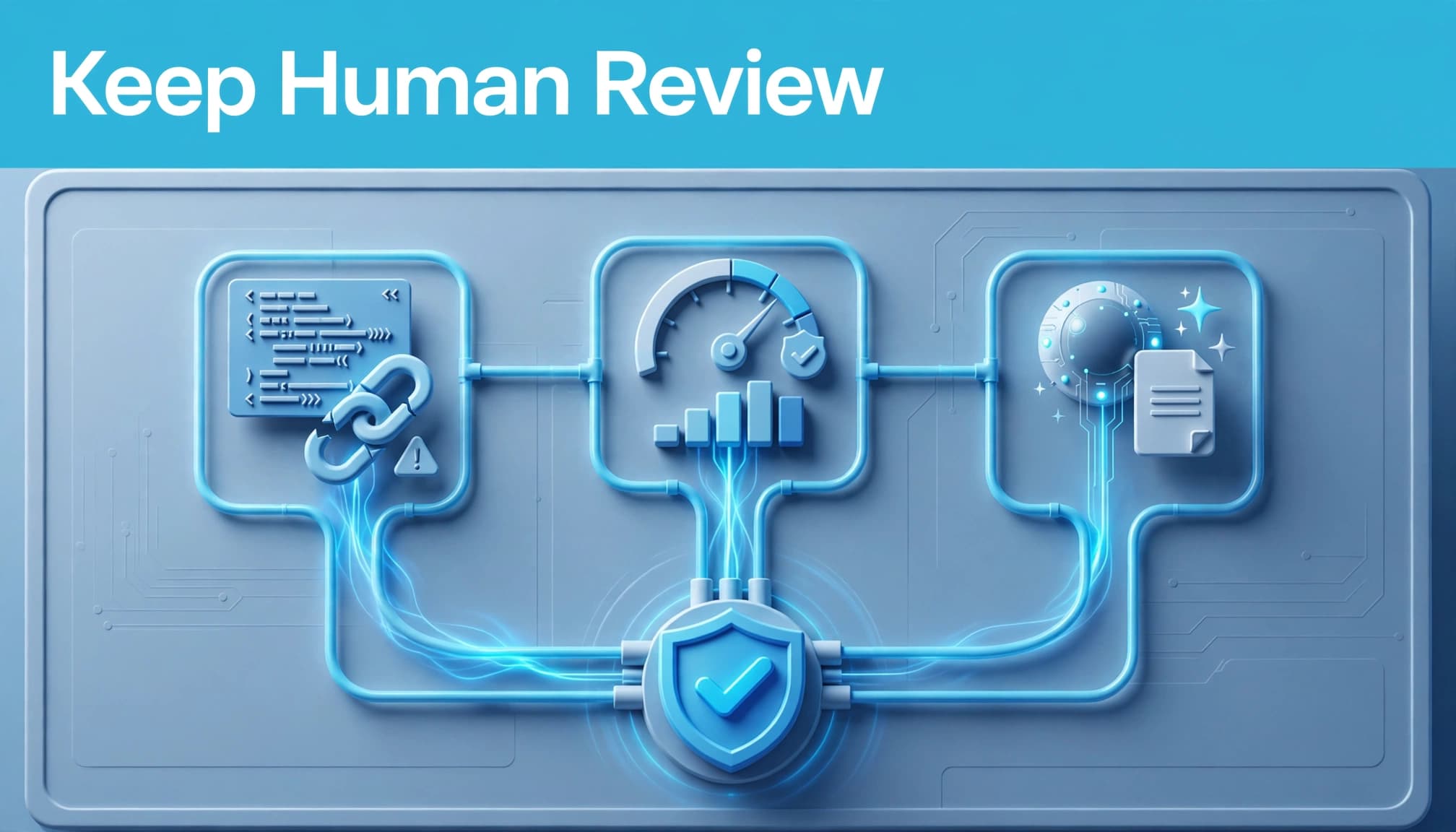
Record which system owns each setting. If a script monitors budgets, don’t also let an agent edit them without an agreed approval process. Assign monitoring for broken URLs and performance anomalies to a named system, too.
Previewing a script doesn’t test whether its business logic is sensible. Check the selected campaigns and the reason for each proposed action separately.
Set limits on account scope, permitted actions and budget changes. Keep a before-and-after log so you can identify what happened and who approved it.
These controls address common challenges of integrating AI into PPC campaigns, including unclear goals and excessive autonomy.
Protect experiments as well. During split testing of ad copy, avoid changing the budget, target CPA or landing page halfway through. Otherwise, you can’t confidently attribute the result to the creative.
You also shouldn’t assume a 24-hour bidding script beats native scheduling or Smart Bidding. Use one only when you have a defined requirement that existing controls don’t meet.
Digital marketing decisions need commercial context alongside platform data. Keep sales feedback in the review, especially when automation reports improving conversion costs but your team reports weaker enquiries.
Choose a controlled first step
Use rules for simple conditions, scripts for custom logic and agents for bounded investigation. The strongest starting point is usually monitoring, because you can assess the output before allowing account changes.
Choose one recurring task, define its owner and test the workflow on a small scope within a PPC campaign. Expand only when the checks and approval process work reliably.
If you need help reviewing your setup, speak to Flow20 about Google Ads management and a practical automation plan.


