

Your B2B customer onboarding process page should explain the setup sequence, who owns each task, what customers must provide and what completion looks like. AIO, or artificial intelligence optimisation, means making those answers easier for AI systems to retrieve and interpret, whilst keeping them useful to your customers.
The practical priority is clear responsibility. A checklist helps little if your customer doesn’t know whether they’re preparing data, approving a configuration or waiting for your team. Start by making the work and the handovers explicit.
What AIO means for B2B onboarding pages
Separate public guidance from account-specific tasks
Your public onboarding page explains what a customer can expect after signing: requirements, stages, responsibilities, support and any material exclusions. Your private onboarding workspace records their actual progress.
Keep those roles separate. Publish useful setup requirements without exposing customer data, credentials or account-specific instructions.
This follows the same principle as our guidance on B2B implementation pages: buyers need enough detail to judge the work involved before committing.
Keep AIO connected to ordinary SEO
AIO isn’t a replacement for SEO. Google’s guidance on AI search features says established SEO practices still apply to AI Overviews and AI Mode. There are no additional technical requirements or special markup for inclusion.
Put essential answers in visible page text. Use descriptive headings, crawlable links and accurate information that agrees with your proposals and documentation.
Our guidance on optimising content for AI-driven search supports that approach. Better explanations make your information more useful, but they don’t guarantee an AI citation.
1. Build the page around four onboarding phases
Use pre-engagement, engagement kickoff, training and follow-up as a structured onboarding framework. Set an objective, planning window and agreed condition for moving forward in each phase.
Here’s a planning template for a supported CRM rollout. The timings are illustrative, not a delivery promise.
| Phase and timing | Lead roles | Information needed | Completion and next step |
|---|---|---|---|
| Pre-engagement, before kickoff | Your implementation lead and customer administrator | Existing systems, data fields, access requirements and constraints | Readiness checklist agreed; schedule kickoff |
| Kickoff phase, day one | Your customer success lead and customer sponsor | Business objectives, scope, resources and success criteria | Plan approved; begin configuration |
| Training, weeks one and two | Your trainer and customer team leads | Approved configuration, user roles, orientation and real workflows | Users complete agreed tasks; begin monitored use |
| Follow-up, weekly during the first month | Your customer success lead and customer administrator | Usage, unresolved issues and user feedback | Actions resolved or assigned; agree ongoing support |
The important part of the onboarding framework is the exit condition. “Training delivered” records your activity; “the customer completes the agreed workflow” records readiness.
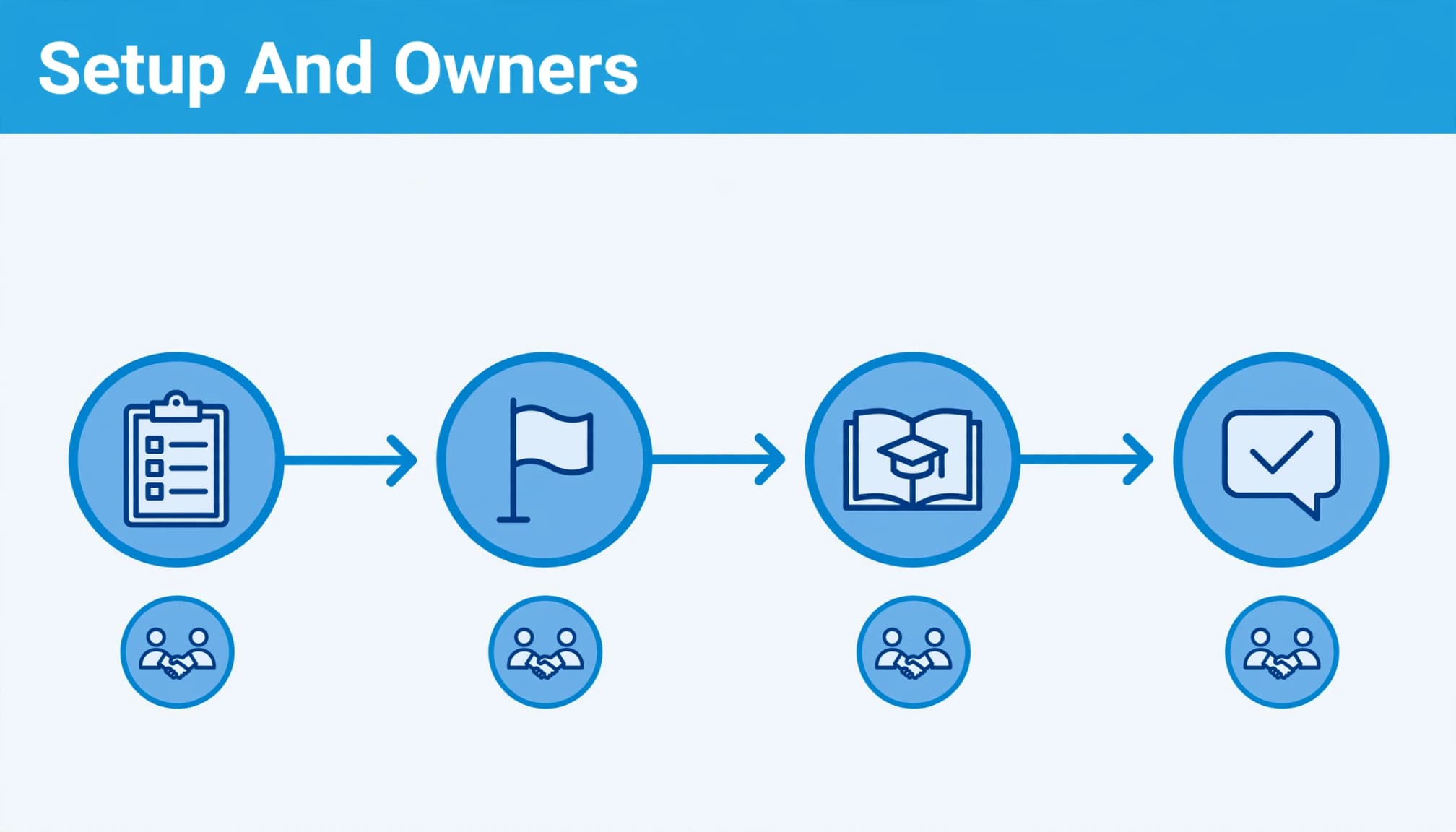
Place dependencies beside the affected step. If configuration can’t start until the customer approves field mappings, say so there. A general warning at the bottom is easy to miss.
2. Give every setup task an owner and a finish line
Replace activity labels with usable instructions
“Connect your CRM” leaves too much unexplained. Your page should name the administrator who authorises access, the implementation role that configures the connection and the person who approves the result.
For each task, state the required input, permission level, output and next action. Explain what happens when an input is missing, including who receives the blocker and which work pauses.
Your B2B integration content should provide the technical detail without contradicting the onboarding summary.
For a LinkedIn Ads and HubSpot integration, identify who grants advertising-account access and who checks that lead information reaches the correct CRM fields. A connection status alone doesn’t prove the data is usable.
Make handovers operational
Give each task one accountable owner, even when several people contribute. Then identify who accepts the completed work.
HubSpot’s checklist documentation describes customisable tasks, reusable templates and shared templates. Use those capabilities to standardise recurring setup work, with separate checklists for the Hubs and workflows your customer has purchased. If HubSpot Certified Trainers deliver product-specific sessions, list their responsibilities and the customer’s acceptance criteria in the relevant task.
Keep instructions next to the relevant task rather than scattering them across welcome emails.
Your page explains responsibility; your marketing automation and CRM integration must support the handover. Clear wording can’t assign a task unless the operational system does that work.
Treat “connected”, “tested” and “accepted” as separate states. A successful connection doesn’t prove the customer’s workflow is ready.
3. Personalise guidance and keep support visible
Adapt the work to industry, role and need
Personalization should change the instructions, not simply add a company name to a welcome message.
A structured onboarding framework can tailor guidance by industry and role. Your administrator needs permissions and configuration guidance. Operational users need task-based orientation, while your sponsor needs progress, risks and decisions requiring approval.
For manufacturing clients, use relevant industry case studies where available, alongside instructions for their actual workflows. Explain dependencies on ERP data, product records or approval processes rather than assuming every account follows the same setup.
Offer separate routes when requirements genuinely differ. Don’t create several versions of the same page with slightly different headings. Tailored guidance gives each account a clearer route to client success. If your service includes product-specific sessions, HubSpot Certified Trainers may deliver them.
Plan support beyond the welcome call
Plan continuous support beyond the welcome call. Schedule weekly check-ins during the first month when that level of support matches your service. Use these check-ins to review unfinished work, resolve questions and assign next actions.
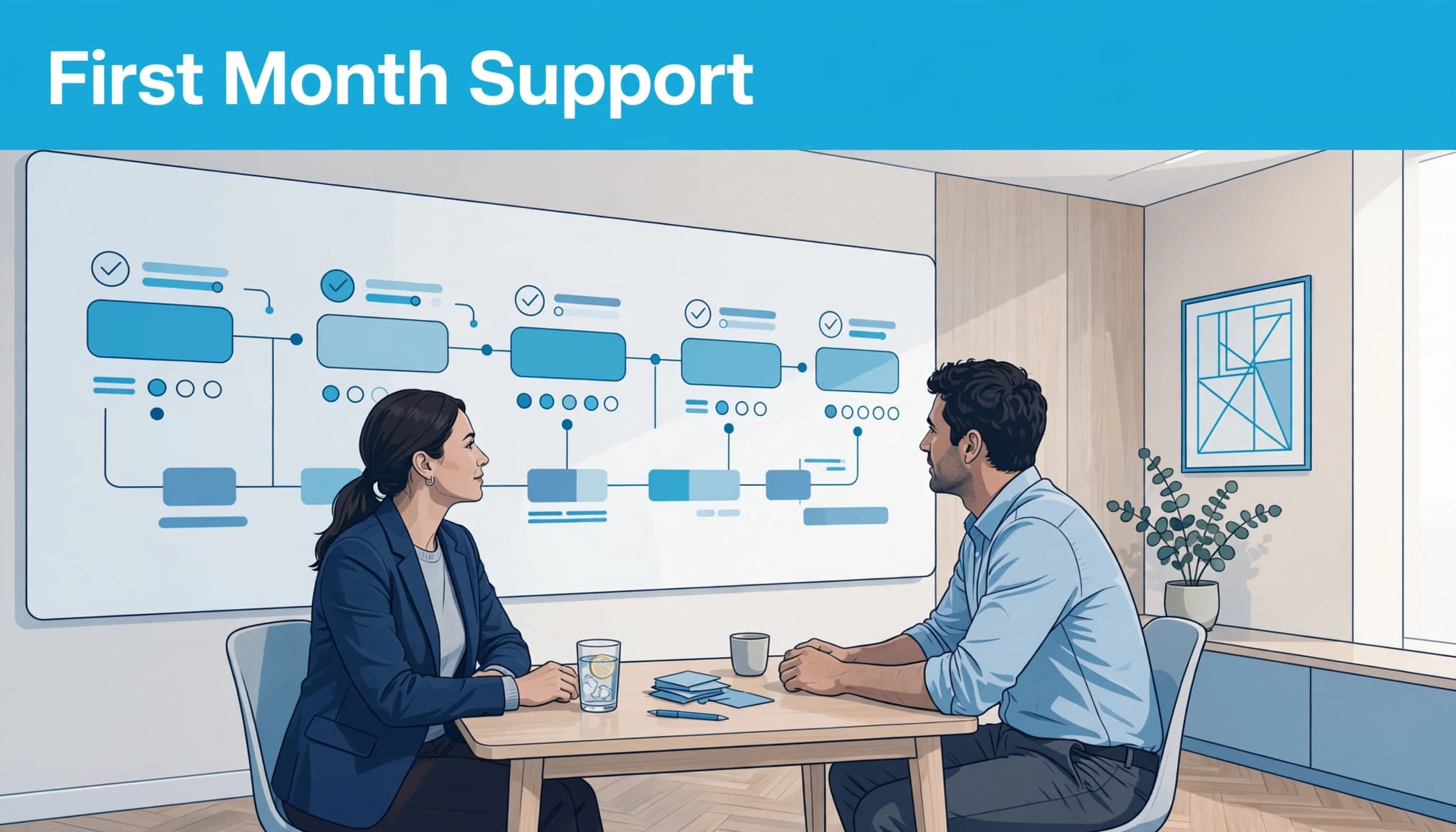
Explain the purpose of each channel. Email can hold detailed questions, chat can handle quick clarification, and phone calls can help resolve complex blockers. Publish response commitments only where your team can deliver them.
Apply the same logic as routing B2B contact enquiries: customers need a clear destination and an accountable recipient.
After each check-in, record the decision, owner and due date. Otherwise, the meeting creates another conversation without moving setup forward.
4. Measure useful progress, then refine the page
Track completion and time to value separately
Use key performance indicators (KPIs) to track setup progress, including completion rate and time to value. Define completion around required setup and acceptance criteria.
Calculate completion rate as completed customer accounts divided by eligible accounts in the same cohort, multiplied by 100. Keep customer setup separate from employee induction. New-hire completion and retention figures don’t show whether customers can use the product.
Time to value measures the time between an agreed starting event and a verified useful outcome. State both events. “Account created” to “first usable report” measures something different from “contract signed” to “approved integration”.
HubSpot’s onboarding metrics guide includes time to first value, completion and churn among its measures. Track median time to value alongside slower accounts so a few quick implementations don’t hide recurring delays.
Use feedback to locate the problem
Ask for a client satisfaction score after a meaningful milestone, such as completing setup. Pair the score with a direct question: “What made this stage harder than expected?”
Compare client satisfaction feedback with task-level delays. Missing access may require earlier administrator involvement; repeated mapping errors may call for clearer examples.
Client retention and churn show longer-term commercial performance. Compare client retention and customer lifetime value with acquisition or delivery costs. Product fit, pricing and service quality also affect these measures, so use them alongside setup metrics to assess client success.
Record changes to your page and process. Compare similar customer groups, and avoid crediting rewritten instructions for every movement in retention rates.
Set targets from your baseline and delivery model. When interpreting changes in retention rates, compare customer cohorts with similar profiles.
Connect onboarding content with acquisition
Your setup explanation should match the promises customers encountered before signing. If your PPC landing page promises an easy start, explain the access, approvals and customer effort required to make that happen.
Use questions raised during setup to improve your B2B lead generation strategy. Repeated confusion about migration or training can indicate that prospects need clearer information earlier.
For Google Ads, those questions can inform landing-page copy and qualification. Where Facebook Ads supports remarketing, match the message to the buyer’s next decision rather than repeating a broad product claim.
Keep measurement separate. Treat AI mentions, enquiries and completed onboarding as separate key performance indicators: they show visibility, demand and delivery progress. None is a substitute for the others.
If you use SEO automation during content updates, keep operational approval with the person responsible for onboarding. A fluent rewrite can still describe a process your team doesn’t follow.
Key takeaways for your onboarding page
- Give each phase an objective, timeline and condition for moving forward.
- Name the task owner, required inputs, acceptance criteria and next action.
- Keep public requirements accessible whilst protecting account-specific information.
- Measure useful customer outcomes separately from search visibility and acquisition.
Frequently asked questions
What should your welcome call cover?
Use the kickoff call to agree the business goal, scope, customer responsibilities, decision-makers and first useful outcome. Confirm the sequence and the dependencies that could affect it.
End with an approved action plan. Each participant should know what they own, what they need to provide and when the next decision happens.
Should all onboarding instructions be public?
Publish the information buyers need to assess fit and effort: stages, prerequisites, responsibilities, support and exclusions.
Keep credentials, customer data, individual progress and sensitive configuration details in an authenticated workspace. Link the public explanation to the appropriate private route without making basic buying information dependent on a login.
For self-directed setup, provide task-specific guidance beside the action. Customers shouldn’t need to search a general knowledge base to discover what completing that step means.
Make the next step clear enough to act on
Useful B2B onboarding pages let your customer understand the work without assembling instructions across emails, calls and disconnected documents. Their strongest feature is explicit ownership at each handover.
Start with the task that creates the most confusion. Explain its inputs, owner and completion criteria, then connect it to the next action.
Talk to us about Digital marketing support that connects clearer onboarding content with your acquisition strategy, customer expectations and measurable business outcomes.


